Network Computing Platforms
Main
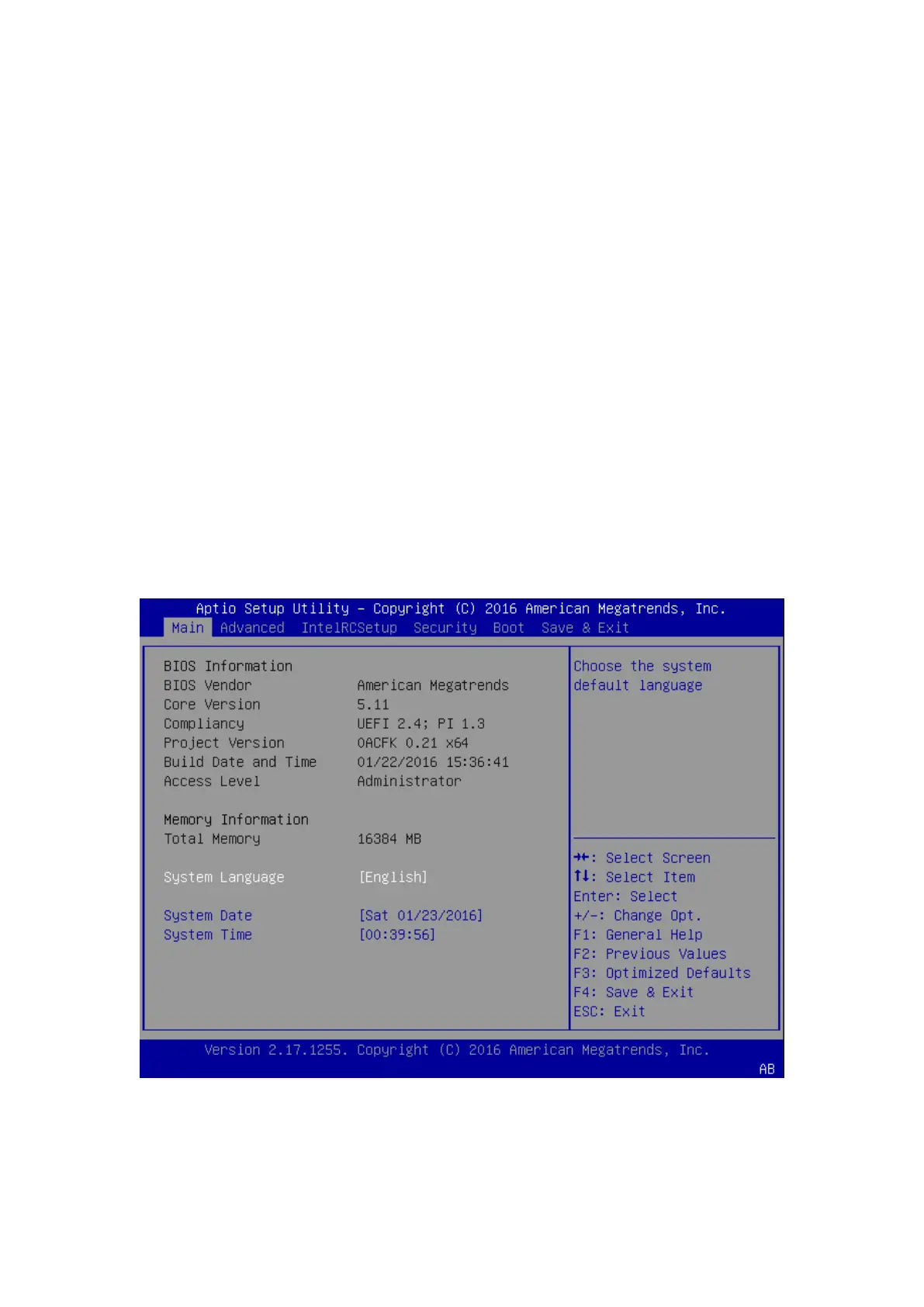
The [Main] is the first setup screen when you enter BIOS. The [Main] displays general system
and BIOS information
and you may configure the “System Language”, “System Date”, and “System Time”.
BIOS Information
BIOS Vendor: displays BIOS vendor information
Core Version: displays the BIOS core version
Compliancy: displays the BIOS compliancy
Project Version: displays BIOS project version
Build Date and Time: displays the date and time the BIOS was built.
Press “Enter” if you want to configure “System Language”, “System Date”, and “System
Time”.
System Language: English
System Date: Day/Month/Year
System time: Hour/Minutes/Seconds



 To Next Page