Network Computing Platforms
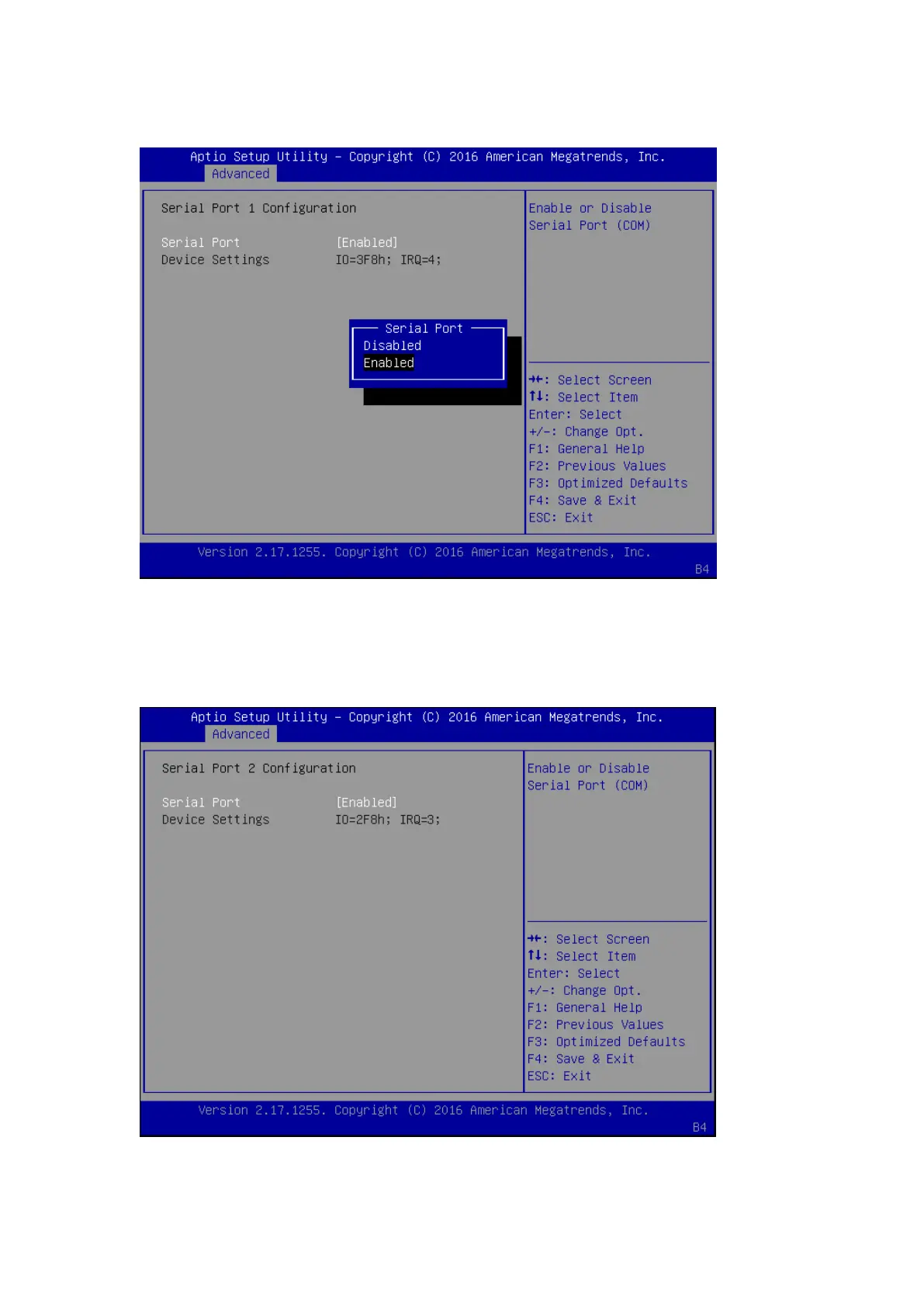
Press “Enter” to enable or disable the Serial Port 1 (COMA). Device setting is fixed as default.
NCT6776 Super IO Configuration - Serial Port 2 Configuration
Once Serial Port 2 is accessed, you may press “Enter” to enable or disable the Serial Port 2
(COM). Device setting is fixed as default.


 To Next Page
 Loading...
