Spartan 821/721 Manual Display Overview 15
7. Meter State Indicator
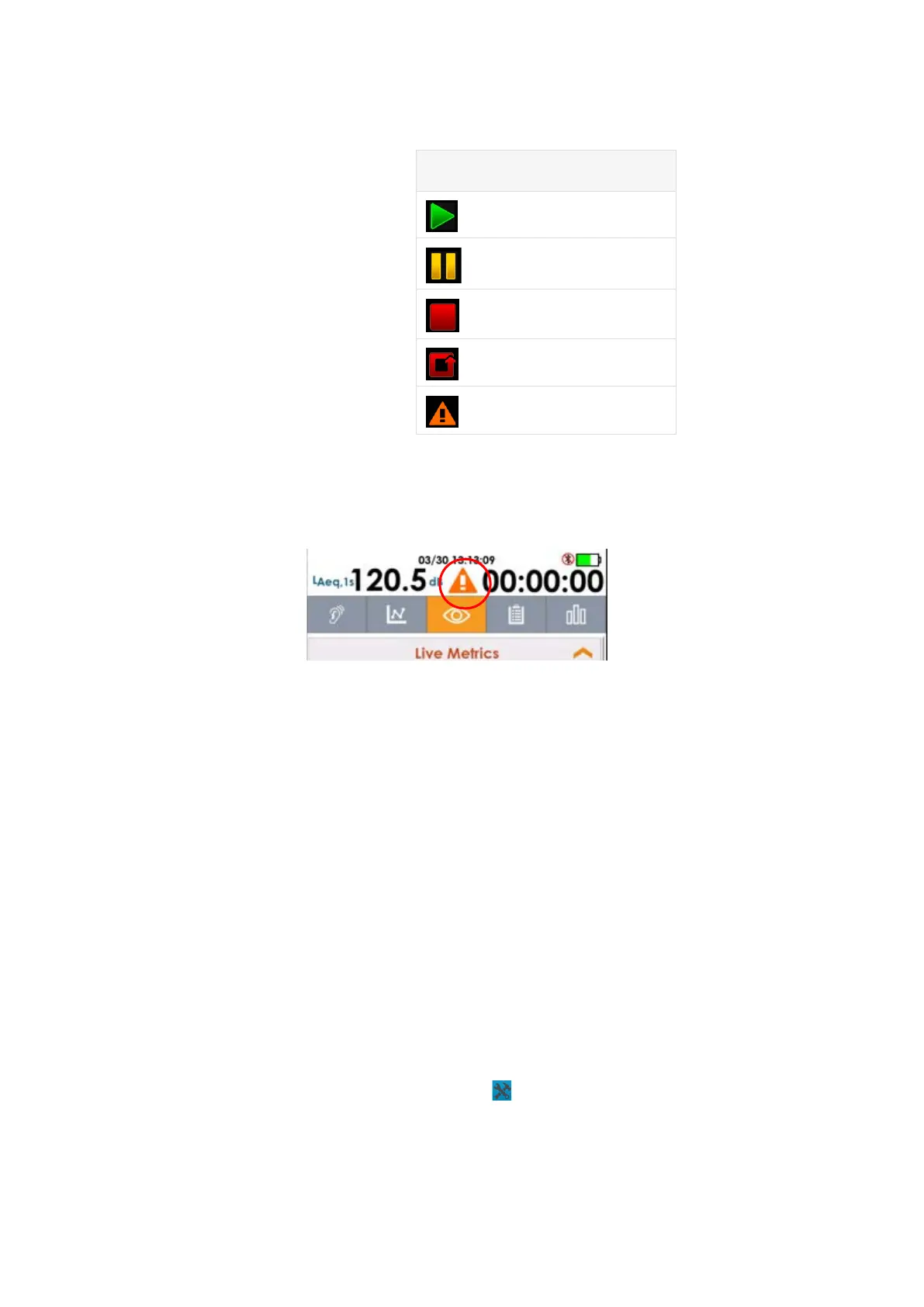
Caution Status
A caution or warning icon displays in the center of the meter status bar when the microSD
card is not responding to the meter.
FIGURE 2-6 Caution Status
While the caution icon displays, most meter actions are disabled. Do the following, to
address it:
a. Power down the meter.
b. Discharge any electrostatic build-up.
c. Open the microSD card access door on the bottom rear of the meter, and
remove and reinsert the SD card.
d. Replace the microSD card access door, and then power on the meter.
If an SD card is installed and the caution icon is present, first reboot the meter. If this does
not clear the caution status, you will need to backup any valuable data on the SD card and
format it. To do this, do the following:
a. Immediately power down the meter.
b. Insert the microSD card into a PC to download saved files
c. Format the microSD card in the PC and replace the microSD card.
To format the SD card without backing up saved files, do the following:
a. On the meter, select Tools
System Utilities Format and Restore.
b. Confirm your selection, and the meter clears any saved data and reformats the
SD card.
8. Battery and Charge Status
Indicates the internal battery level and whether the meter is charging.
Table 2.1 State
Meter State
Running
Paused
Stopped
Reset
Error



 To Next Page