- 7 -
Color monitor MVC-8151
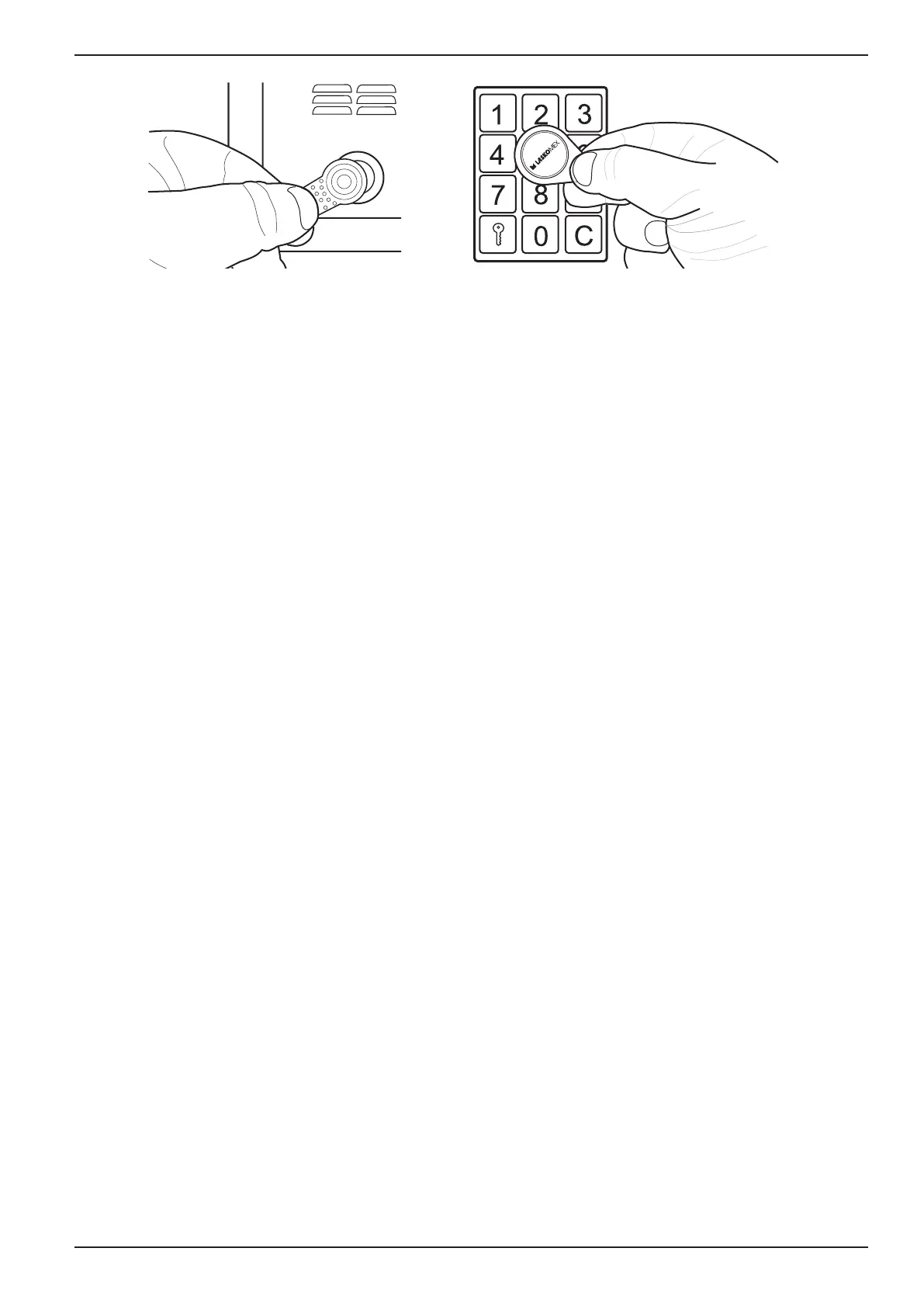
a) b)
Figure 2. Using electronic keys: a) iButton touch keys, b) RFID proximity keys
The „quick entry” function
The function is available in the door entry system with the main entrance and the subordi-
nate entrance (entrances).
Thevisitormustrstcallthechosenapartmentbyselectingitsnumberinthepanelatthe
mainentrance,thenhemustrepeatthisoperationattheentrancetothestaircase.Ifthe„qu-
ickentry”functionwasactivatedaftertherstconnection,thenwhenyoutrytoconnect
fromthedoorphoneattheentrancetothestaircase,thedoorlockingelectricstrikewillbe
automatically released.
The function remains active for approx. 10 minutes from the time of activation.
Activationofthe„quickentry”function:
• Answer the call.
• Unlock the entrance by pressing the LOCK button.
• Press the CONVERSATION button – in the loudspeaker will be heard short sounds with
increasing altitude signaling the activation of the function.
• End the conversation by pressing the PREVIEW button.
• AgainpressingtheCONVERSATIONbuttonbeforethecallendswilldisablethe„qu-
ick entry” function.
User menu (for CD-2502 and CD-3100 digital door phones)
The User menu is a mechanism that allows users of digital door phones to change some pa-
rameters of the door phone work. The changes concern the selected apartment number (the
premises where the menu was activated). The introduced changes are then permanently sto-
red in the door phone’s memory.
Thankstothis,eachusercanadjusttheworkofthedoorphonetohisexpectations.


 To Next Page