12 / 34 Hydro Water Baths 09/2020
8.1.1 Setting the required temperature
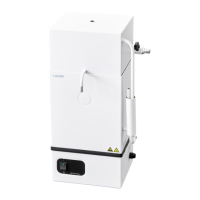
In this input window, the required temperature of a process is set. The temperature can be set between 10
°C and 100 °C. The setting range of the required temperature can be limited within the values pre-set in
the basic setting menu (see 8.2.1) and is displayed in either °C or °F (see 8.2.3). Set point 100 °C is a
pure boiling mode. The Water Bath's heating element is supplied with energy constantly.
Use keys ① and ② to set the required temperature value, confirm with key ③ and
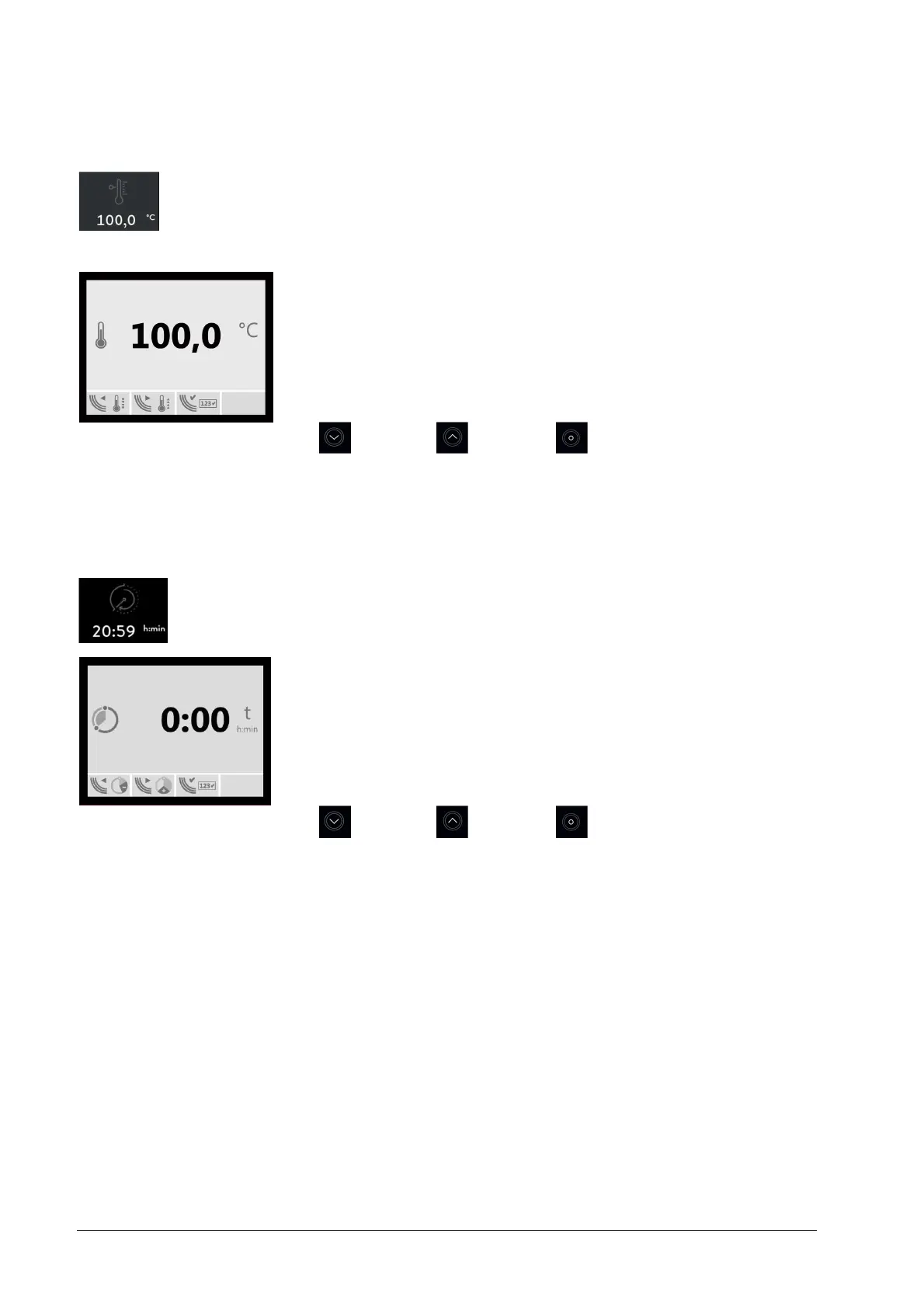
return to the main menu. The set point is now displayed beneath the temperature sym-
bol in the main menu.
Key
Key
Key
Factory setting 50.0 °C
8.1.2 Setting the switch-on delay
In the opened input window, the value t in hours and minutes (h:min) for delayed switch-on of the heat-
ing can be pre-set. The delay can be set between 0:00 (operation without delay) and max
999:59 h:min.
Set the required time value with keys ① and ②, then confirm with key ③ and return to
the main menu. The set delay will be displayed beneath the symbol of the switch-on
delay in the main menu.
Key
Key
Key
Factory setting 0:00 h:min


 To Next Page