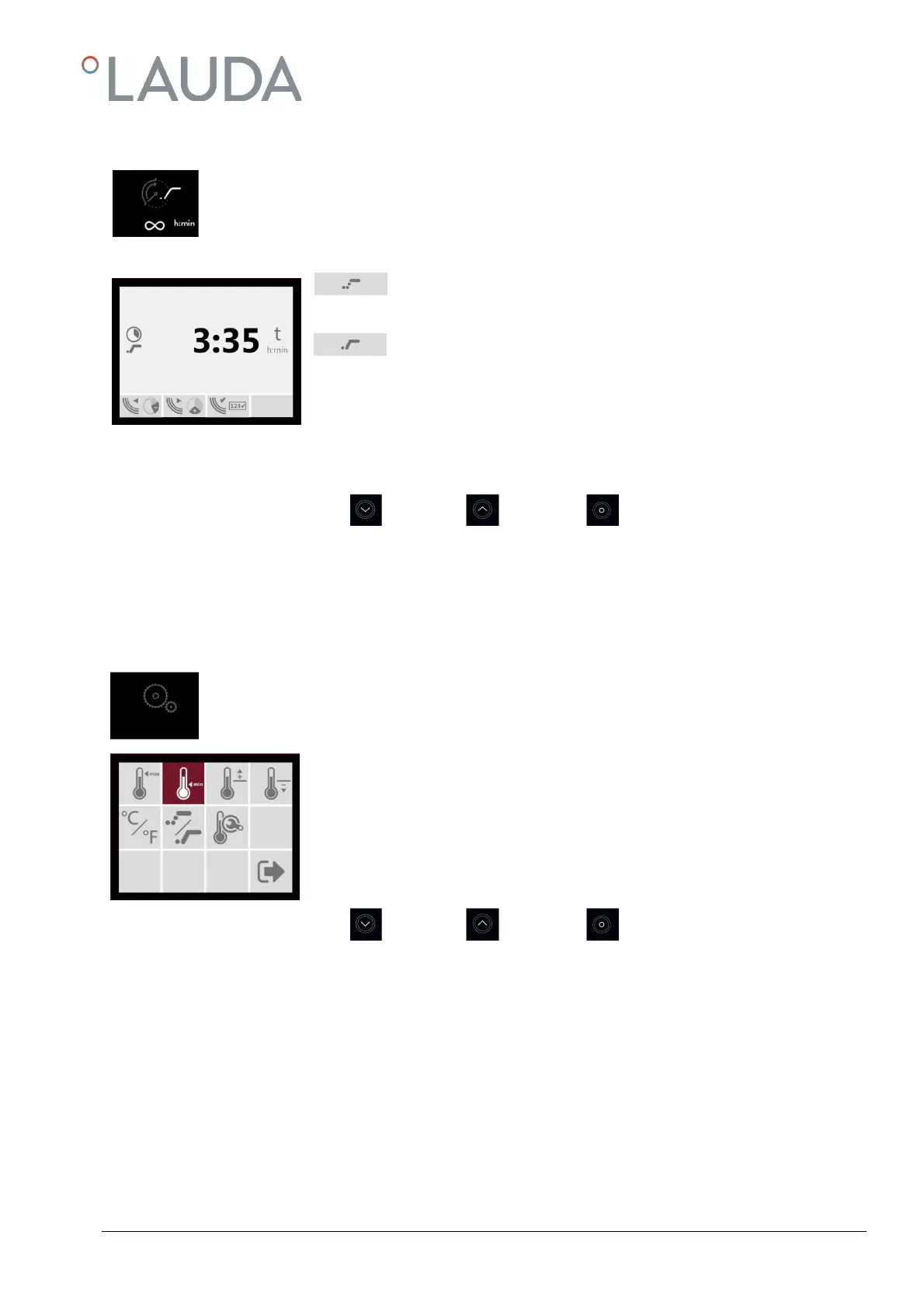
8.1.3 Setting the operation time of Water Bath heating
In this input window, the operation time t in hours and minutes (h:min) or continuous operation can be
set. The operation time is to be set from∞ (continuous operation) through 0:01 to max. 999:59 h:min.
The pre-set starting option of the timer, set in the menu "basic settings" (see 8.2.4), is displayed symbol-
ically beneath the function symbol for operation time.
Start of operation time right after expiry of the delay.
Delayed start of operation time after expiry of the delay, approx. 0.1 K
before reaching the set temperature.
Use keys ① and ② to move in the menu. The current function is marked in black, key ③ opens the input window to define
the required pre-set value.
Key
Key
Key
Factory setting: Start of operation time right after expiry of delay, operation time ∞
Switching to menu basic settings
8.2
In the menu basic settings, pre-sets for temperature, over- and under-temperature alarms as well as
operation time can be defined. Furthermore, the menu offers a temperature calibration.
Use keys ① and ② to move in the menu. The current function is marked in black, key ③
opens the input window to define the required pre-set value.
Key
Key
Key


 To Next Page