LAUNCH X-431 GDS User’s Manual
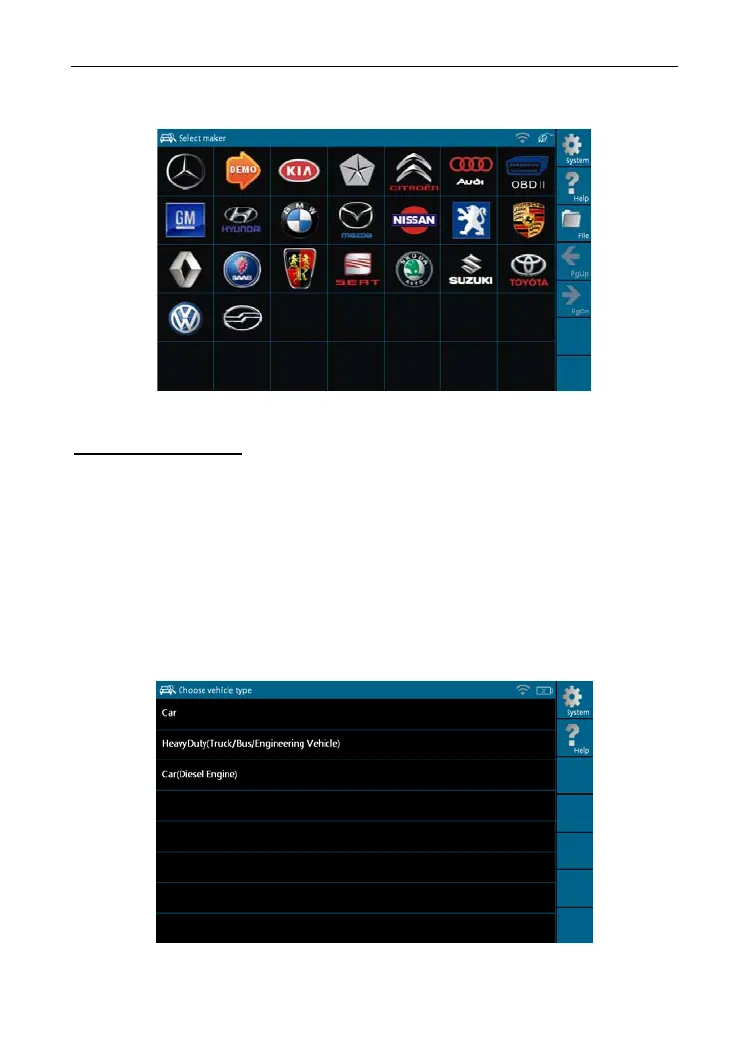
1. If only for Mini-car, the interface will display as following figure 3-1.
Figure 3-1
Buttons description:
[System]: To display the desktop, view current version No. and exit the
program.
[Help
]: To view help information for current operation.
[File]: T
o view "Recently used models" and "Historical driving records".
[PgUp.]: To d
isplay the previous page.
[PgD
n]: To dis
pl
ay the next page.
2. If t
here is
Diesel Engine or Heavy-duty vehicles, in addition to Mini-car, the
following six po
ssible interfaces shown as figure 3-1a~f will appear.
Figure 3-1a
28



 To Next Page