LAUNCH X-431 GDS User’s Manual
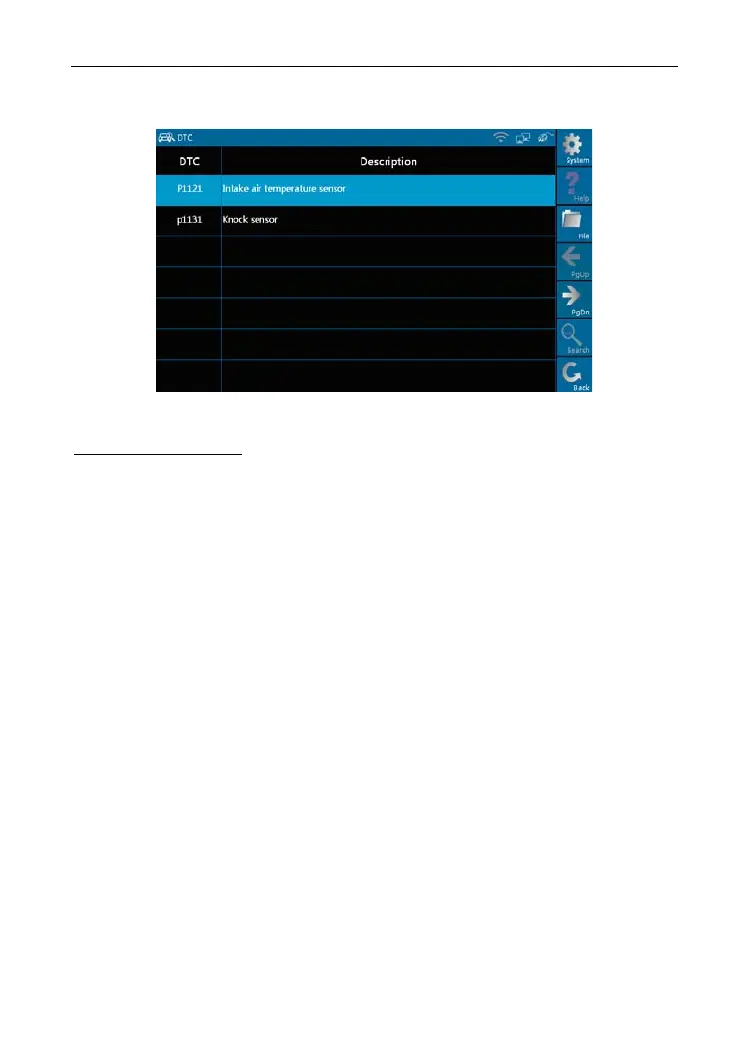
function. After testing, results will appear on screen, as shown in Figure 3-6.
Figure 3-6
Buttons description:
[System]: To display the deskt
op, view current version and exit the program.
[File]: To view "Historical driving records" and “Print" current DTCs.
[Search]: To s
earch the corres
ponding details of fault code by Google through
Internet.
[Back]: To go back to the previ
ous interface.
If the tested system has no DTCs, a message will appear on the screen,
indicating that there ar
e no DTCs in the system.
3.3.2 Clear trouble code
Click [Clear trouble code] as
s
hown
in
Figure 3-7, all existing trouble code
will be cleared.
34



 To Next Page