LAUNCH X-431 GDS User’s Manual
3 B type USB port Connect to main unit with USB cable when it is
applied as separated USB device.
2.2 X-431 GDS Common accessories
Common accessories for each X-431 GDS are same, but for different
destinations, the accessories of X-431 GDS (such as diagnostic software,
testing connectors) may vary. Please consult from the local agency or check
the package list supplied with X-431 GDS together.
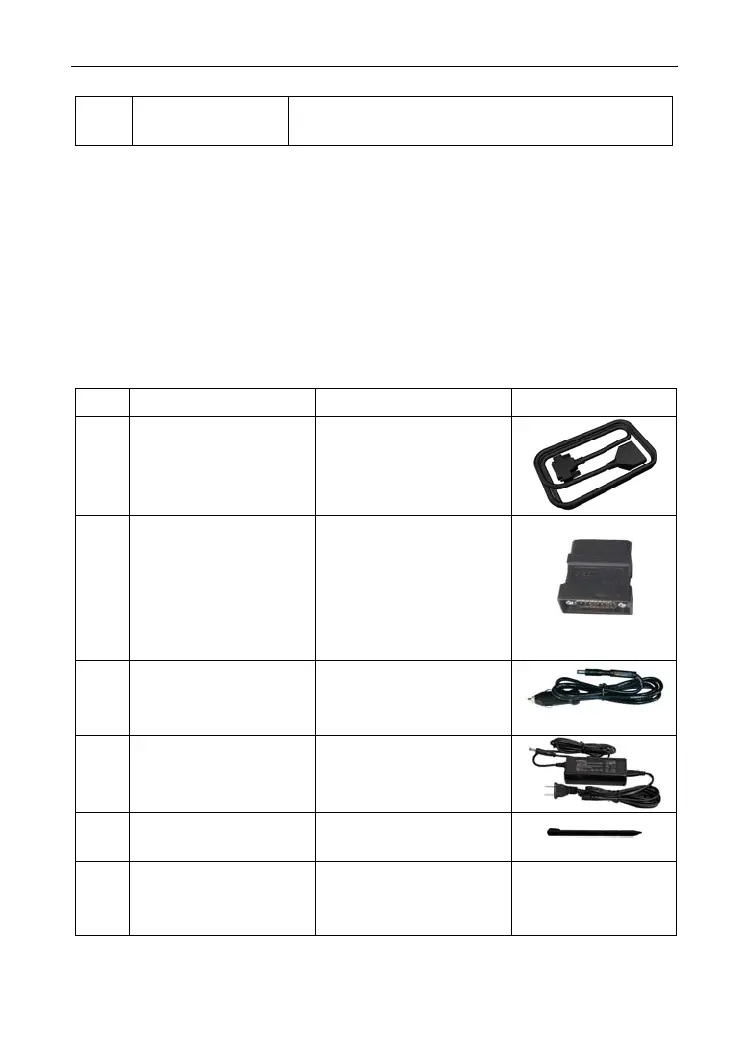
Table 2-5: X-431 GDS common accessories and descriptions
No. Name Descriptions View
1 Main test cable Connect X-431 GDS
to vehicle’s DLC.
2 Diagnostic connector Connect to vehicle’s
DLC. Several
different testing
connectors are
included for each
X-431 GDS.
3 Cigarette lighter
power cable
Obtain power supply
from vehicle’s
cigarett
e lighter.
4 Power adaptor
Convert 100~240V AC
power supply to 14V
DC po
wer supply.
5 Stylus For clicking or writing
on the screen.
6 Accessories Including User’s
Manual, Service
Manual etc.
8



 To Next Page