LAUNCH X-431 GDS User’s Manual
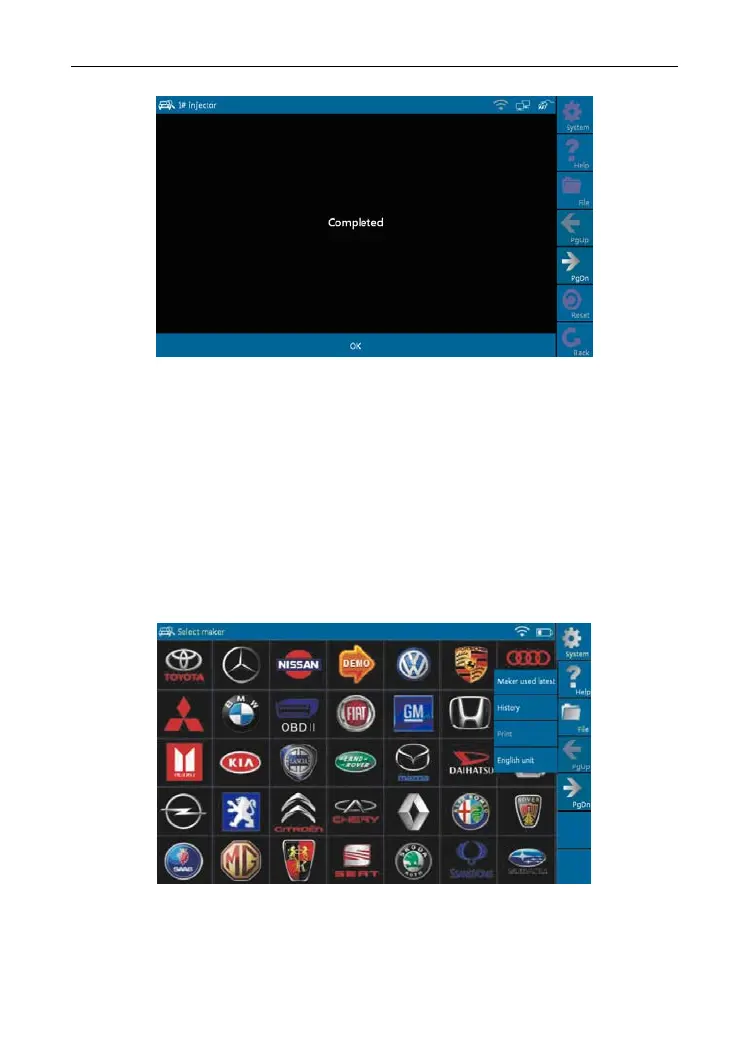
Figure 3-17
Note: If [1# injector] works abnormally, the system will fail to indicate that the
part has some trouble.
3.3.5 Driving r
ecord management
View the recorded and saved data streams and waveforms (To "Record", click
[Advanced] - >
[Record] button on the running interface of data streams).
Click [File] -> [Hist
o
ry]
b
utton on the "Select maker" menu, as shown on
Figure 3-18.
Figure 3-18
The system switches to Figure 3-19, listing datastream information for different
vehicles and records in
different time.
40



 To Next Page