LAUNCH X-431 GDS User’s Manual
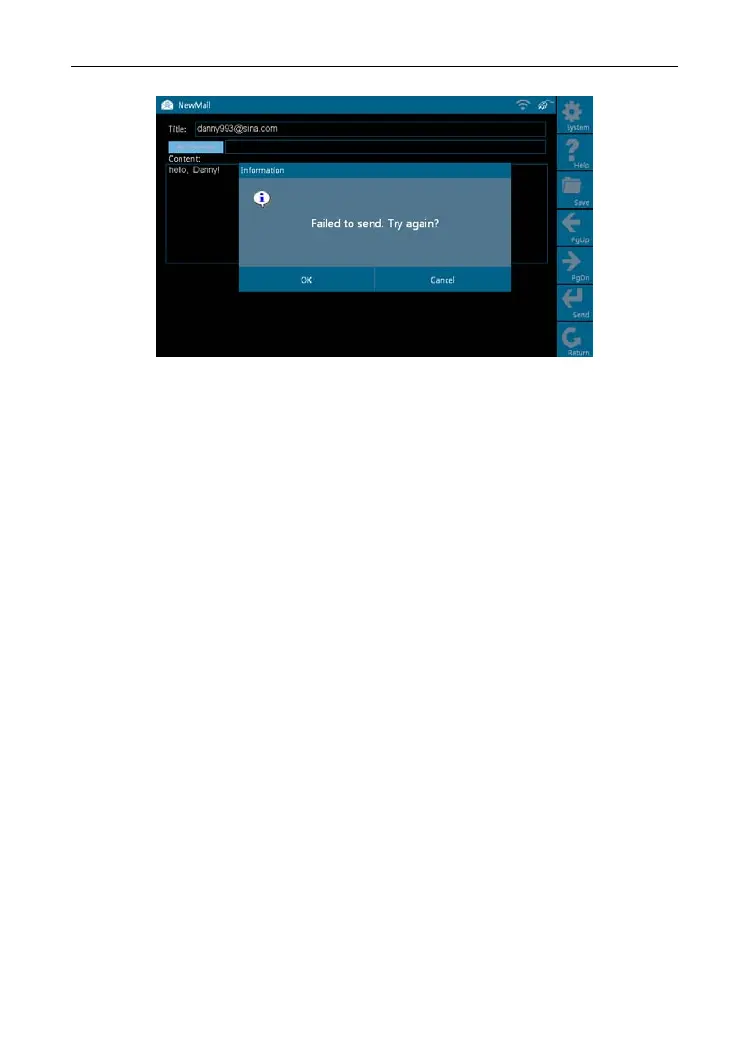
Figure 7-7
Click [OK] in Figure 7-7 to send the mail again, or click [Cancel] to canc
el
sending.
Note: Please check the network configuration or Wi-Fi connection before
operating Mailbox functi
on.
8. Update
X-431 GDS provides quick and easy software update service, by which you
can enjoy all update services including download and update the software.
Note: Enter the update center, vehicle software which can be updated are
default to check, you
can click [Update] to perform one-key update. You can
also click [Select] to select all or cancel all.
8.1 Register
To operate this device, you have to experience a product registration. After
entering the function modules, a registration page will appear automatically
and once registering is complete, this page will never appear again.
Note: Before registering, please check you network configuration or Wi-Fi
connecti
on.
Click [
Update] on the main menu, terms of update service will be shown on
54



 To Next Page