LAUNCH X-431 GDS User’s Manual
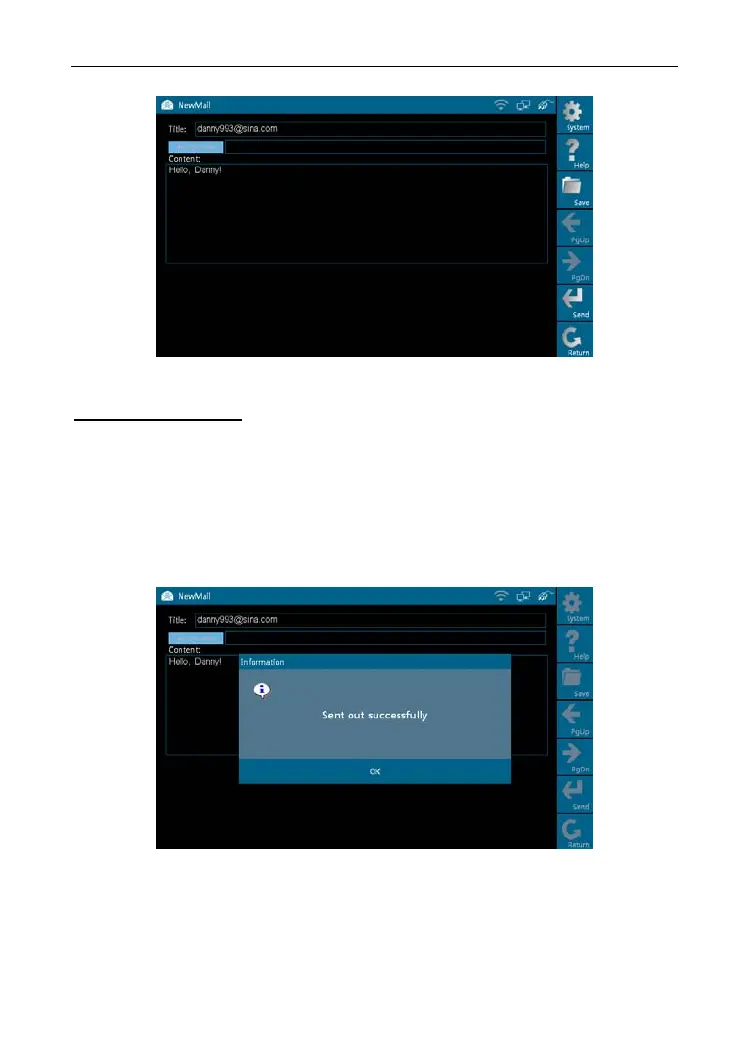
Figure 7-5
Buttons description:
[Save]: To save a mail that is not finished or will be sent later.
[Send]: To sen
d the mail.
[Return]: T
o return to the previous interface.
When a new mail is finished, click [Se
nd]. If the mail is sent o
ut successfully, a
dialog box will appear as shown in Figure 7-6.
Figure 7-6
If the mail fails to send out, a prompt message will appear on the screen, as
shown in Figure 7-7.
53



 To Next Page