LAUNCH X-431IV English User’s Manual
15
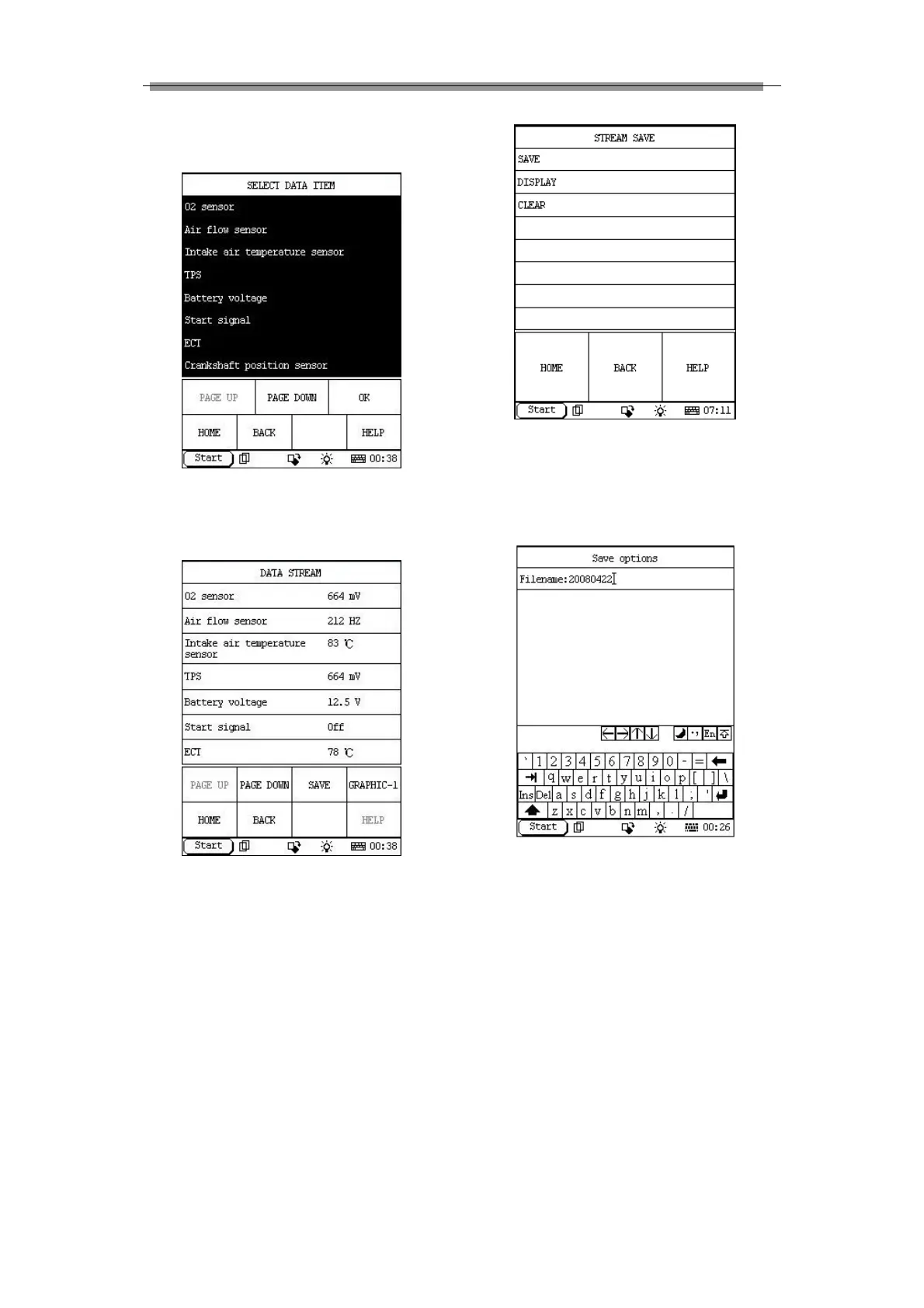
Select the desired stream item as shown in
Figure 3-12.
Figure 3-12
Click ‘OK’ to show the data, as shown in figure
3-13.
Figure 3-13
Click ‘SAVE’, the interface as shown in Figure
3-14 will appear:
Figure 3-14
Click ‘SAVE’, and then input a filename after the
soft keyboard has been activated (see Figure
3-15):
Figure 3-15
After the filename has been input, click the icon
of the soft keyboard at the bottom right of the
interface to confirm the input, the interface will
display as shown in Figure 3-16.



 To Next Page