42
LAUNCH X-431 PAD V
User's Manual
6 User Info
6.1 My Report
This option is used to view, delete or share the saved reports.
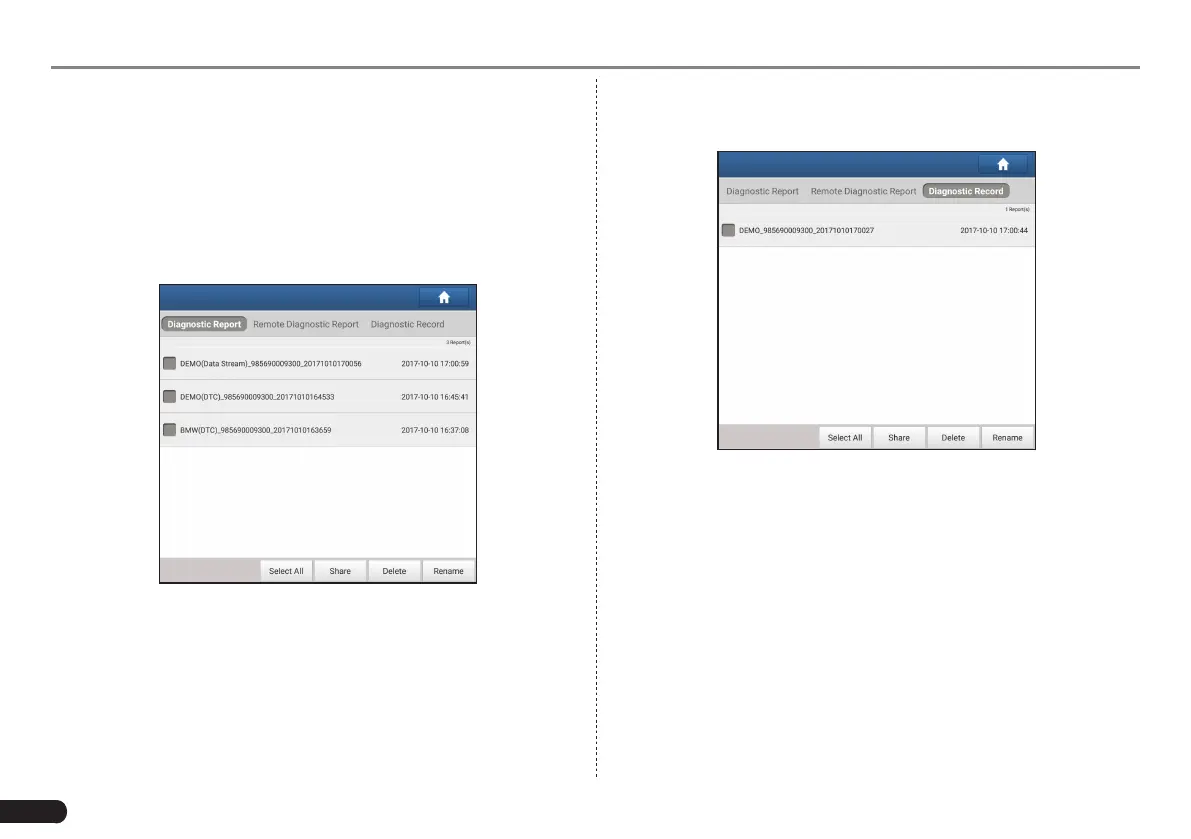
Tap “My Report”, there are total 3 options available.
In case the DTC result is saved on Read Trouble Code page, the les
will be listed under Diagnostic Report tab.
Fig. 6-1
• To select certain report, check the box before the report. To select
all reports, tap “Select All”. To deselect all, tap “Unselect”.
• To share the report with others, select the desired one and then tap
“Share”.
• Select the desired report and then tap “Delete” to delete it.
• To change the lename of report, tap “Rename”.
If user records the running parameters while reading data stream, it
will be saved as .x431 le and appear under Diagnostic Record tab.
Fig. 6-2
Tap the desired one to enter:



 To Next Page