X-431 Torque User Manual
24
The vehicle information page lists all historical diagnostic records of the vehicle,
which lets the technician have a total command of the vehicle faults. In addition,
a quick dial to local diagnosis and diagnostic function are also available on this
page for reducing the roundabout time and increasing productivity.
Notes:
• Before using this function, please make sure the VCI connector is properly
connected to the vehicle’s DLC. For detailed connection, see Chapter 4.3.3 “Vehicle
Connection”.
• A stable network connection is required for this function.
Follow the steps below to proceed.
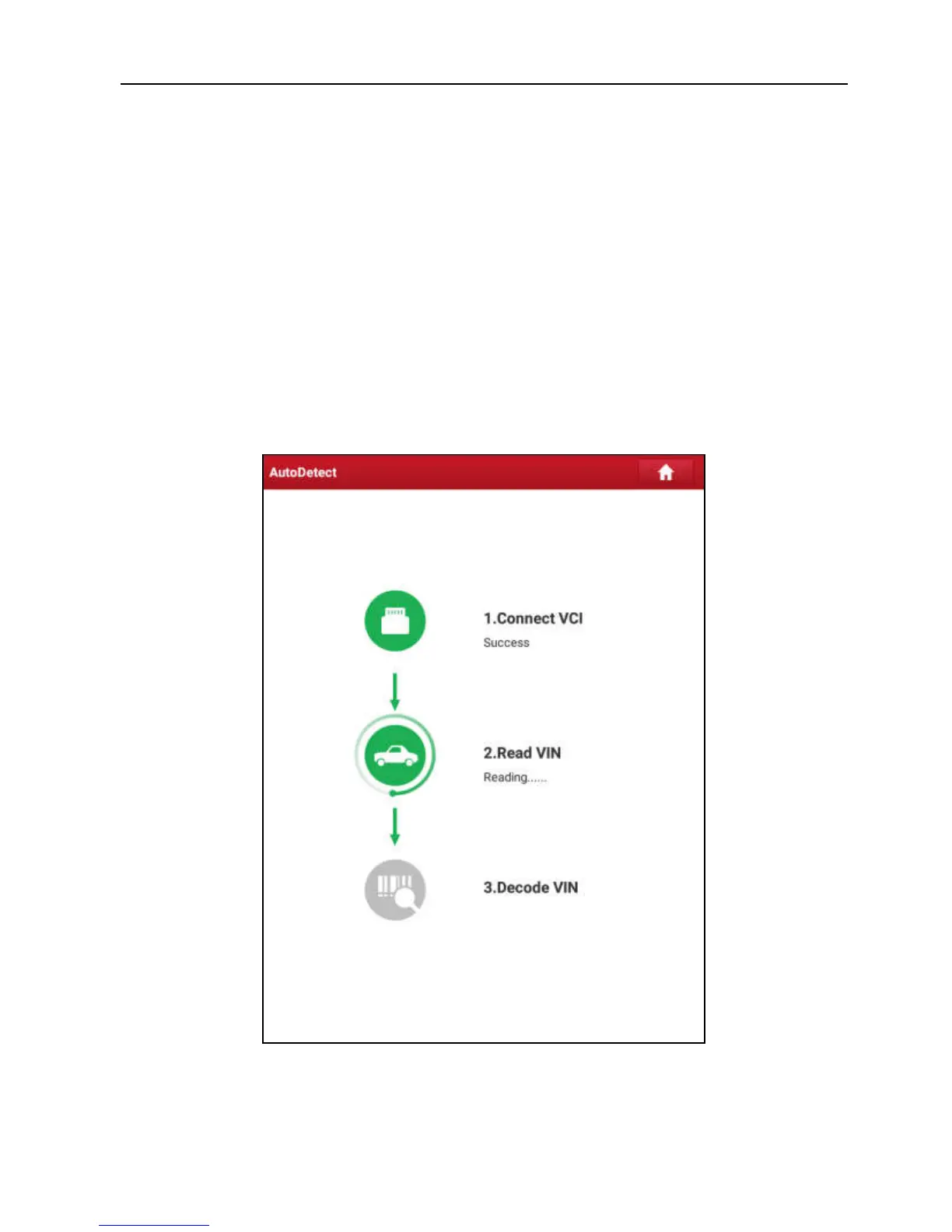
1. Tap “AutoDetect” on the Diagnose main menu screen to enter Fig. 5-2.
Fig. 5-2
Note: If the VCI connector is not paired up with the X-431 Torque handset before doing
this step, a prompt message box will appear:



 To Next Page