X-431 Torque User Manual
25
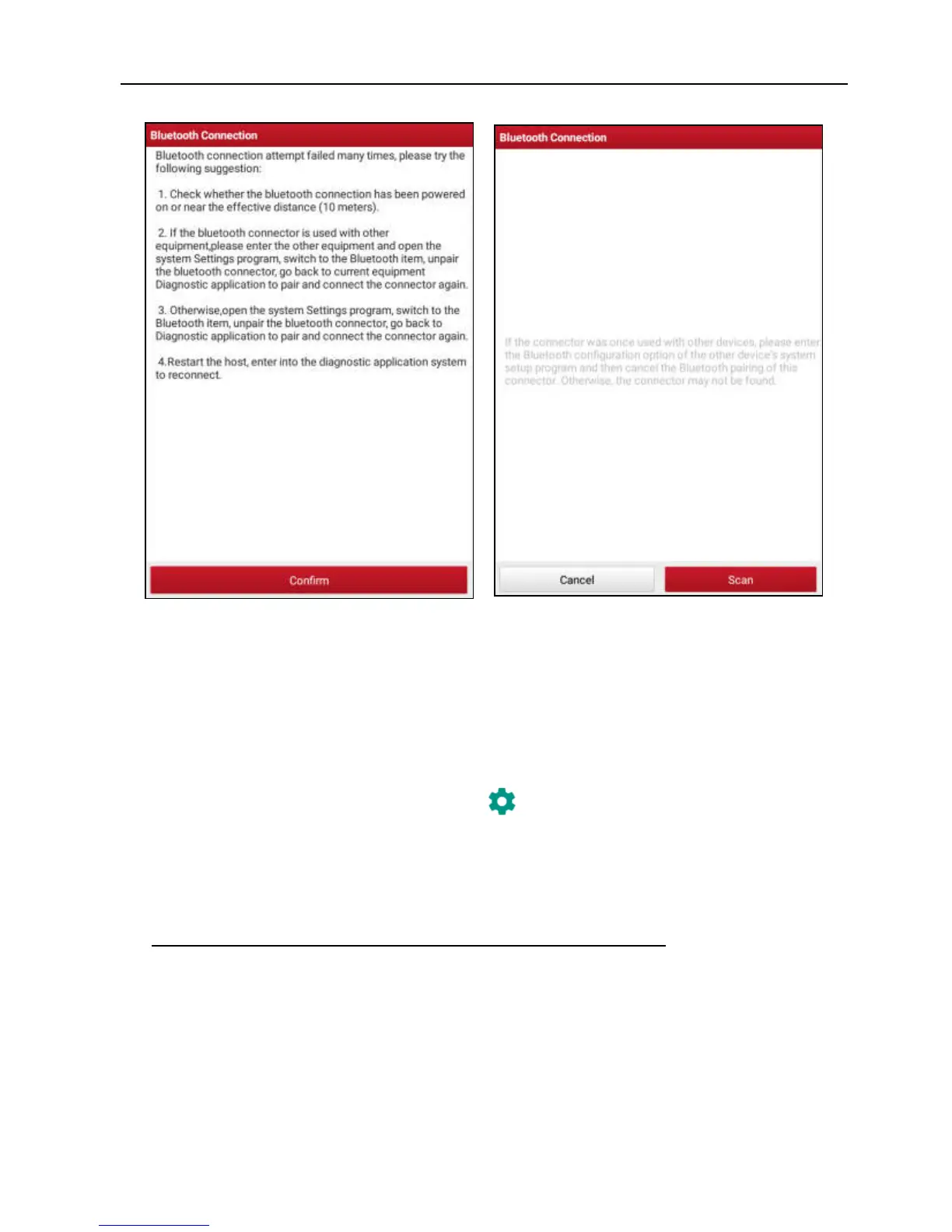
Fig. 5-3 Fig. 5-4
Check all the possible reasons of Bluetooth connection failure carefully, and then tap
“Confirm” to enter Fig. 5-4.
If the VCI connector was once used with other devices, you need to cancel the pairing
of the connector first via either one of the following ways:
• On the Android’s home screen, tap “Settings” -> “Bluetooth” -> Choose the desired
VCI connector from the Paired list. Tap “ ”, and then tap “FORGET” to unpair it.
• Tap “Profile” -> “VCI Management” -> Tap “Deactivate matching”.
In Fig. 5-4, tap “Scan” to start searching for the VCI connector and pairing up with it.
2. Once pairing is complete, the handset starts reading the vehicle VIN.
A. If the VIN can be found from the remote server database, a screen similar to
Fig. 5-5 displays:



 To Next Page