X-431 Torque User Manual
42
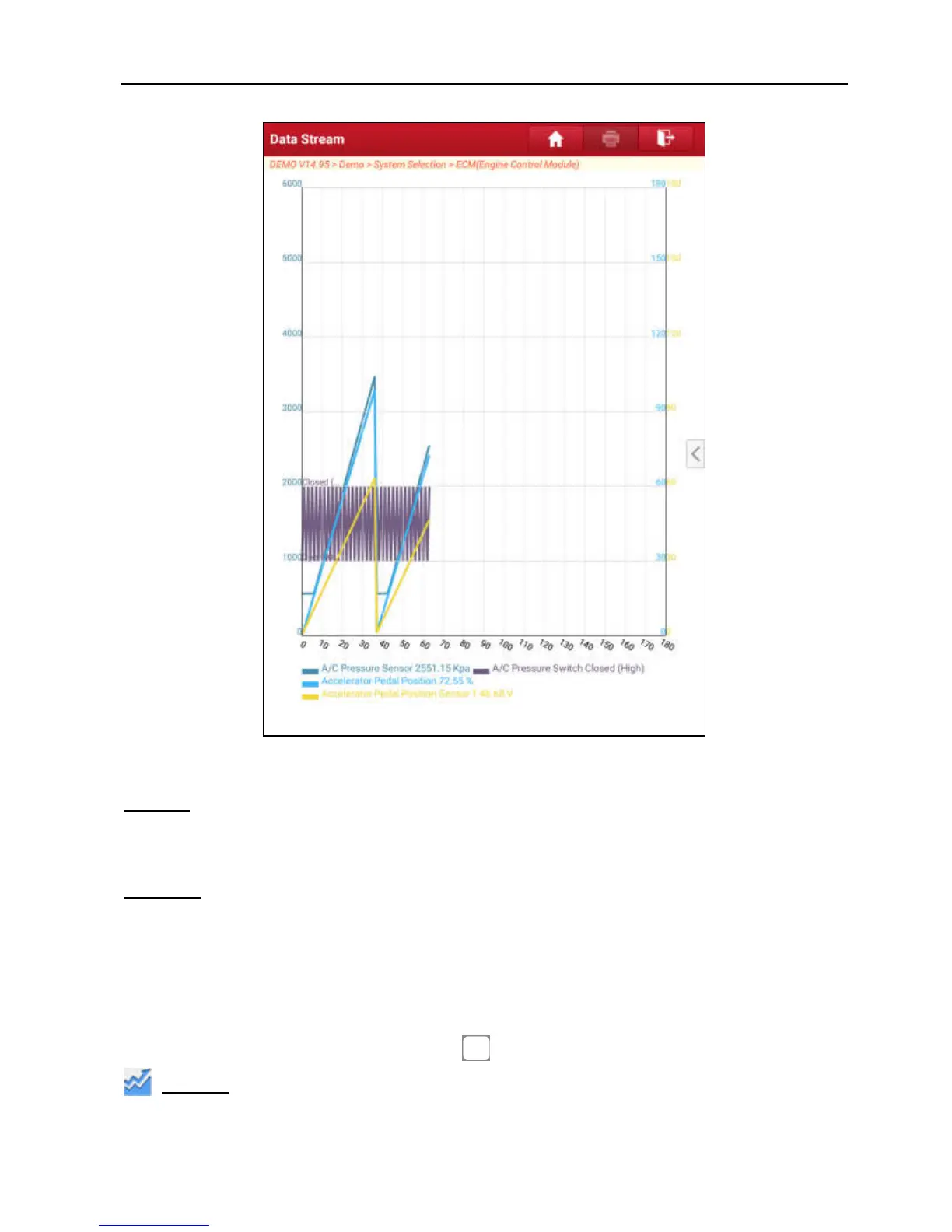
Fig. 5-24
Report
: To save the current data in text format. All reports are saved under the
“Diagnostic Report” tab in “My Report” from “Profile” menu. For details on report
operations, please refer to Chapter 9.1 “My Report”.
Record:
Tap to start recording diagnostic data for future playback and analysis.
The saved file follows the naming rule: It begins with vehicle type, and then the
record starting time and ends with .x431 (To differentiate between files, please
configure the accurate system time). The file is stored under the “Diagnostic
Record” tab in “My Report” from “Profile” menu. For details on playback
operations, please refer to Chapter 9.1 “My Report”.
To stop reading the data stream, tap before the recording progress bar.
Graph:
Tap it to view the waveform of the current item.



 To Next Page