X-431 Torque User Manual
41
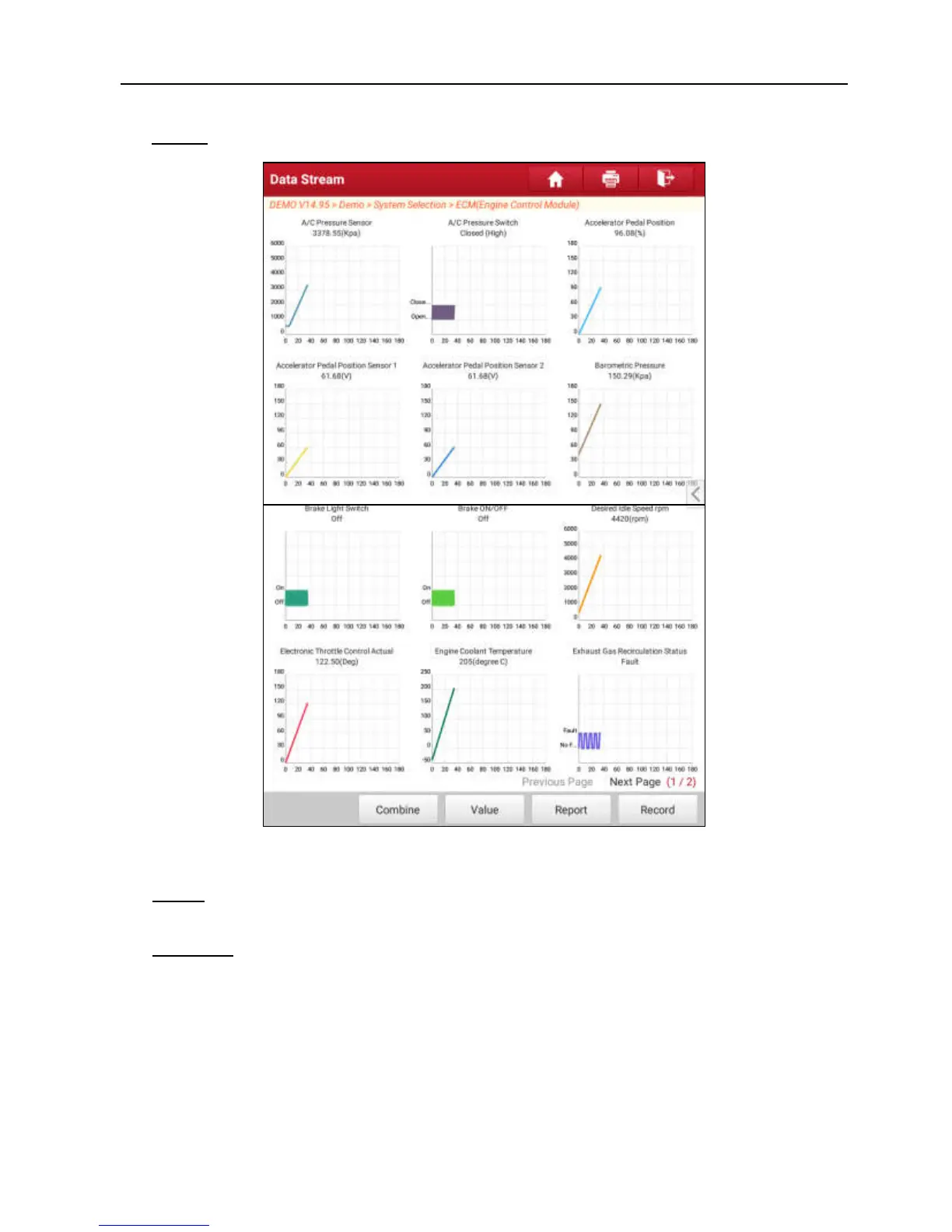
Graph – displays the parameters in waveform graphs. Refer to Fig. 5-23.
Fig. 5-23
Value – this is the default mode which displays the parameters in texts and
shows in list format.
Combine – this option is mostly used in graph merge status for data
comparison. In this case, different items are marked in different colors. See
Fig. 5-24.
Tap “
<
” on the right side of the screen, a pull-down list of the data stream
items appears on the screen. Deselect the unnecessary items and then
screen will remove the waveforms corresponding to these items immediately.



 To Next Page