LAUNCH X-431 V+ V4.0 User Manual
88
11 Synchronization
You can transfer media files, screenshots and APK between the PC and tablet.
1. Connect one end of the included charging/data cable to the charging/data
I/O port of the tablet, and the other end to the USB port of the PC.
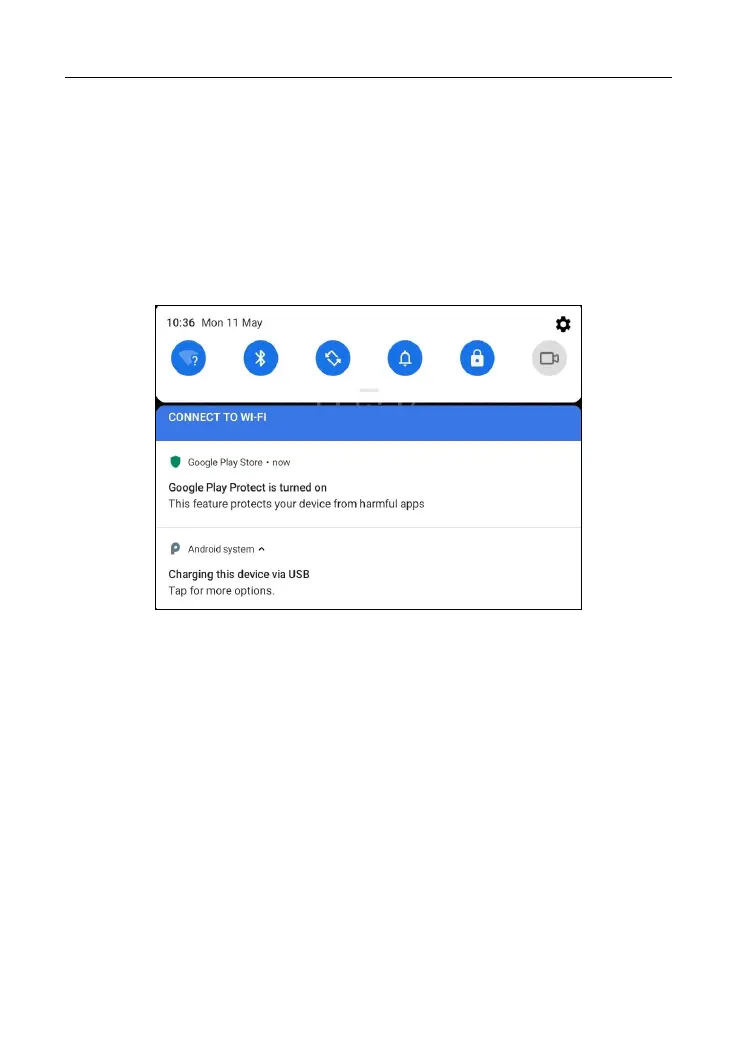
2. Swipe the tablet screen from the top, a pull-down option list will appear on
the screen.
3. Tap Charging this device via USB, the following setting options will be
displayed on the screen.





 To Next Page