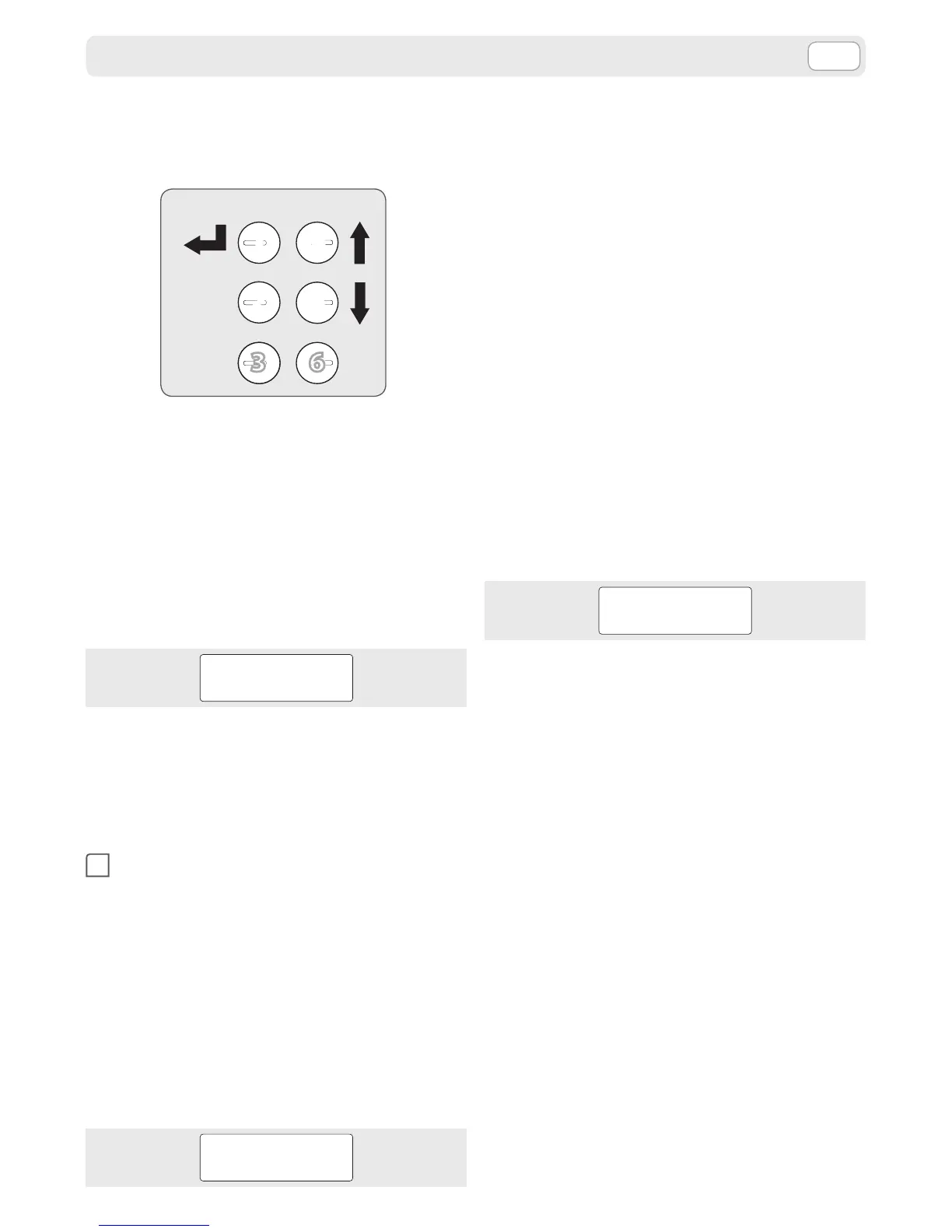
To access the Settings Menu please start the ma-
chine by pressing and holding the “Enter” button
for approximately 3 seconds. With the keys 4 and 5
the display can be scrolled between the following
items:
➤ User menu
by conrming with “Enter” the “User Menu“ is
accessed.
➤ Settings menu
by conrming with “Enter” the “Setting Menu”
requires a password:
PASSWORD
If you do not have a password, it will only be pos-
sible to access the user menu.
Password knowledge on the other hand allows ac-
cess to the settings menu.
USER MENU
1
Press “Enter”. You can navigate between the fol-
lowing items in the user menu by using buttons
4 and 5.
➤ Remaining credit
➤ Dose settings
➤ Water softener installation
REMAINING CREDIT
By conrming the “Remaining Credit” item with
“Enter”, an indication of the remaining supplies still
available from the machine will appear on the dis-
play.
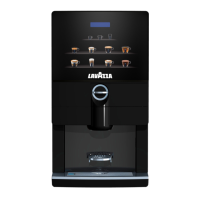
LAVAZZA LB PLUS
CREDIT 00050
Press the “Esc” button one or more times to go back
to previous menu levels or to exit the menu.
DOSE SETTINGS
By conrming the “Dose Settings” item with “Enter”,
you can change, within preset limits, the dierent
selection parameters.
In fact the lower level menu allows you to choose
the selection you want to change using buttons 4
and 5.
➤ Product 1
➤ . .
➤ . .
➤ Product 6
Selection of a product with the “Enter” button, then
using the 4 and 5 buttons, gives the following pa-
rameters for which the default values are:
➤ Offset pumps
(allows you to change the pump activation time)
Conrming with the “Enter” key, the following will
appear on the display:
SET UP OK
0
You can then change the default value using the 4
and 5 buttons.
Every time you press the buttons the activation
time for the parameter you are changing increases
or decreases by 0.5 seconds.
Only in the case of the pumps, if the settings have
been programmed on the basis of dose, a 0.5 in-
crease or decrease corresponds to a dose increase
step calculated in cc.
The selection can then be conrmed using the
“Enter” button. Press the “Esc” button one or more
times to go back to previous menu levels or to exit
the menu.
WATER SOFTENER INSTALLATION
By conrming the “Water softener installation” with
“Enter”, the functions of counting the processed li-
tres can be activated or deactivated and the display
shows the corresponding messages.
Activate now
By pressing OK, the message “ACTIVATION IN PRO-
GRESS” is shown and the machine dispenses ap-
proximately half litre of water from the soluble noz-
zle.
SETTINGS MENU




 To Next Page