EasyManua.ls Logo

LawnMaster VBRM16 - User Manual

LawnMaster VBRM16
70 pages
Print Icon
To Next Page IconTo Next Page
Loading...
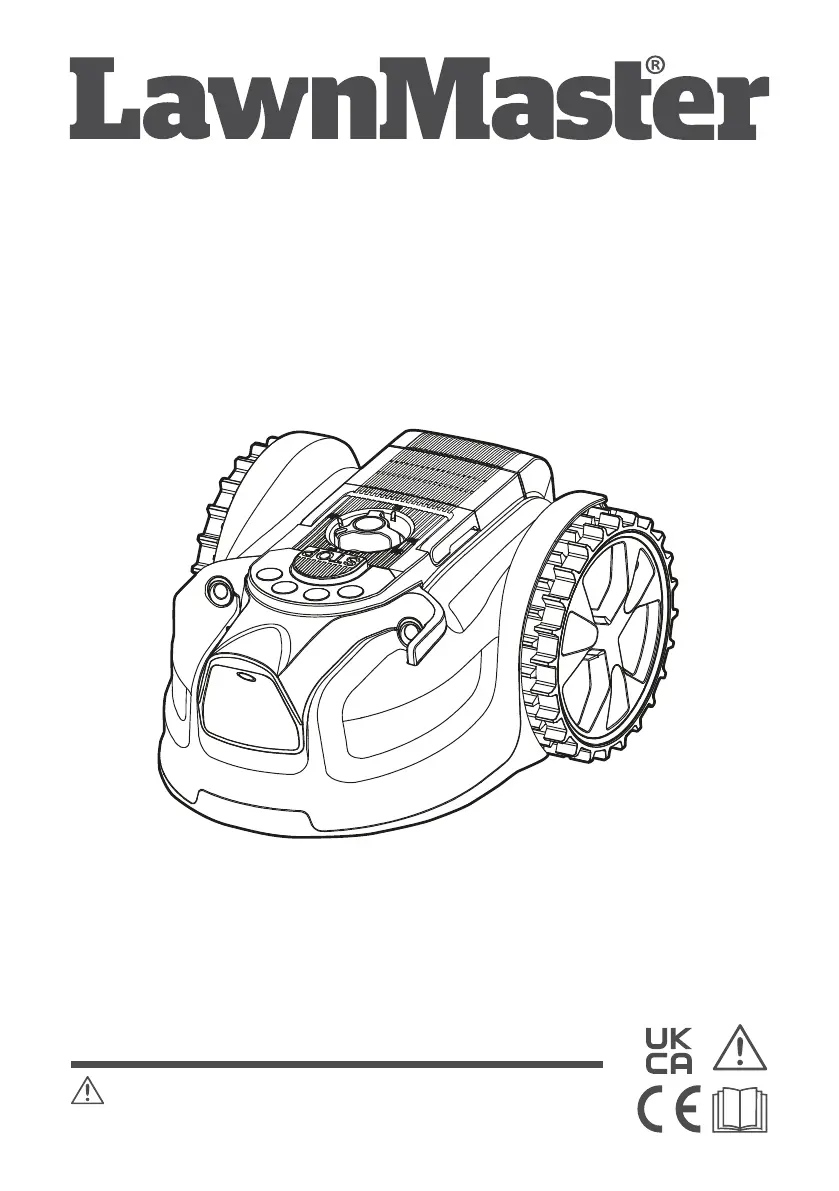
Instruction Manual
16cm MX 24V Lithium-Ion Cordless Robotic Lawnmower VBRM16
Read all safety instructions carefully before assembling and operating
this machine. Ensure the machine has been assembled correctly and safely. Keep the
instructions safe and pass them on to any subsequent user so that the information is always
available.
WARNING:
Original Instructions

Other manuals for LawnMaster VBRM16

Questions and Answers

  • R
    Richard CrawfordSep 1, 2025
    Why is there no charging procedure possible for LawnMaster VBRM16 Lawn Mower?
    • T
      tsanfordSep 1, 2025
      If no charging procedure is possible for your LawnMaster Lawn Mower, it might be due to: * Contaminated battery contacts: Clean the battery contacts by inserting and removing the battery several times, or replace the battery. * Defective socket outlet, fuse, mains cable, or battery charger. * Faulty battery: Replace the battery.
  • A
    alyssabrewerSep 12, 2025
    What to do if LawnMaster robotic lawnmower is upside down?
    • M
      Megan LoweSep 13, 2025
      If your LawnMaster robotic lawnmower is upside down, turn it the right way up and determine why it turned over, then rectify the cause.
  • N
    Nathan RyanAug 30, 2025
    What does it mean if LawnMaster VBRM16 error indicator is yellow continuous?
    • M
      Marcus JohnsonAug 30, 2025
      A continuous yellow error indicator on your LawnMaster Lawn Mower suggests: * The lift sensor has been activated for 10 seconds: Remove and re-insert the isolator key, check for obstacles taller than 10 cm in the working area, and restart the mower. * The obstruction sensor has tripped 10 times in one minute: Remove and re-insert the isolator key, remove any obstacles, and check if the grass is too tall. If needed, mow the grass to below 60 mm with a conventional lawn mower, then restart the mower.
  • S
    Samantha McculloughSep 14, 2025
    Why LawnMaster no charging procedure possible?
    • R
      Renee JohnsonSep 14, 2025
      If no charging procedure is possible with your LawnMaster, the battery contacts may be contaminated; try cleaning them by inserting and removing the battery several times, or replace the battery. If this doesn't work, further assistance is needed.
  • A
    Andrea CastilloSep 13, 2025
    Why LawnMaster ultrasonic indicator is yellow flashing?
    • E
      ecraneSep 13, 2025
      A yellow flashing ultrasonic indicator on your LawnMaster mower suggests a communication issue with the camera. This can occur if it's too dark for the camera to function properly. Operate the mower during daylight hours only. You may also try removing and re-inserting the isolator key and restarting the mower.
  • V
    victoriahernandezSep 18, 2025
    Why is the LawnMaster VBRM16 Lawn Mower area of cut not large enough?
    • S
      Steve GarrettSep 18, 2025
      If the area your LawnMaster Lawn Mower cuts isn't large enough, consider these factors: * Height of cut too low: Increase the height of cut. * Grass is wet: Wait until the grass is dry. * Grass is dense: Increase the height of cut and cut more frequently. * Battery not fully charged: Charge the battery. * Lawn area too large: Recharge the battery and mow again or purchase an additional battery.
  • D
    Danielle ColeSep 23, 2025
    Why charge control LEDs do not light up after inserting the mains plug into the socket of LawnMaster VBRM16 Lawn Mower?
    • F
      fmeyersSep 23, 2025
      If the charge control LEDs don't light up after plugging in your LawnMaster Lawn Mower, check the following: * Mains plug not fully inserted: Ensure the mains plug is fully inserted into the socket outlet. * Defective socket outlet, mains cable, or battery charger. * Blown plug fuse: Check and replace the fuse in the plug.
  • A
    Andrew AllenAug 27, 2025
    What to do if the cutting blade is not rotating on my LawnMaster VBRM16 Lawn Mower?
    • M
      Michelle AshleyAug 27, 2025
      If the cutting blade is not rotating while your LawnMaster Lawn Mower is switched on, it may be due to an obstruction. Remove the isolator key and the battery pack, then clear any obstructions. Also, check if the blade screw is loose and tighten it.
  • T
    taylormariaAug 26, 2025
    Why my LawnMaster VBRM16 Lawn Mower fails to start?
    • M
      Mary McculloughAug 26, 2025
      If your LawnMaster Lawn Mower fails to start, check the following: ensure the isolator key is correctly installed, verify that the battery is properly installed, and make sure the battery is fully charged.
  • J
    Jeffrey JacksonAug 25, 2025
    What to do if LawnMaster VBRM16 is cutting grass unevenly?
    • R
      randyboydAug 26, 2025
      If your LawnMaster Lawn Mower is cutting grass unevenly, consider the following: * If the working area is too big, adjust the border protections to decrease it. Recharge the battery to mow the area twice or purchase an additional battery. * Check if blades are dull and replace all the blades and screws. * If the height of cut is too low, or the grass is too high, increase the height of cut. * Check underneath the mower for grass wrapped around the blade disc and clear as necessary.

Summary

Robotic Lawnmower Symbols

Robotic Lawnmower Safety Information

Robotic Lawnmower In The Box

Robotic Lawnmower Assembly

Prepare the Mowing Area

Prepares the lawn surface and defines the mowing area for optimal robotic mower performance.

Define the Mowing Area

Outlines methods for clearly defining lawn edges using visual or physical boundaries for proper mower operation.

Install;Remove the Battery Pack

Provides instructions for safely installing and removing the battery pack from the robotic mower.

Robotic Lawnmower Operation

Control Panel Overview

Details the functions of the control panel buttons, indicators, and their meanings during operation.

Switching On;Off

Step-by-step guide on how to power the robotic mower on and off safely.

Starting;Stopping the Mower

Instructions for safely starting, stopping, and resuming the robotic mower's operation.

Cutting Modes

Explains the different mowing modes available, including Auto Cutting and Spot Cutting.

Setting the Cutting Height

Guide on how to adjust the cutting height for optimal lawn care.

Battery Pack Operation

Covers battery charging procedures, usage, and LED indicator meanings.

Charger Operation

Instructions for operating the battery charger and understanding its indicator lights.

Robotic Lawnmower Maintenance

General Maintenance

Routine cleaning and checks to keep the mower in safe working condition.

Replacing the Mower Blades

Detailed steps for safely replacing the mower's cutting blades.

Cleaning the Underside

Instructions for cleaning the underside of the robotic mower.

Storing the Mower

Guidelines for properly storing the mower when not in use.

Battery and Charger Maintenance

How to maintain the battery and charger for optimal performance and longevity.

Updating the Software

Instructions on how to update the robotic mower's software via USB.

Robotic Lawnmower Troubleshooting

Robotic Lawnmower Technical Data

Noise Emissions

Details the measured sound power and pressure levels of the robotic mower.

Robotic Lawnmower Recycling and Disposal

Grass Trimmer Symbols

Grass Trimmer Safety Information

Grass Trimmer In The Box

Grass Trimmer Assembly

Assembly Preparation

Instructions for preparing and unpacking the grass trimmer for assembly.

Assembling the Handle Shafts

Steps for securely connecting the upper, middle, and lower handle shafts.

Attaching the Auxiliary Handle

Guide on how to attach and adjust the auxiliary handle for comfortable use.

Fitting the Safety Guard

Instructions for correctly positioning and securing the safety guard.

Installing and Removing the Battery Pack

Steps for safely installing and removing the battery pack.

Grass Trimmer Operation

Battery Pack Operation

Details battery charging, LED indicators, and battery care.

Charger Operation

Instructions for using the charger and understanding its status lights.

Switching On and Off

Steps to safely switch the grass trimmer on and off.

Cutting Device - Advancing the Trimming Line

How to advance the trimming line and manage cutting performance.

Adjusting the Line Length Manually

Method for manually adjusting the trimming line length.

Safety Guard

Information about the safety guard and its importance during operation.

Auxiliary Handle

Details on adjusting the auxiliary handle for optimal working position.

Pivoting Head

How to adjust the trimmer head to different positions for various tasks.

Edging

Instructions for using the trimmer for edging tasks.

Plant Protector

How to use the plant protector to safeguard plants from the cutting line.

Trimming

Proper techniques and precautions for trimming grass effectively.

Grass Trimmer Maintenance

General Maintenance

Routine cleaning and care for the grass trimmer.

Storage

Guidelines for storing the grass trimmer and its accessories safely.

Battery and Charger Maintenance

How to maintain the battery and charger.

Spool Replacement

Instructions for replacing the trimmer line spool.

Line Replacement

Instructions for replacing the trimming line on the spool.

Grass Trimmer Troubleshooting

Grass Trimmer Technical Data

Grass Trimmer Recycling and Disposal

LawnMaster VBRM16 Specifications

General IconGeneral
Cutting Width16 inches
Battery Voltage40V
Deck MaterialPlastic
Height Adjustment6 positions
TypeCordless

Related product manuals