Tuning
Auto and Semi-Auto Modes
In Auto mode (see section on selection Auto or Semi mode) the tuner will begin a tuning cycle
whenever the SWR exceeds the value you set (see section on setting autotune threshold). In Semi
mode a tuning cycle begins only when you start one by pressing the Tune button, regardless of
SWR. You can also start a Semi tuning cycle while the tuner is in Auto mode. Your personal
operating practices will determine which mode is best for you. The default mode is Auto.
Auto mode tuning works well while you are transmitting in SSB, AM, CW or any digital mode.
Recent advances in LDG's tuning algorithms allow your AT-100Pro to tune effectively even with
a varying RF signal. This means that as you change frequencies, antennas or bands, you don't
have to make a separate tuning transmission; just start talking and your AT-100Pro will match up
in as little as 0.2 seconds.
Your AT-100Pro features over 2,000 memories for each antenna that store the tuning parameters
for each frequency as it tunes. When you transmit on or near that frequency again, the tuner
recalls and resets those parameters in a fraction of a second, much faster than a full tuning cycle.
When you tune, you can select between a Memory tune and a Full tune. If you select Memory
tune and there is no appropriate memory data, the tuner will automatically begin a full tuning
cycle. Tuning parameters are stored in EEPROM memory, and are retained indefinitely, even if
power is removed.
Full Tuning Cycle (Long press)
Set your transmitter or transceiver to SSB, AM, FM, CW or Packet mode, and a power level of no
more than 125 watts if your radio has a power rollback circuit. If your radio lacks a rollback
circuit (see your owner’s manual), set the power level to no more than 25 watts.
Press the PTT switch on the microphone (close key on CW) to transmit a carrier, or simply begin
talking on SSB or AM. While transmitting, press and hold the Tune button on the front of your
AT-100Pro for at least 2.5 seconds.
Long Press > 2.5 Sec for Manual Tune
Release the Tune button; an automatic tuning cycle will begin. You will hear the relays in your
AT-100Pro as they switch in and out seeking a match; they make a buzzing noise. The tuning
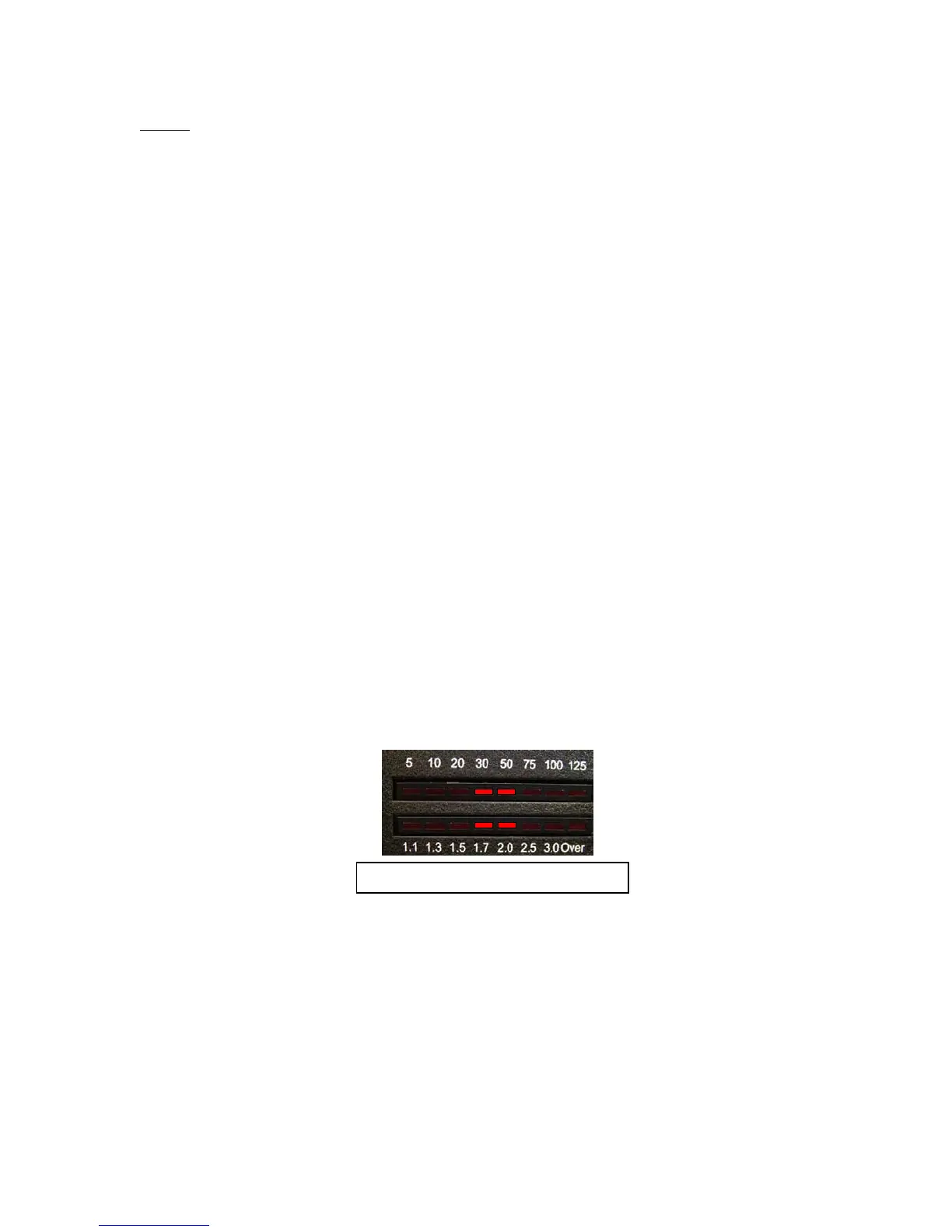
cycle will end in a few seconds with the SWR LED meter indicating the final match. At the end
of a full tuning cycle, the SWR LEDs will scan inward from both ends to indicate a successful
tune to an SWR of less than 1.1.
12



 To Next Page