The AT-100Pro has over 2,000 memories for each of two antennas, each of which stores the
tuning settings for a specific frequency. When you transmit near a previously tuned frequency,
you can use “Memory Tune” to reset the tuner in only a fraction of a second. The process of
storing tuning data in memory is completely automatic; your AT-100Pro “learns” as you use it,
adapting itself to all of the bands and frequencies you use.
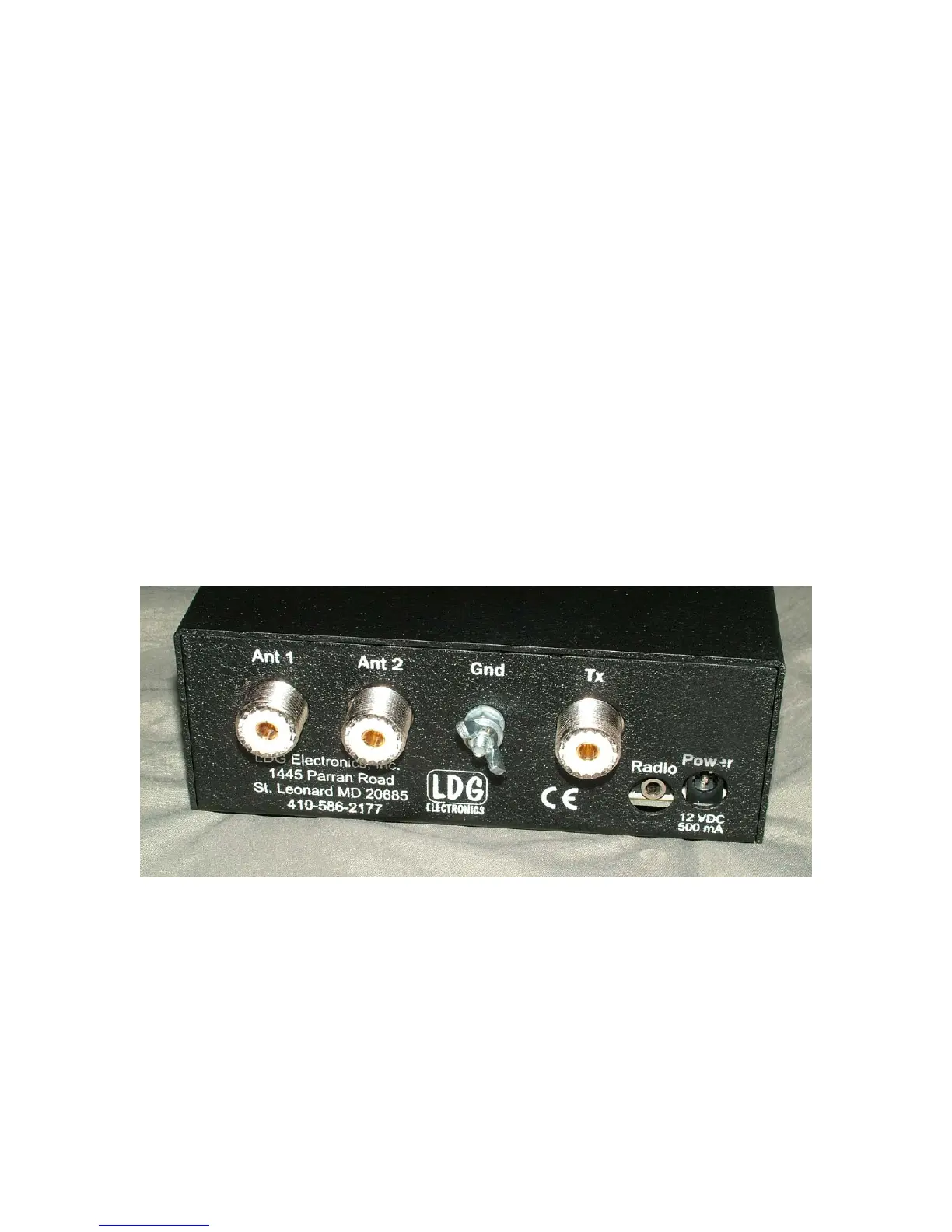
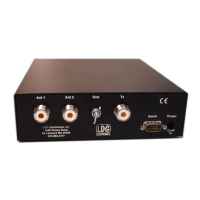
On the back panel, there are six connectors:
• RF input (marked “Tx”, standard SO-239 socket)
• Antenna connector 1 (marked "Ant 1", standard SO-239 socket)
• Antenna connector 2 (marked "Ant 2", standard SO-239 socket)
• DC power in (2.5 by 5.5 mm power jack marked "Power", center positive)
• Stereo 1/8” jack marked "Radio" for connecting a control cable to a compatible
transceiver
• Ground connector (wing nut)
6



 To Next Page