14
Manual Adjustments: In rare cases, you may want to "tweak" the final tuned setting. You can
manually adjust both the capacitor and inductor setting with the buttons on the left of the user
interface. As you click up and down, the presently selected inductor and capacitor are shown in
the associated data blocks. You can similarly set the Hi and Low Z relay with the radio buttons.
Frankly, you probably won't use these controls very often; your AT-200PC is very good at
finding a match. These controls are included only to provide you with the maximum flexibility in
using your tuner.
Resetting the Tuner: The Reset button in the lower left resets all relays to their neutral position,
effectively putting the tuner in bypass. However, if Automatic mode is selected, a new tuning
cycle will begin when you transmit if the SWR is above the selected threshold.
Store: You can manually store the present tuning parameters at any time with this button.
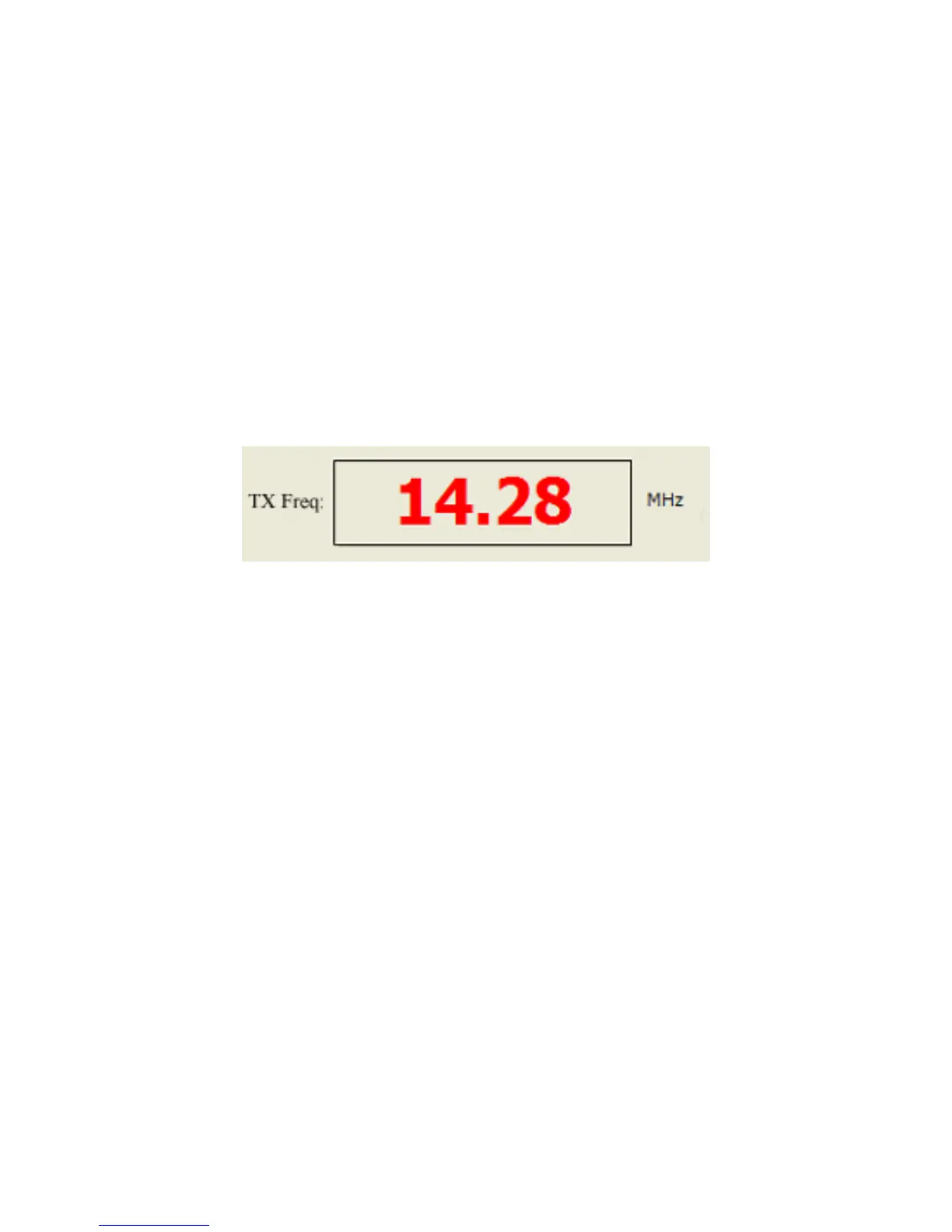
During transmit, the frequency display turns red:
Other Menu Items:
The utility menu (Utils) contains three useful utility functions:
• Memory Clear: Clears all programming memories. Be careful with this function; clear the
memory only when you're sure you want to start over memorizing tuning parameters.
• Clear Comms: Resets the serial link between your PC and the tuner, and allows you to
reselect the COM port. Try this if your tuner appears "frozen".
• Clear History: Clears the history window on the right.


 To Next Page