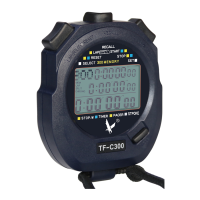
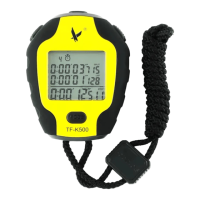
Thank you for your purchase of this LEAP brand - Smart Stopwatch.
Notice before using
However, the battery is inserted at the factory to check the function and performance of the watch.
Its actually life once in your possession may be less than the specified period. When the battery is about
to run out , the upper right corner of the screen will continue to twinkle “ ” pls take the stopwatch to
the dealer or contact with aftermarket service to replacement a new one .( If you use Bluetooth to transmit
data more than 10 times a day ,the battery life will be less than the specified period. )
● Battery description:
This stopwatch power supply is built-in CR2430 (3V) lithium battery (Non-rechargeable battery).
It lasts approximately 2 years.
App install method 1 :
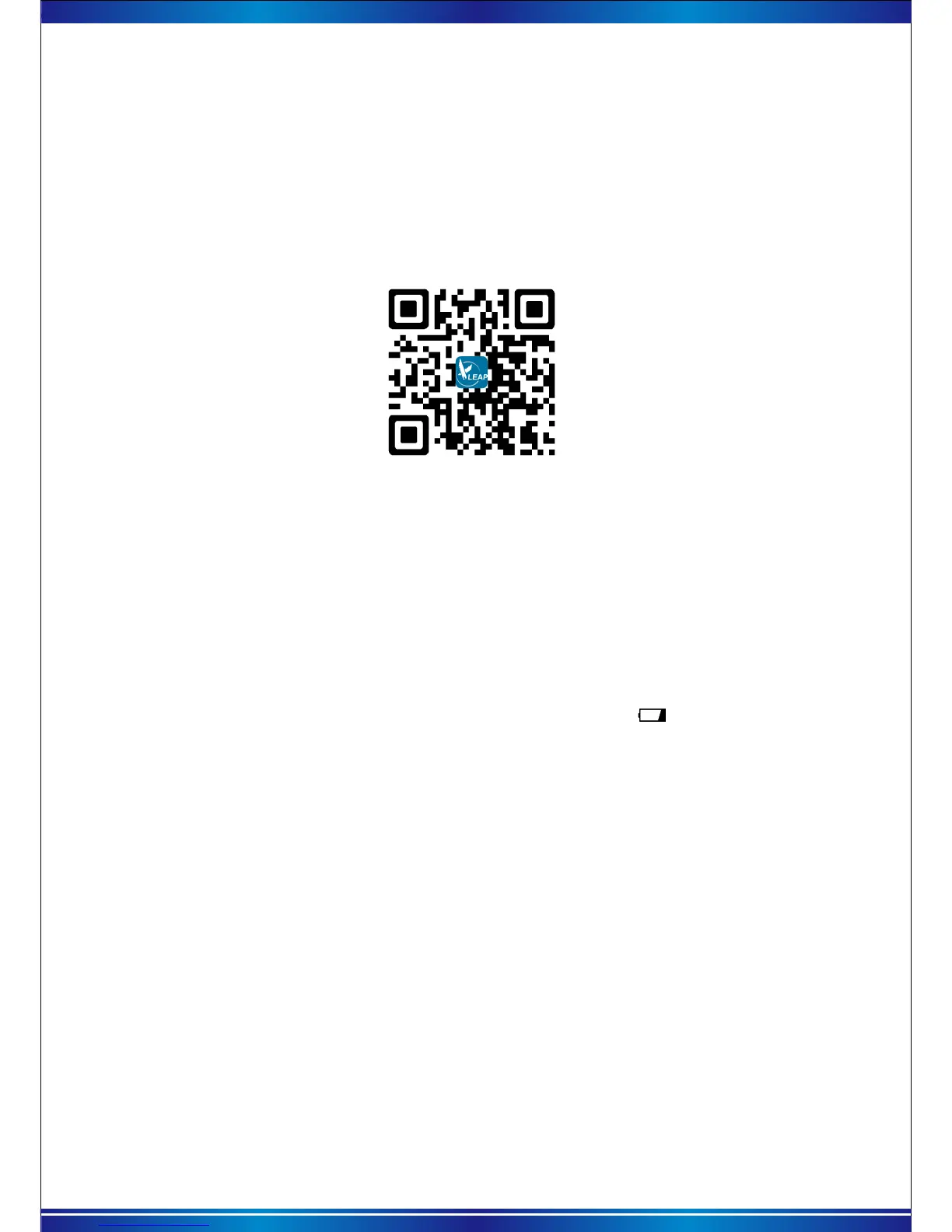
Android phone and iphone all can scan the QR Code as below to download and
install the app.
App install method 2 :
Access App Store/Google Play to search “Leap Timer” then download and install
the App on to your device.
The stopwatch can play the best efficiency under combining use with LEAP
STOPWATCH app. Before use this stopwatch, pls read the manual book thoroughly
and carefully. If you will lost the paper specifications, pls view the electronic manual
in phone app.
Please do not remove the battery in the stopwatch without permission, avoid the performance for
water resistance from being worse under opening shell.
● Waterproof instructions:
This stopwatch comes with 3bar (about 30meters) water resistance, but it is not suitable for diving.
When the stopwatch fell into the water or get wet by rain, pls do not press any button, make sure it is
wiped clear then use it.
Pls keep away exposing the stopwatch to the sun for a long time, in order to avoid the stopwatch
display from dimming under high temperature. After the temperature returned to normal, display can be
back to normal.
● Temperature description:
This stopwatch normal using environment temperature is between -5℃—40℃ .
Pls keep away putting the stopwatch in low temperature environment -10℃ for a long time, in order
to avoid low temperature from digital display too fast or slow. After the temperature return to normal,
display can be back to normal.
When use the attached lanyard of stopwatch, avoid winding on the neck or catching by other object
so as to avoid damage to the body’s parts.
● Other Note:
Please avoid the severe impact by hard object or strong vibration.


 To Next Page