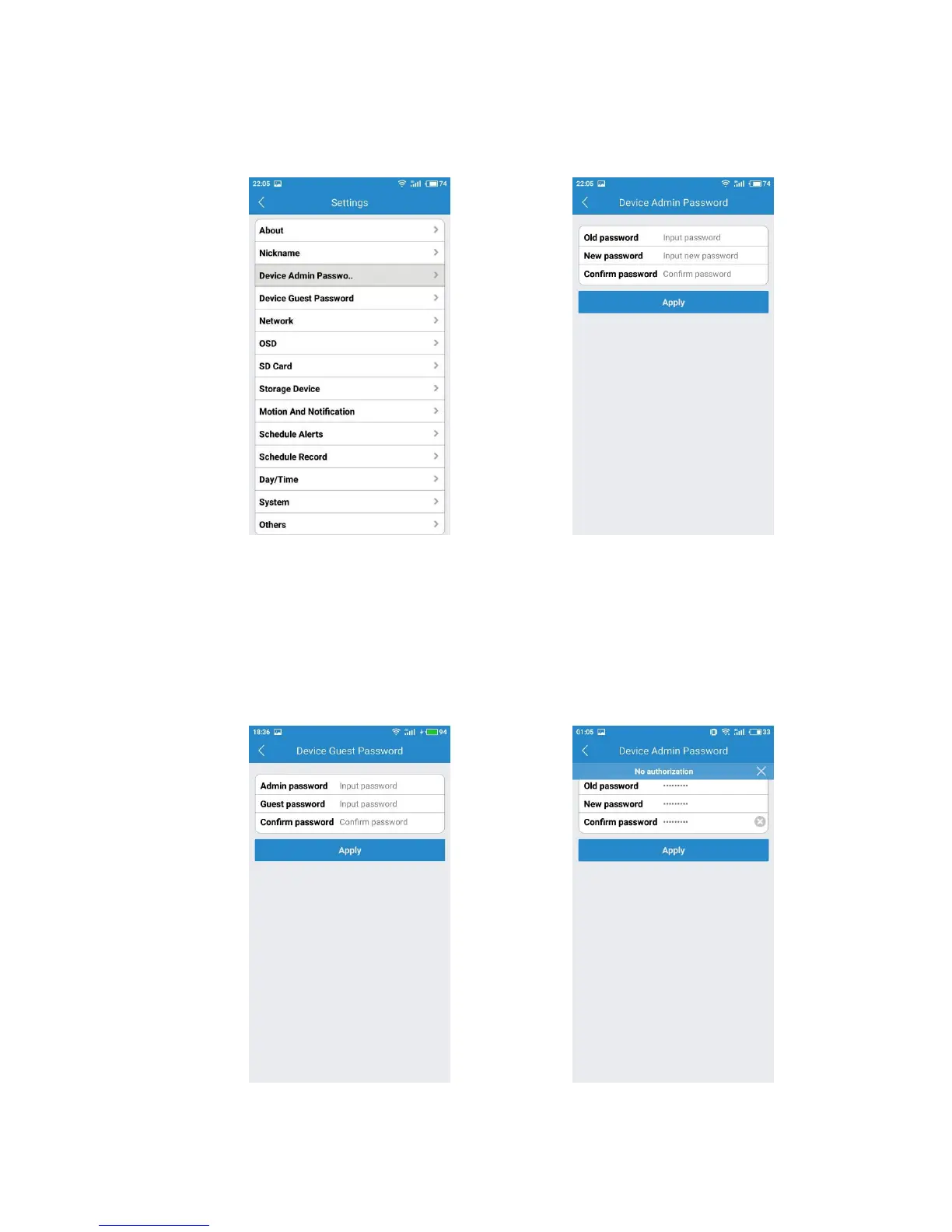
If you would like to change your device admin password, you have to click the
device setting page and choose Device Admin Password.
Device Setting Page Device Admin Password
If you are going to set up a device guest password for your family or friends, please
go to the camera setting page, and choose Device Guest Password. You family or
friend need to create a new account on MIPC and add this camera with device guest
password, but they do not have the right to change your camera settings (Device
Guest Password-02).
Device Guest Password-01 Device Guest Password-02



 To Next Page