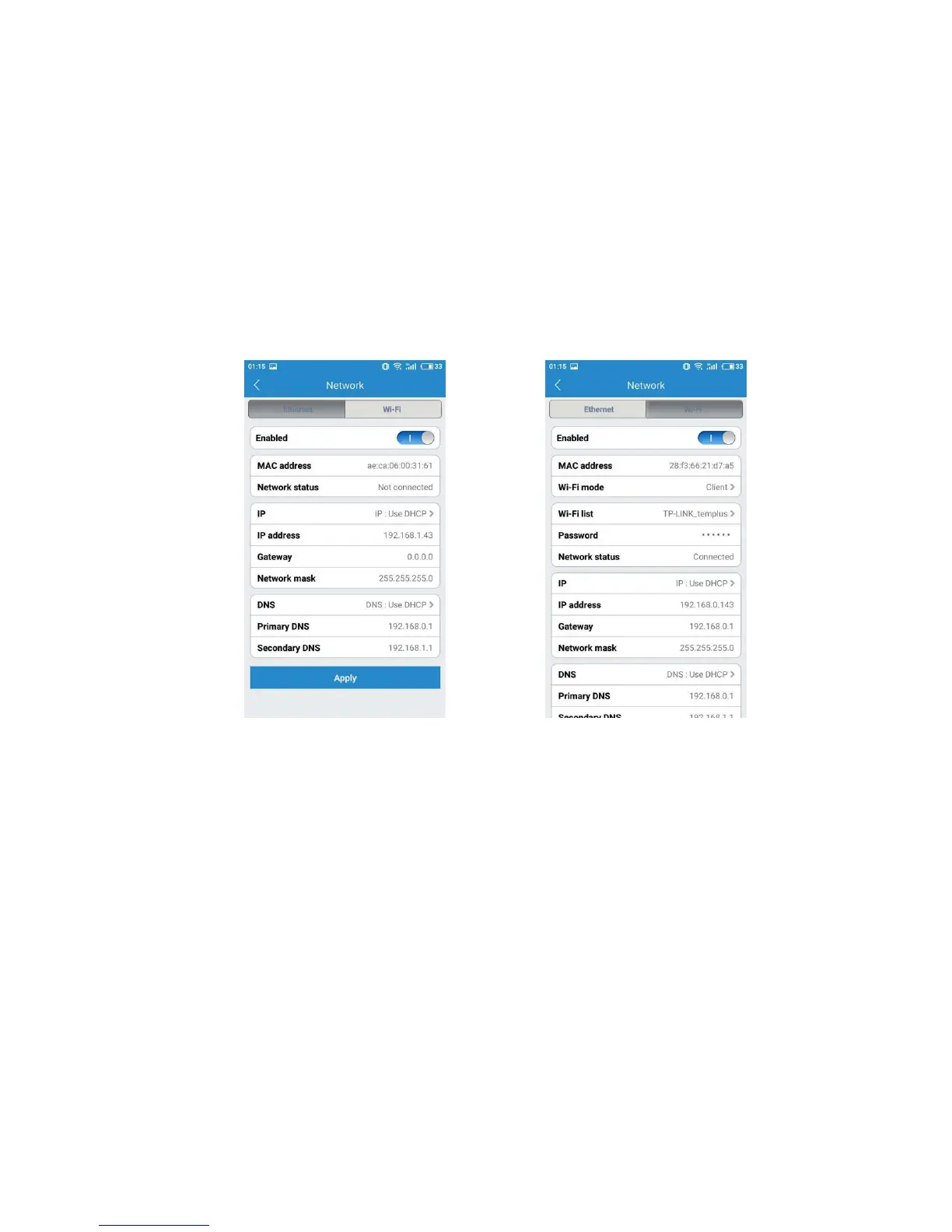
The network tab enables you to choose the network interface that you want to use
Ethernet or Wi-Fi. When you choose Ethernet, you can view the MAC address, the
network status and the IP information.
Once you device connected, it is recommended that you do not change the settings
or click Apply on the network tab, as this is likely to cause you to be disconnected
from the network.
Network-Ethernet Network-Wi-Fi
The SD card section indicates whether you have an SD card in the camera and
whether it is enable. Our camera supports 32G, 64G SD card and 128G. With 32G SD
card, the camera can record videos and images 3 days for 720p and 1.5 days for
1080p. With 64G SD card, the camera can record videos and images 5.5 days for 720p
and 2.5 days for 1080p.
To use SD card, please insert it into the SD card slot when the camera is power off.



 To Next Page