29
Settings
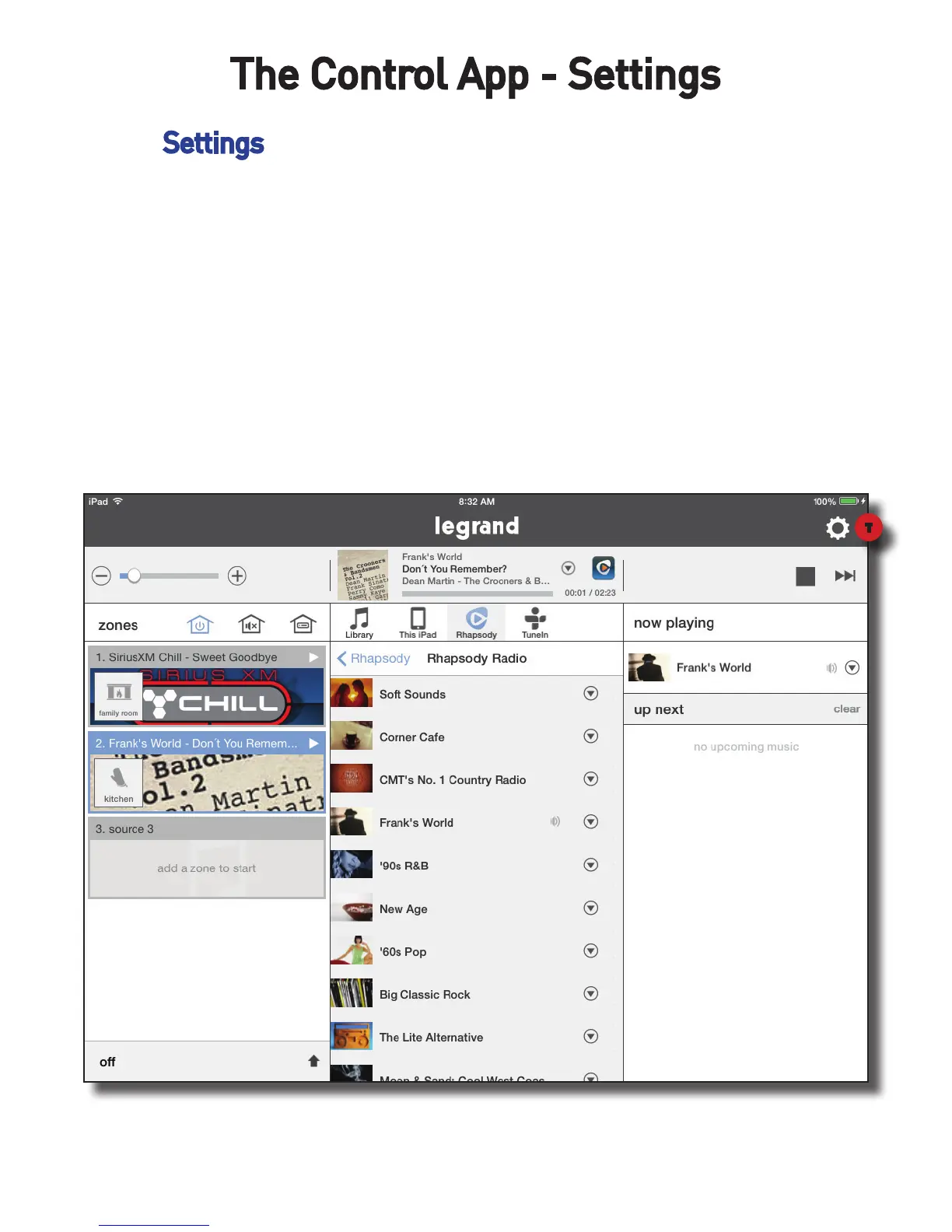
The Settings section of the Digital Audio app, represented by the gear icon,
provides additional control and customization for your system. This is where
music services can be added and removed, zone parameters can be adjusted,
status of the system components can be determined, as well as other fea-
tures.
To enter the Settings tap the Settings Gear.
The Control App - Settings
T


 To Next Page