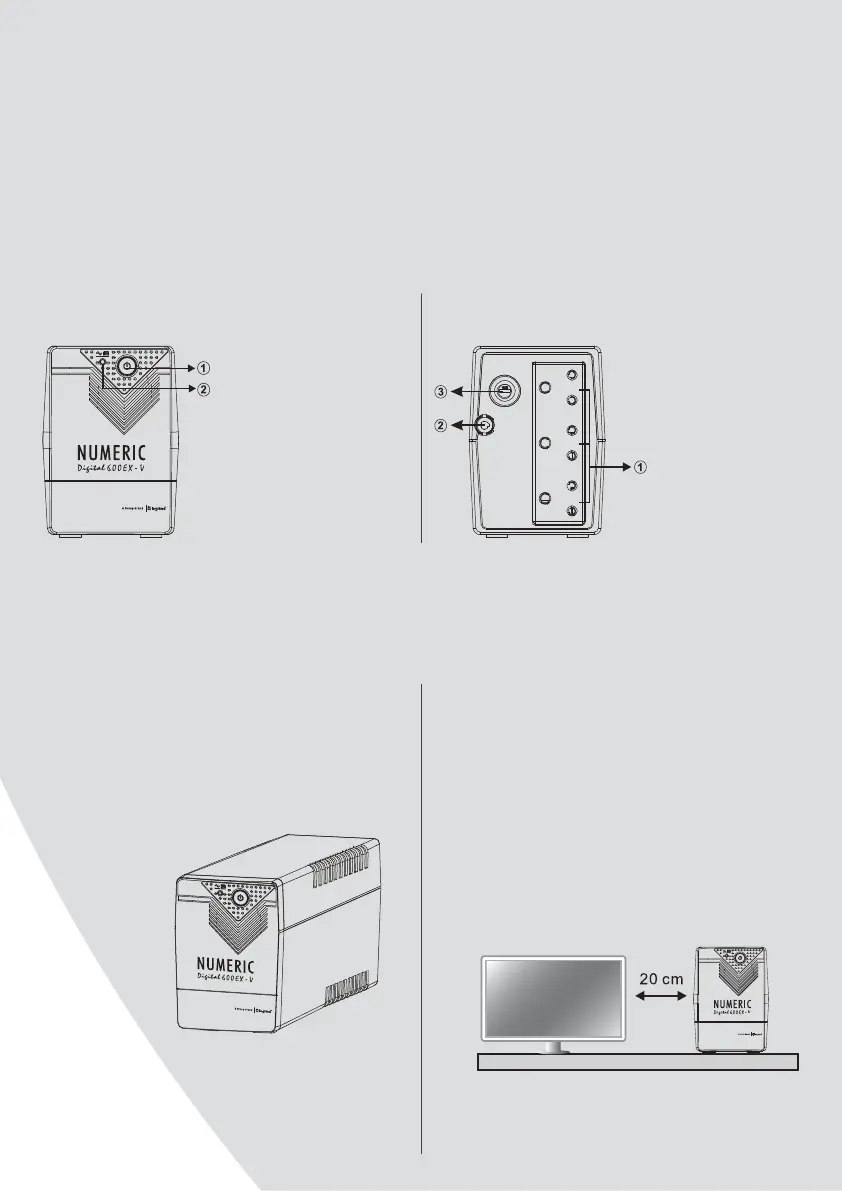
1. Power switch
2. Status indicator
AC Mode: solid green LED
Battery Mode:
flashing green LED
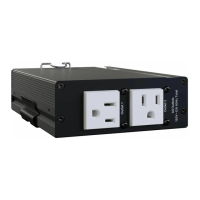
Front panel
1. Output receptacles
2. AC input
3. Fuse (option)
Back panel
1. Inspection
Remove the UPS from its packaging and inspect it for
damage that may have occurred during shipping. If
any damage is discovered, repack the unit and return
it to the dealer from whom you had purchased.
2. Placement
Install the UPS unit in any protected environment
that provides adequate airflow around the unit, and
is free from excessive dust, corrosive fumes and
conductive contaminants. Do not operate your UPS
in an environment where the ambient temperature
or humidity is high.
On the other hand, place the UPS at least 20 cms
away from the monitor to avoid interference.
INSTALLATION AND OPERATION
SYSTEM DESCRIPTION








 To Next Page