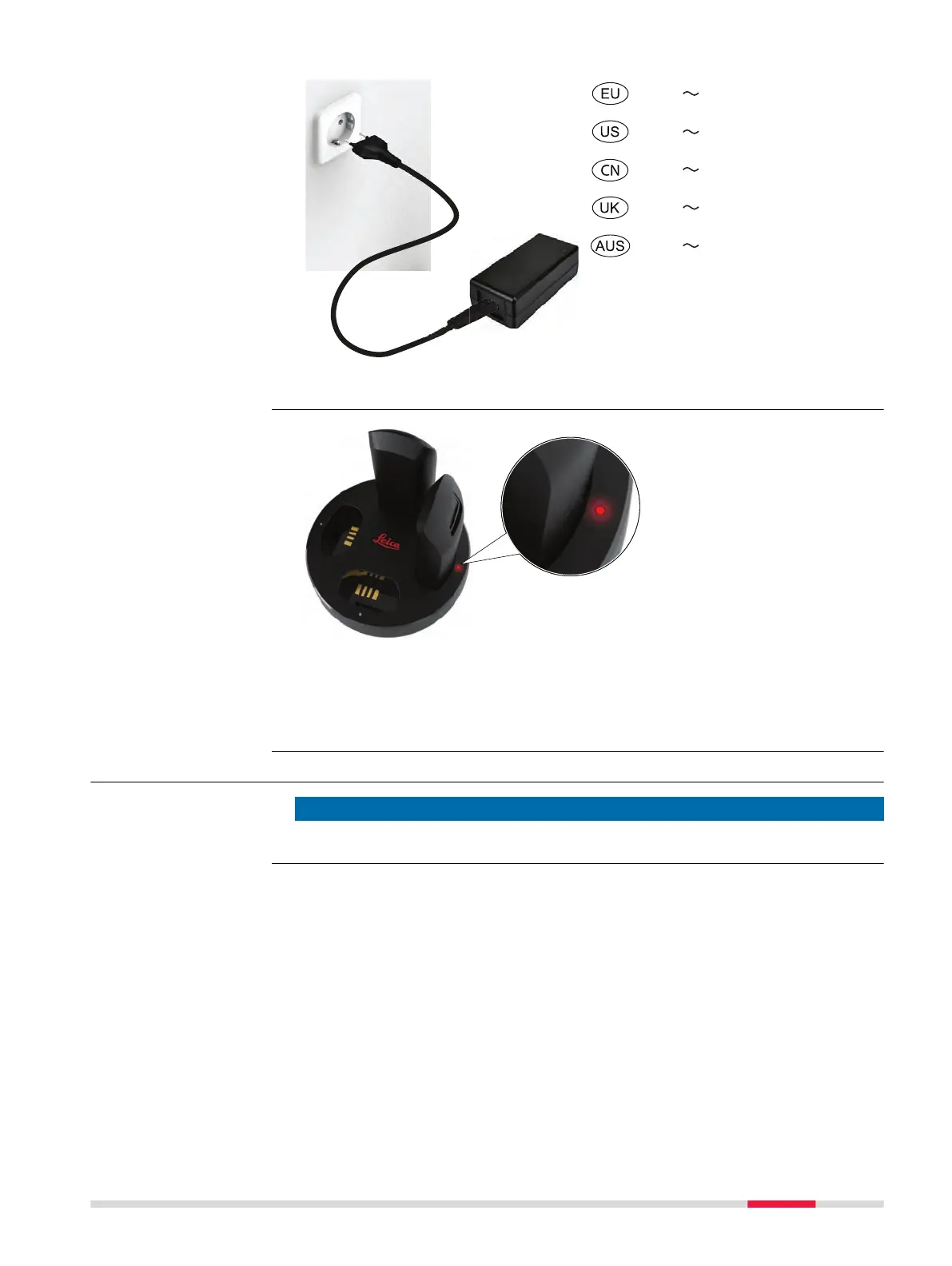
230 V
120 V
220 V
230 V
230 V
19541_ 001
Input voltage: 100-240 V AC
If an error occurs, the LED
indicator of the related bat-
tery bay lights constantly
red.
Remove and insert the battery again. Make sure that the battery is correctly
positioned in the battery bay. Disconnect from AC power and reconnect. If the
failure persists or reappears from time to time, the charger must be sent to a
Leica Geosystems authorised service centre.
4.3 Battery
NOTICE
Always shut down the instrument before removing the battery.
Troubleshooting
Power Supply 23













 To Next Page