GR30/GM30/GR50, Operation
55
7.4 Working with Radio, Modem and GSM Devices
7.4.1 General
Description Various devices can be used with the instrument, including
• GSM/Radio GFU devices connected via a serial port
• Slot-in devices
• External Modems connected via a serial port
• External Radios connected via a serial port
7.4.2 Serial Devices
Devices fitting into
a GFU housing
For an up to date list of supported GFU devices, please refer to the latest Spider Equip-
ment list, or ask your local Leica Geosystems representative.
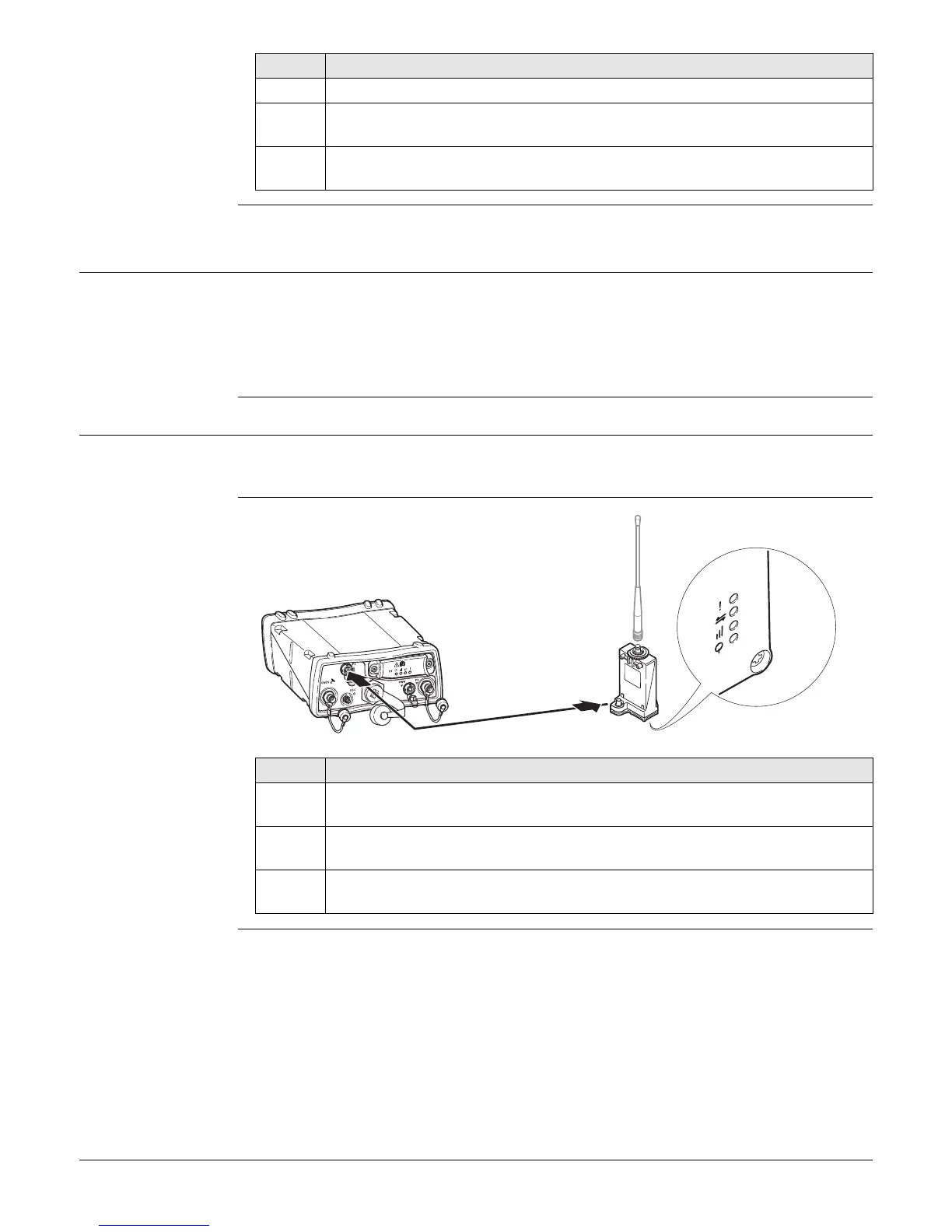
Connecting a GFU
device to a
GR30/GM30/GR50
4. Slide the card firmly into the slot until it clicks into position.
5. To remove the SD card, gently press inwards on the card to release it from
the slot.
6. Place the SD card/USB port cover back over the slot and tighten the cover
screw.
Step Description
Step Description
1. Connect the GEV232 or GEV233 GFU cable to the serial port on the GFU
housing.
2. Connect the GEV232 or GEV233 GFU cable to the serial port on the
GR30/GM30/GR50.
3. The GFU device is successfully connected to the instrument when the LEDs
on the GFU are on.
GR10_009
2
1
3



 To Next Page