GR30/GM30/GR50, GR50 User Interface
42
5.2 Keyboard and Display
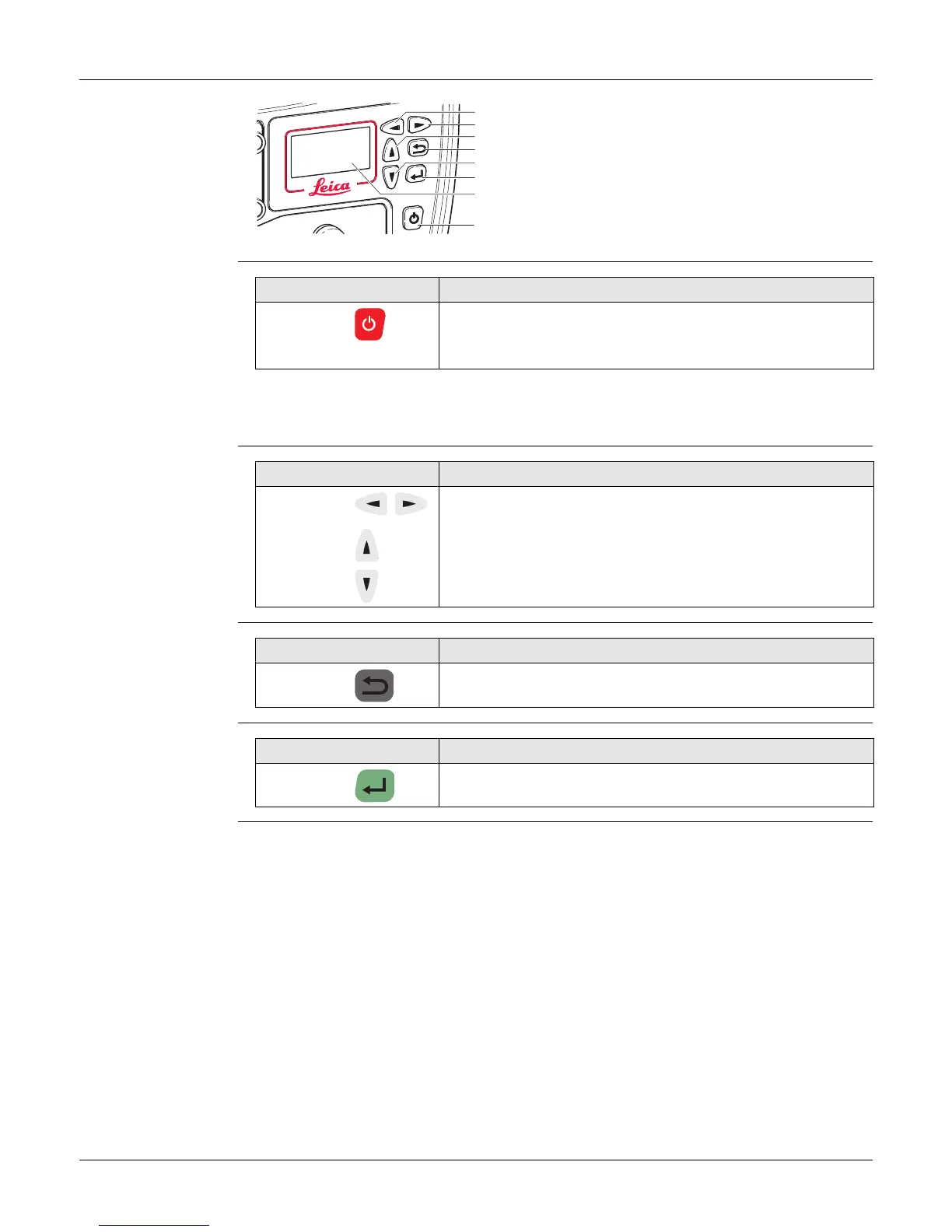
GR50 keyboard and
display
ON/OFF button
Hold the ON/OFF button for 10 s, to force the instrument to turn off. Instru-
ment settings and some data can be lost when using this method.
Arrow buttons
Cancel button
Enter button
a) Left button
b) Right button
c) Up button
d) Cancel button
e) Down button
f) Enter button
g) Display
h) ON/OFF button
GR25_003
a
b
c
d
e
f
h
g
Button Function
ON/OFF If GR50 is already off: Turns on GR50 when held for 3 s.
If GR50 is already on: Turns off GR50 when held for 3 s.
Button Function
Left/Right To scroll through menus and configuration options.
For editable fields use the arrow buttons for scrolling and
selecting alphanumeric fields.
Up/Down
Button Function
Cancel To exit pages without storing changes.
Button Function
Enter To select menu items, open new pages and select options.



 To Next Page