GR30/GM30/GR50, Equipment Setup
46
6.3 Setup in a Non-DHCP Network
Setup in a
non-DHCP network
If the instrument is setup in a non-DHCP network, the web interface can still be
accessed using a crossed Ethernet cable.
Setup for Windows XP
Step Description
1. Start the computer.
2. Connect the crossed Ethernet cable to the computer and the Ethernet port
on the back of the GR30/GM30/GR50.
3. Turn on the GR30/GM30/GR50.
4. On the computer go Start / Control Panel / Network Connections.
5. Select the Network connection used with the crossed Ethernet cable, right
click and select Properties.
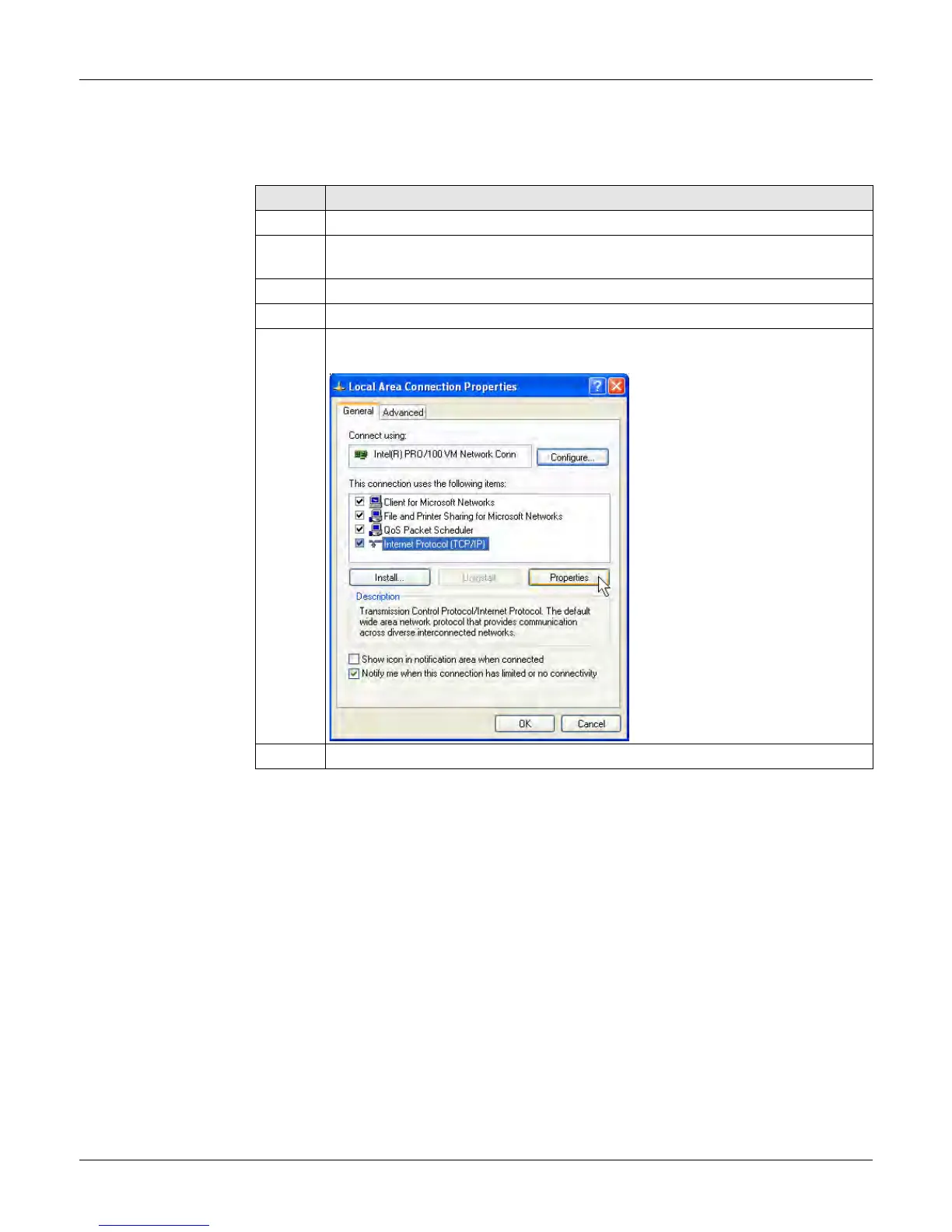
6. In the General tab, highlight Internet Protocol and press Properties



 To Next Page