GR30/GM30/GR50, Equipment Setup
47
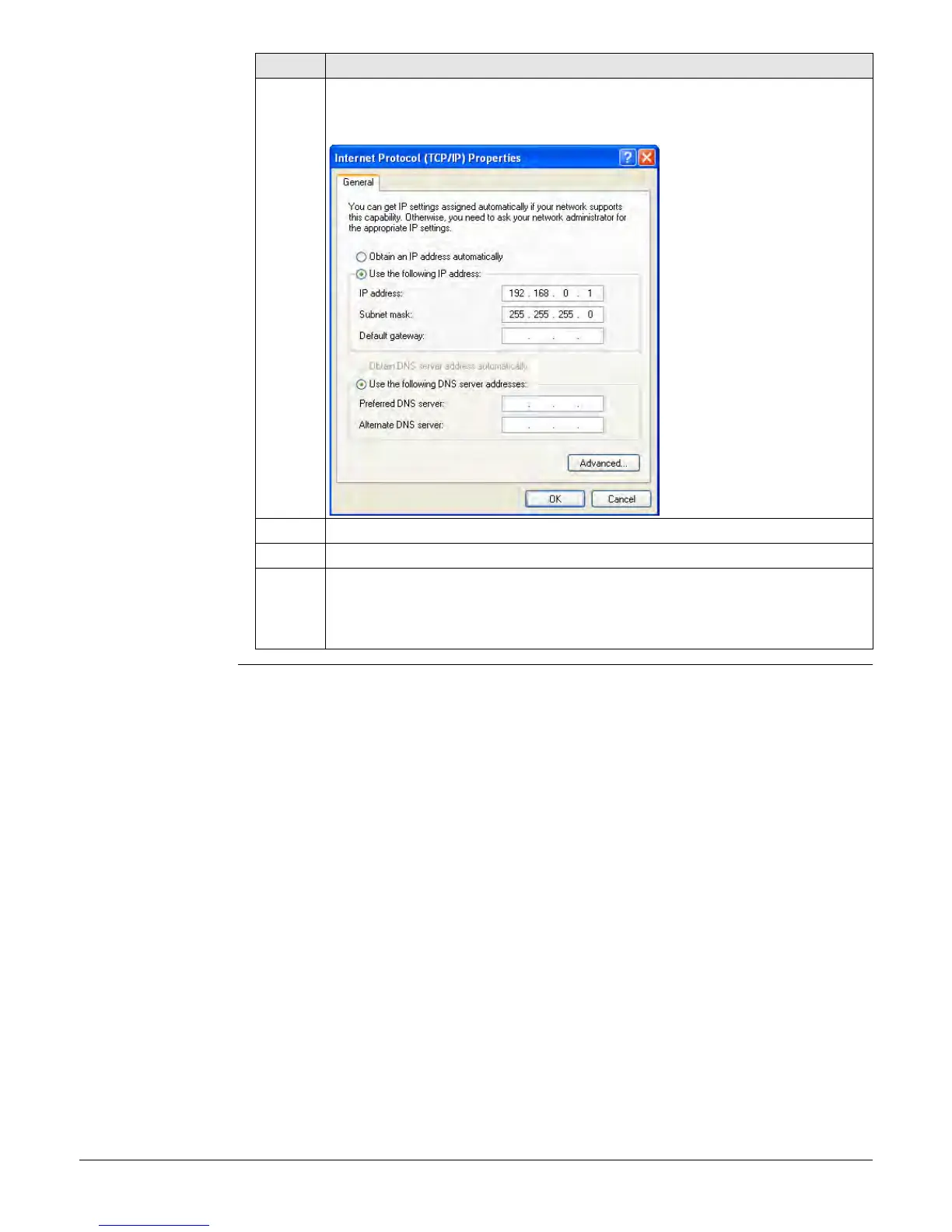
7. Select Use the following IP address and enter
• IP address: 192.168.0.1
• Subnet mask: 255.255.255.0
8. Press OK.
9. Open a browser window and enter 192.168.0.3 to open the web interface.
Per default, the GR30/GM30/GR50 instrument is configured to obtain an IP
address automatically from a DHCP network. To use the default static IP
address 192.168.0.3, reboot the GR30/GM30/GR50 once it is connected to
the crossed Ethernet cable.
Step Description



 To Next Page