GR30/GM30/GR50, Operation
59
Insert and remove a
SIM card step-by-
step
Step Description
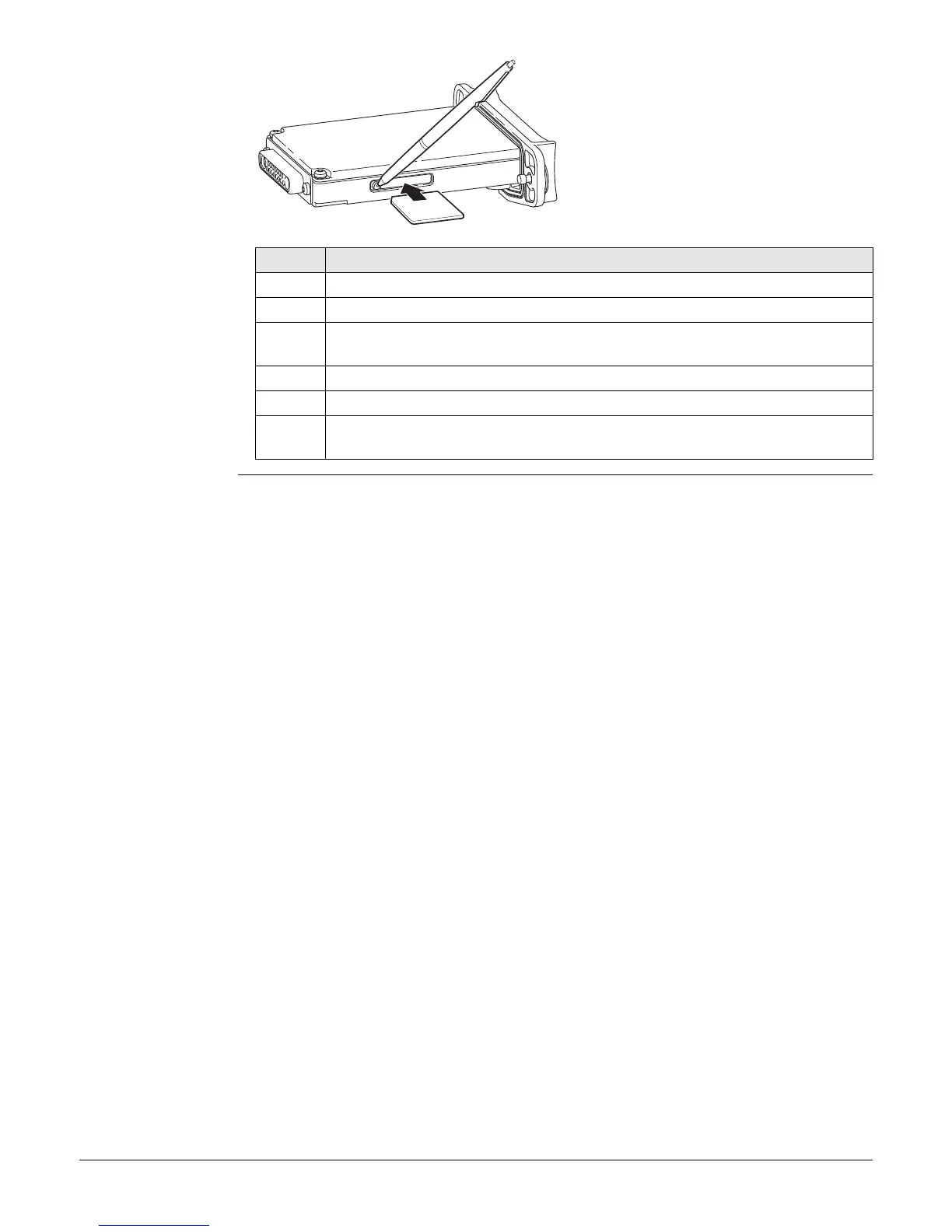
The SIM card is inserted into a slot on the side of the slot-in-device.
Take the SIM card and a pen.
1. Using the pen, press the small button of the SIM card slot to eject the SIM
card holder.
2. Take the SIM card holder out of the slot-in-device.
3. Place the SIM card into the SIM card holder, the chip facing up.
4. Insert the SIM card holder into the SIM card slot, the chip facing the connec-
tors inside the slot.
GR10_011
2
1



 To Next Page