36
General Setup Page (Continued)
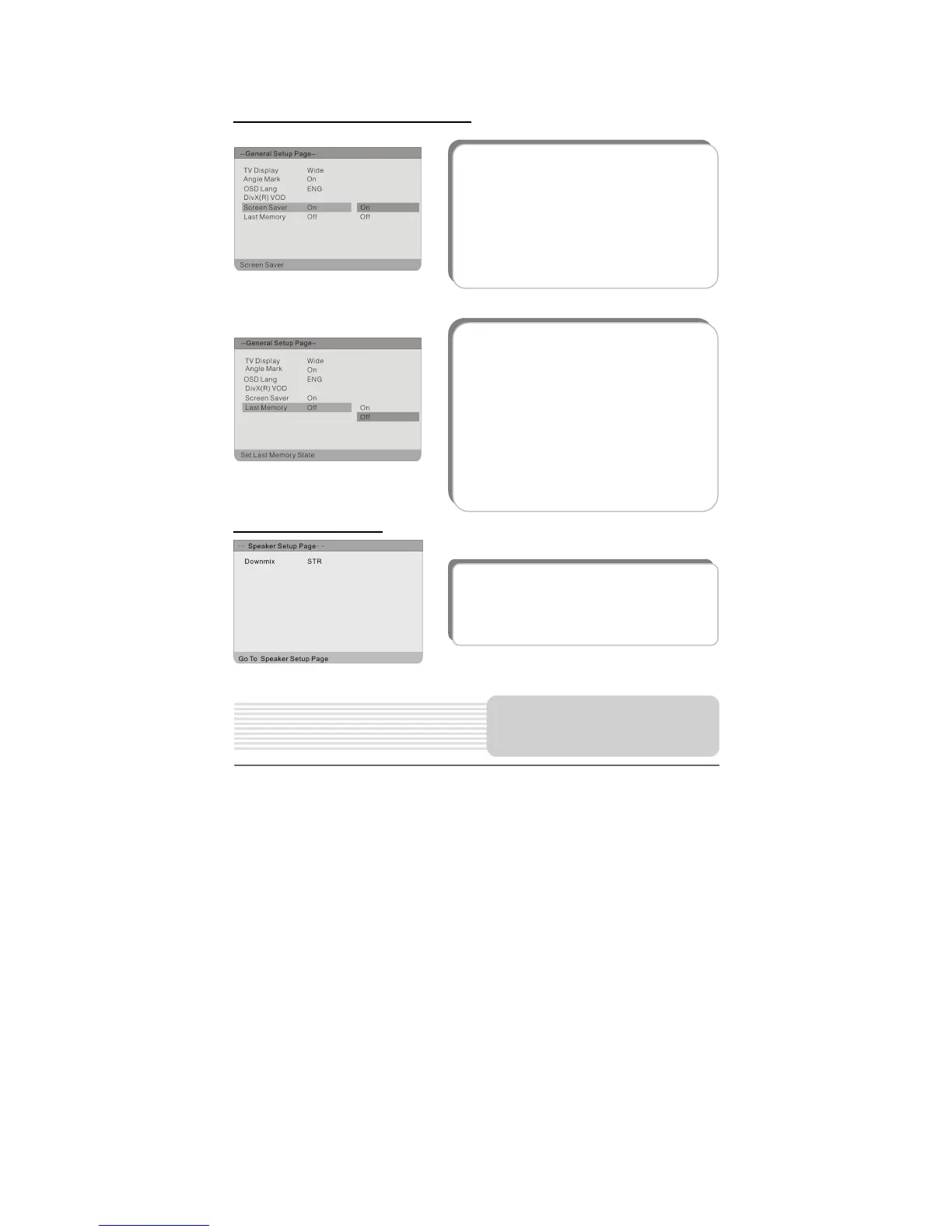
Speaker Setup Page
The items included in this sub-menu are
shown on the left.
6. Last Memory
This item is used to set the last memory
state.
Note: The last memory refers to resume
playback from the point that you stopped
last time.
Press the button to highlight this item
and press the ENT or to enter the item.
Press the button to select on or off.
Press the ENT button to confirm your
5. Screen Saver
This item is used to set the Screen Saver.
Press the button to highlight this item.
Press the ENT or button to access.
Press the button to select On or Off.
Press the ENT button to confirm your
selection.
Press the button to exit.
DVD System Setup



 To Next Page