37
Speaker Setup Page(continued)
Dolby Digital Setup
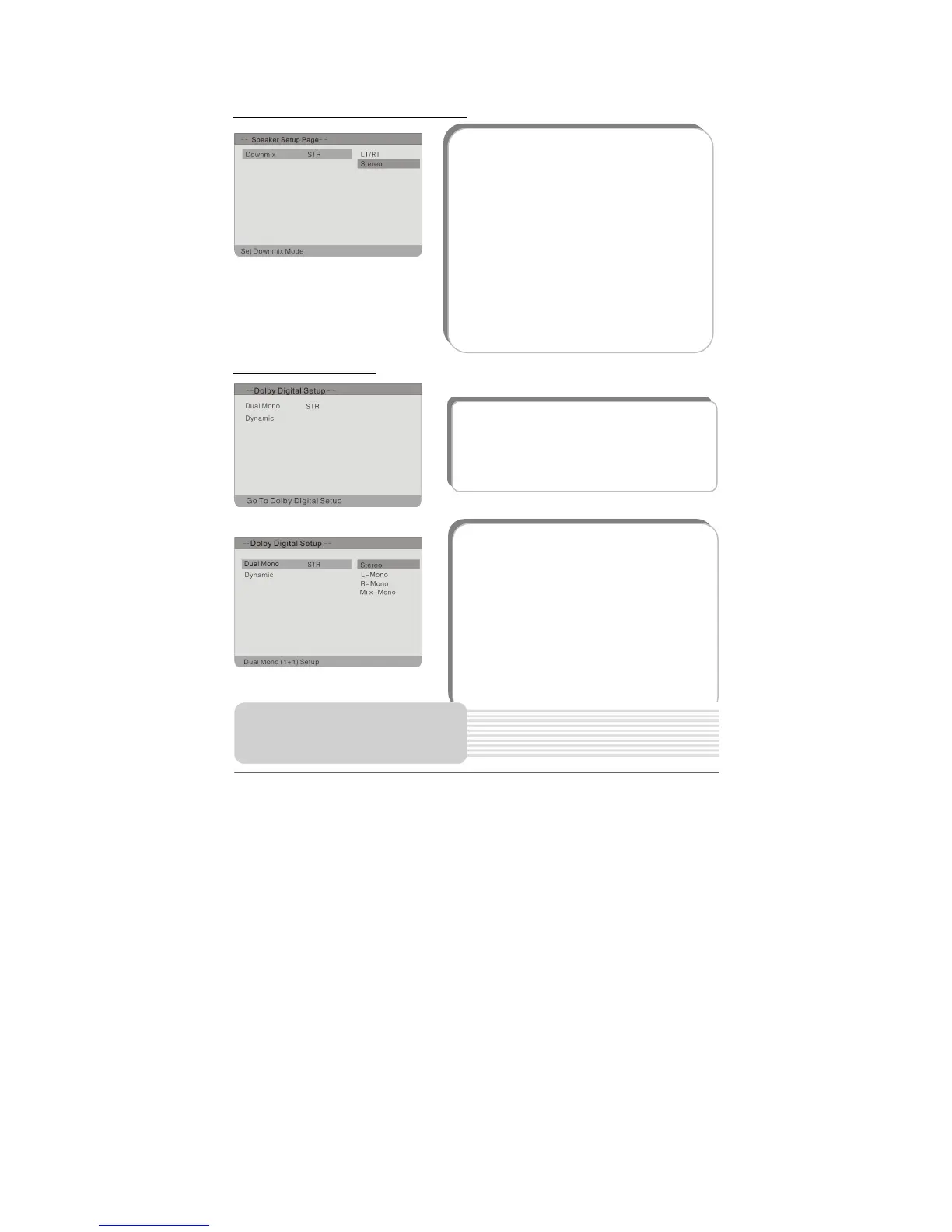
1. Dual Mono
This item is used to set the output mode of
channel. Press the button to highlight
this item. Press the ENT or button to
enter.
It includes stereo, L-Mono, R-Mono and
Mix-Mono.
Press the button to select the proper
one and press the ENT button to confirm
your selection.
1. Downmix
This item is used to set Downmix mode.
Press the button to highlight this item.
Press the ENT or button to access.
It includes LT/RT and stereo. LT/RT is to
output mixed audio in the format provided
by Dolby. Stereo is to output stereo signal.
Press the button to select the proper
one.
Press the ENT button to confirm your
selection.
Press the button to exit.
The items included in this sub-menu are as
shown on the left.
DVD System Setup



 To Next Page