40
Preference page (Continued)
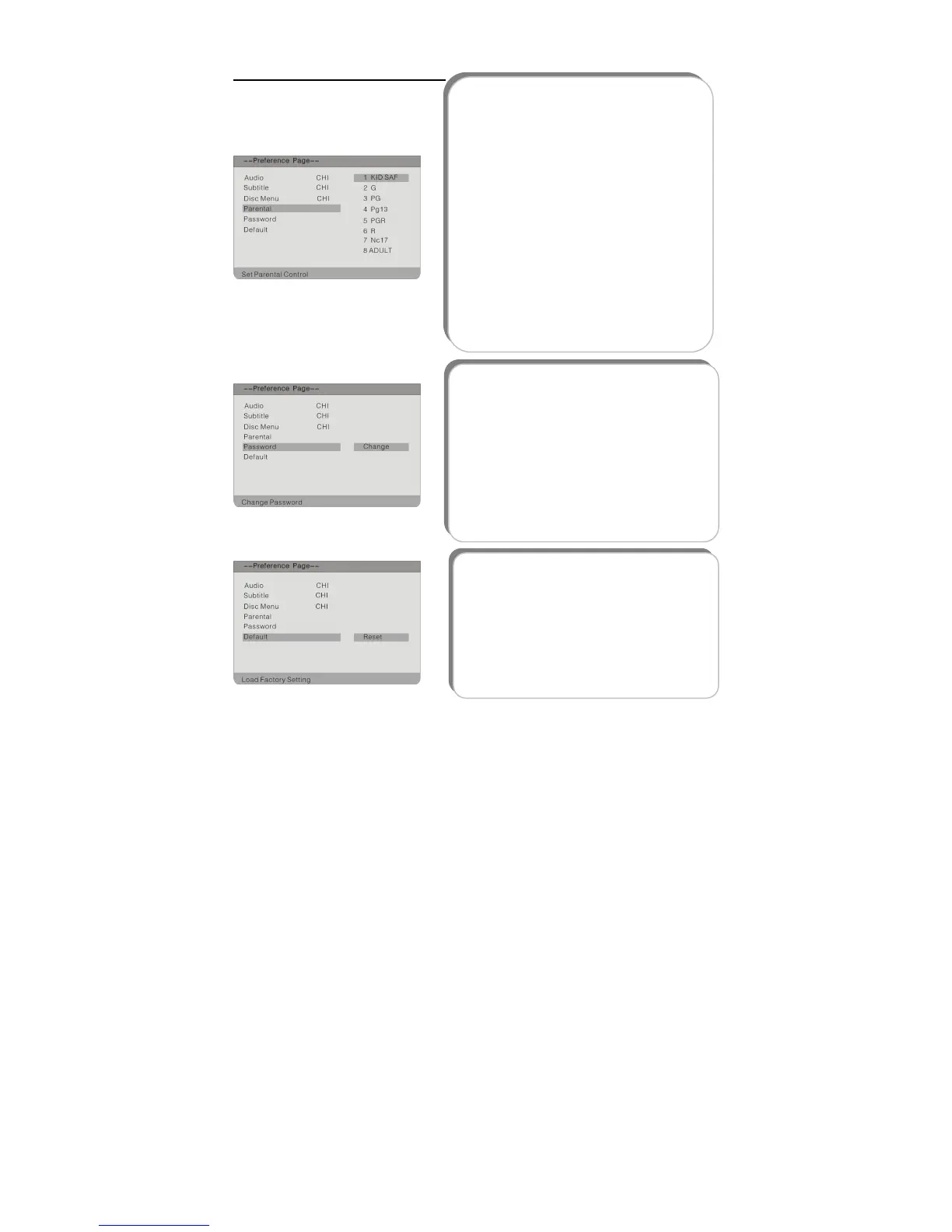
6. Default
This item is used to reset the unit.
Press the button to highlight this item.
Press the ENT or button to move the
icon to the Reset item and press the ENT
button to reset.
Then all the settings of your unit will return
to the Original status.
4. Parental
DVD discs equipped with the child lock
function are rated according to their
contents and settings varying from disc to
disc. Depending on the disc, you can lock
out the playback of a disc altogether.
Press the button to highlight this
item. Press the ENT or button to
access.
Press the button to choose the
proper one.
Press the ENT button to confirm your
selection and you should enter the
password. The Default Password is 1369.
Press the ENT button again to confirm
and return to the previous menu.
5. Password
Parental control is protected by password.
This item is used to change the password of
the parental control. The default password
is 1369. Press the button to highlight
this item. Press the ENT or button to
move the icon to the Change item, press
the ENT button to access. Enter the Old
and New password, confirm the new
password press the ENT button to confirm.



 To Next Page