39
Preference page(continued)
DVD System Setup
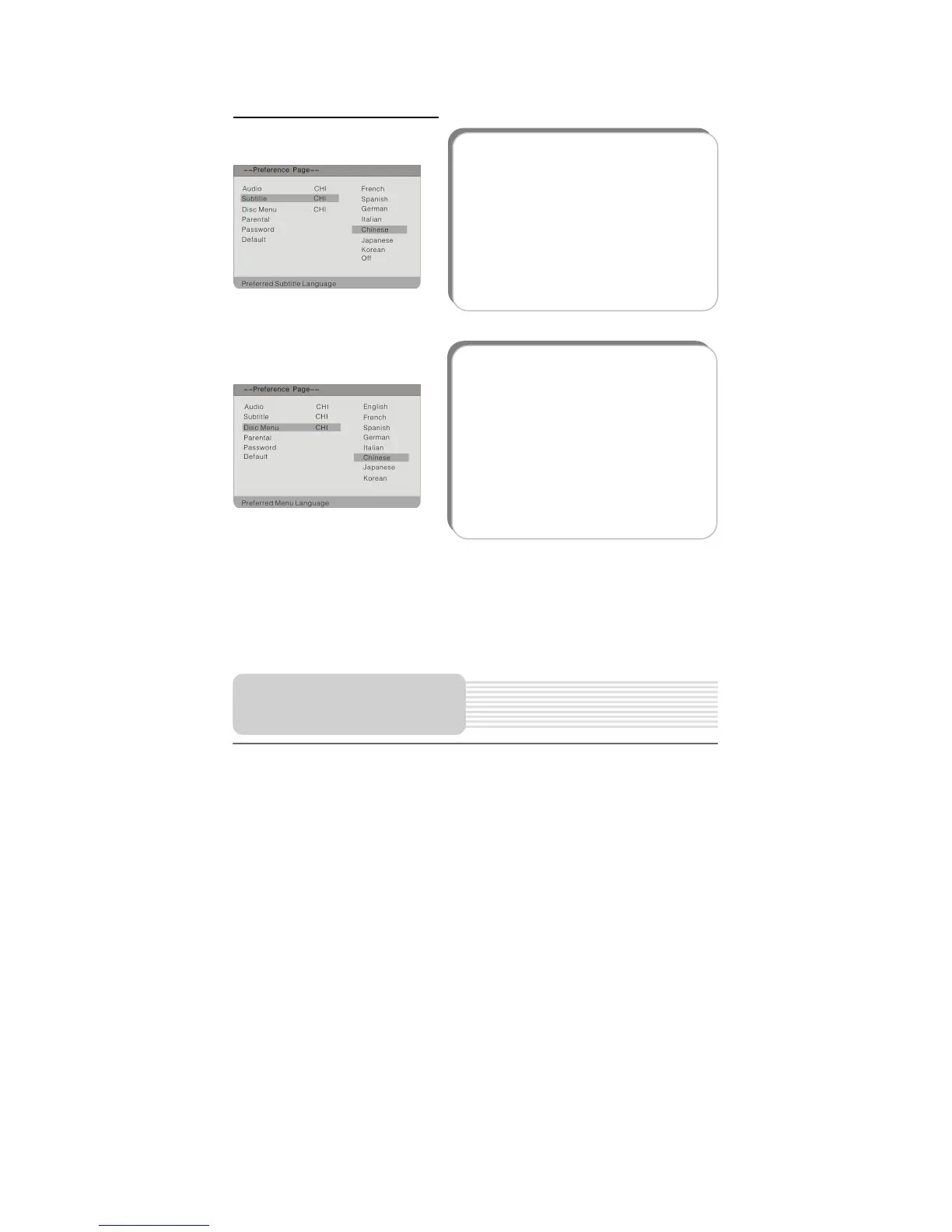
2. Subtitle
This item is used to set the subtitle
language.
Press the button to highlight this item
and press the ENT button to enter
Press the button to choose the
preferred language.
Press the ENT button to confirm your
selection.
Press the button to exit.
3. Disc Menu
This item is used to set the language of
the Disc Menu.
Press the button to highlight this item.
Press the ENT orbutton access.
Press the button to choose the
preferred language.
Press the ENT button to confirm your
selection.
Press the button to exit.



 To Next Page