OSD Menu
10
OSD Menu
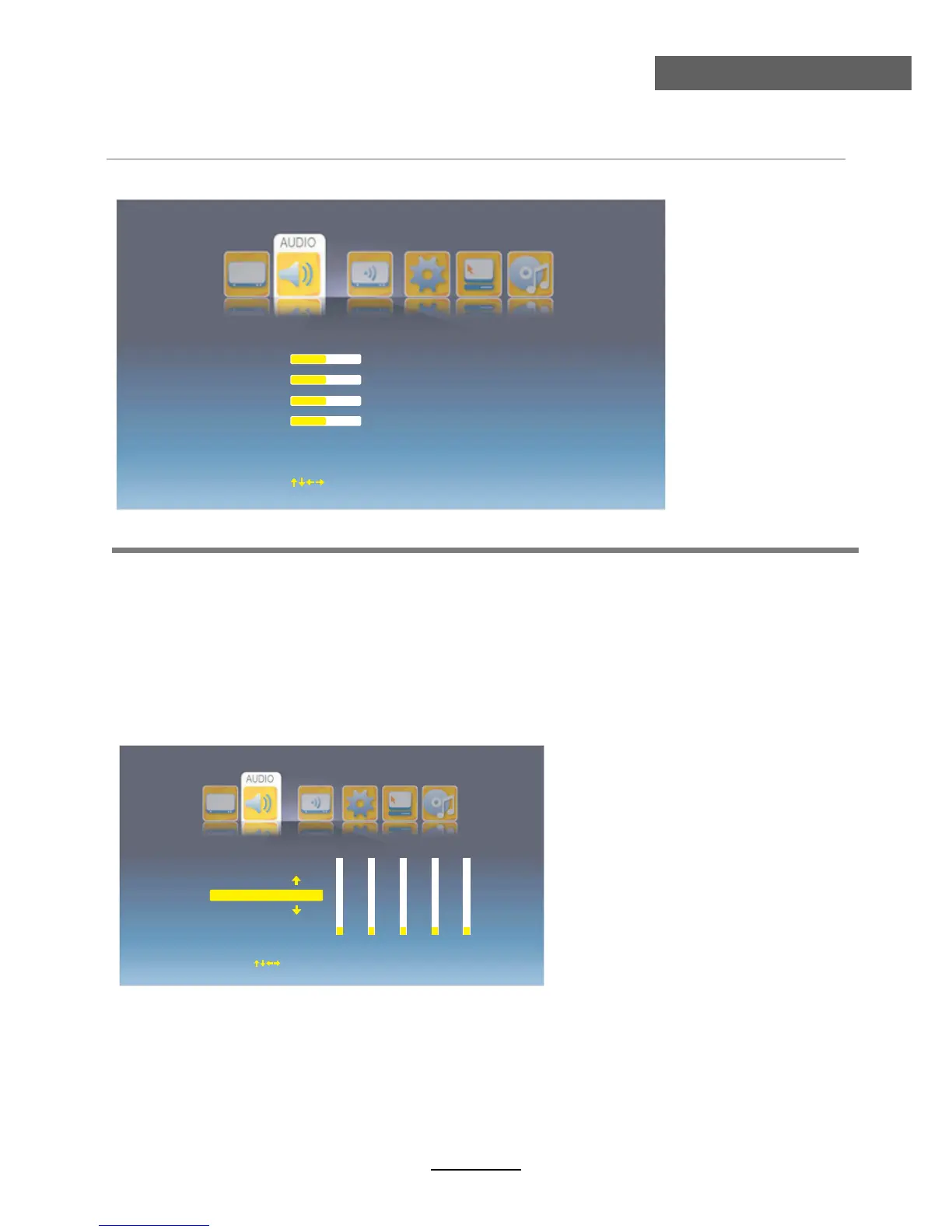
2. Audio menu
Description
Volume: Adjust vollume.
Bass: Adjust the level of the lower-pitched sounds.
Sound Effect: Select the sound effect from BBE, SRS, Normal.
Treble: Adjust the level of the higherpitched sounds.
Balance: Adjust the audio output between left and right speakers.
Equalizer: Enter the Equalizer menu to adjust.
Select the Equalizer mode from Rock, Country, Jazz, Classical, Blue, Default and Customer.
Note: You could adjust by yourself when you select “Customer” mode.
Volume
Balance
Treble
Bass
50
0
50
50
Sound Effect
Equalizer
Normal
SPDIF Output
OFF
Move
OK Select
EXIT Exit
SPDIF Output: Select the Spide Ouput mode from Off, PCM, RAW.
Equalizer
Customer
0
53
0 0 0
100 Hz
1K Hz
5K Hz
3K Hz
12K Hz
Move
OK Select
EXIT Exit



 To Next Page