OSD Menu
11
OSD Menu
3. TV menu(In ATV/DTV mode)
Description
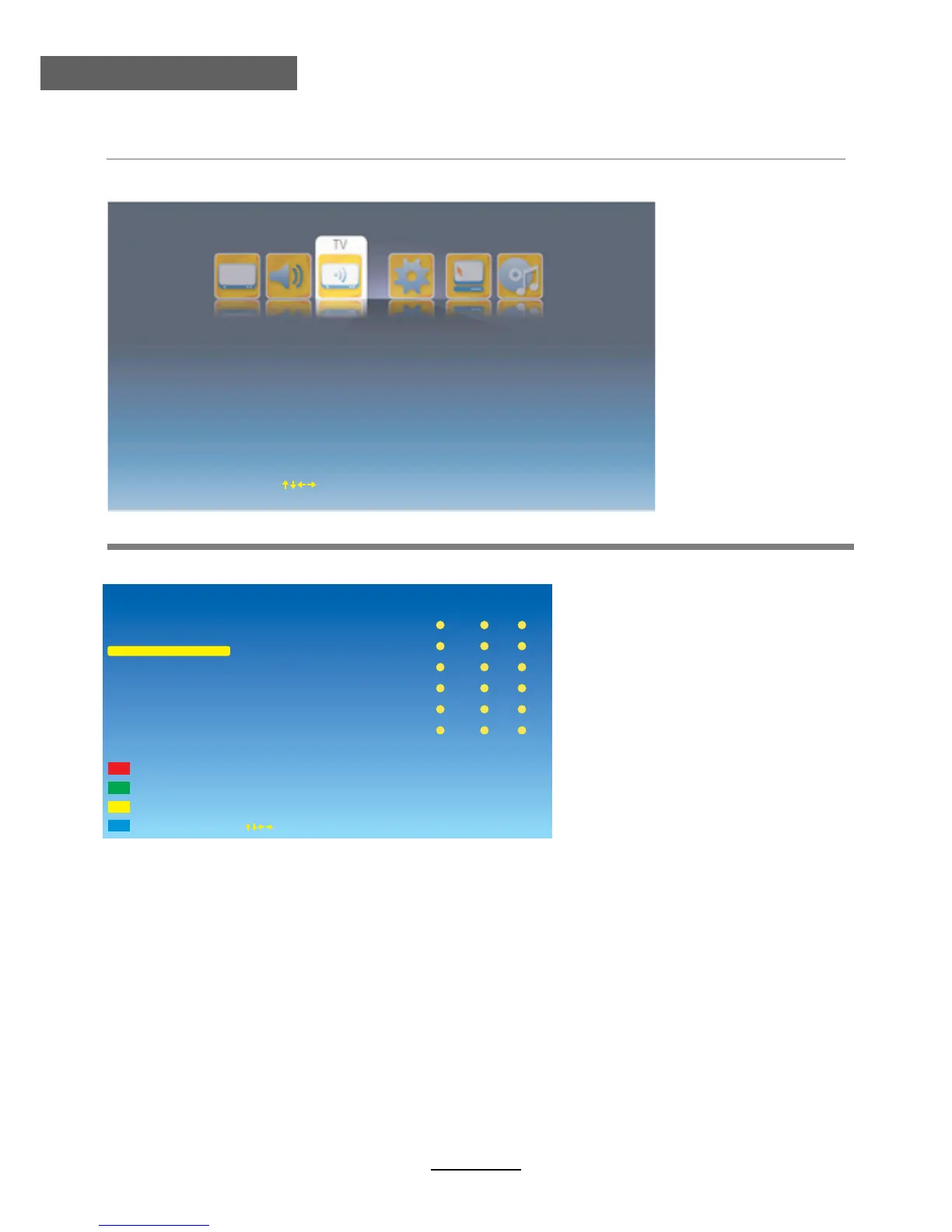
Program Edit: Enter the Program Edit menu as below:
Service Type: Select the Service Type you want.
Operation on the Program Edit menu:
After you select the Service Type and Network modes, you will see the program’s
information displays on the right side of the screen.
Rename: Select the program you want to rename by / button, and press RED button
on the remote control to start renaming the program, you should select the position by /
button and select the character you like on the position by / button. Press OK
button to confirm.
Delete: Delete the program you select by GREEN button.
Swap: Select the program you want to swap, and press YELLOW button, then select
the other program you want it to be swaped and press OK button to swap.
Move: Select the program you want to move, and press BLUE button, then select the position
you want the program to be moved to and press OK button to move.
Network: Select the Network mode you want from All, Rowridge, Crystal Palace, Digita
Finland, Winter Hill.
Program Edit
E
LCN Off
PG
Auto Search
Manual Search
Move
OK Select
EXITExit
Service Type
1
6
2
3
4
5
CATV1
CATV6
CATV2
CATV3
CATV4
CATV5
Fav. Lock
Skip
ATV
Delete
Rename



 To Next Page