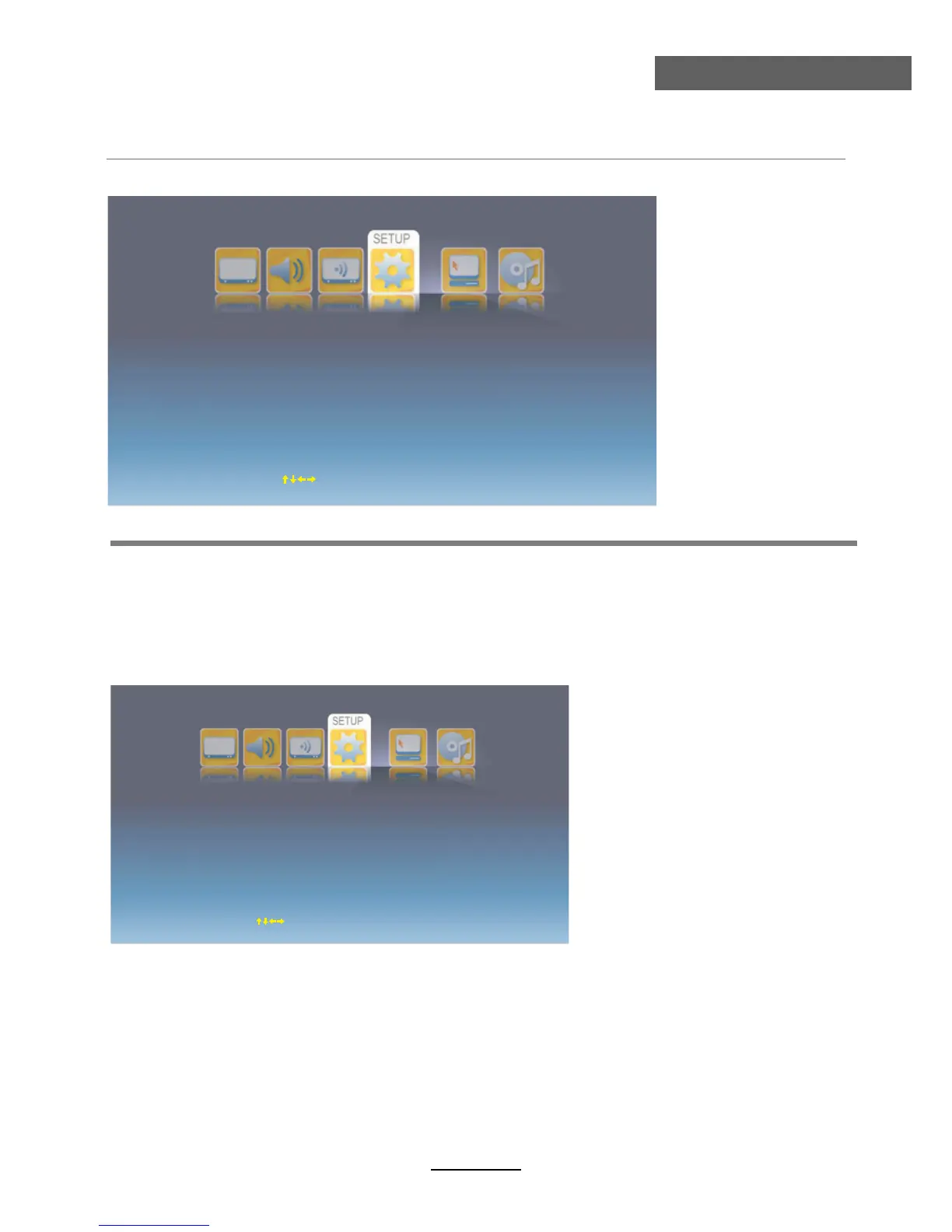
OSD Menu
OSD Menu
Country: Select the Country in ATV/DTV mode.
OSD Language: Select the OSD language.
Audio Language: Enter the submenu and select the audio languages for the programs in DTV
mode.
Teletext Language: Select th Teletext language in ATV/DTV mode.
Subtitle: Enter the submenu and set the subtitle settings for the programs in DTV mode.
Customer Reset: Reset all the settings above.
Setup Wizard: Turn on/off the setup wizard.
Subtitle: Turn on/off the subtitle display.
Subtitle Mode: Select the the subtitle display mode from Normal or Hard of Hearing.
Subtitle Language: Select the subtitle languages for the programs.
4. SETUP menu
Country
OSD Language
Teletext Language
Audio Language
Denmark
English
English
Subtitle
R
Setup Wizard
eset
Move
OK Select
EXIT Exit
Subtitle
Subtitle Mode
Subtitle Language
Alt.Language1
Alt.Language2
Alt.Language3
On
Normal
English
Welsh
Gaelic
Move
OK Select
EXIT Exit
Description
14



 To Next Page