OSD Menu
15
OSD Menu
Description
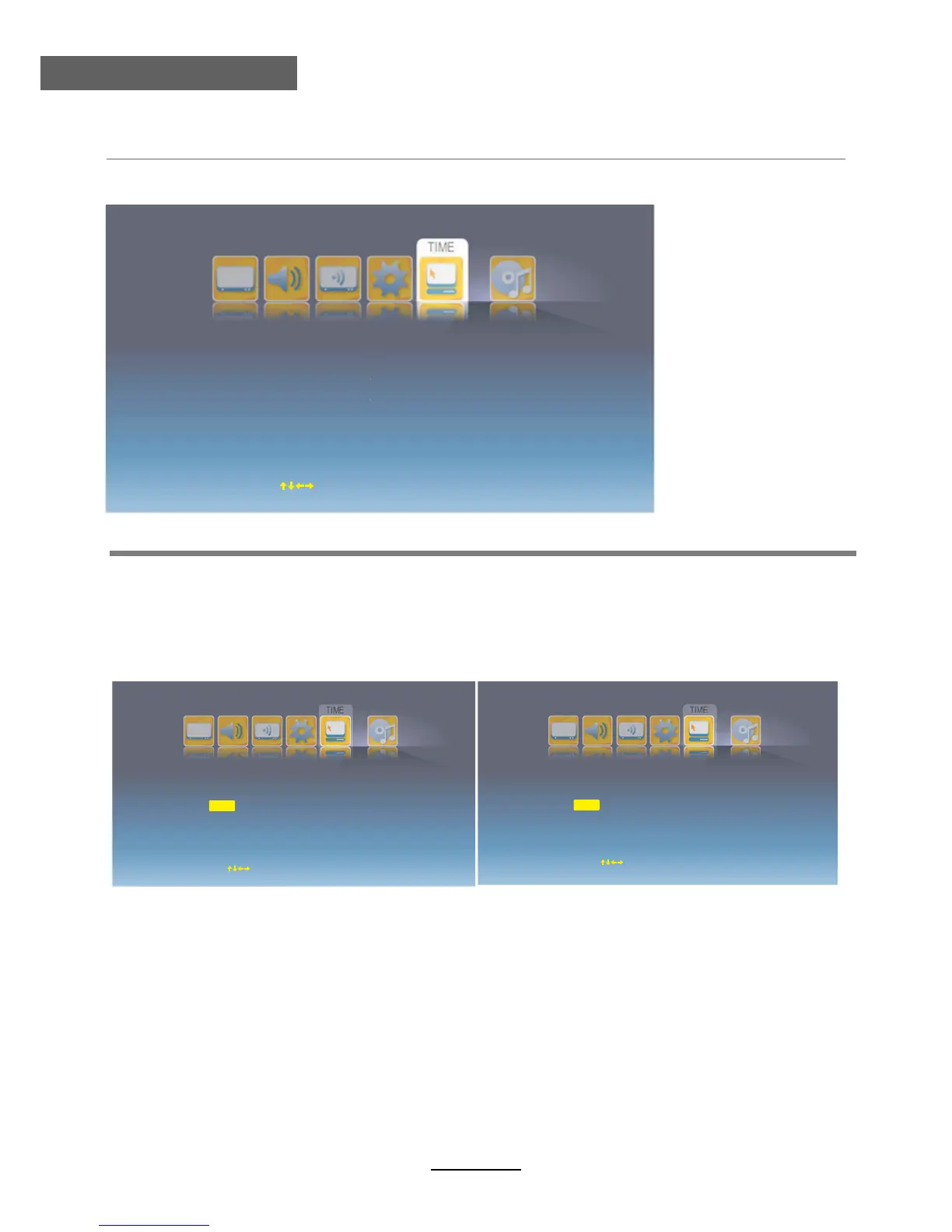
Time Mode: Select Time mode from Auto or Maunal.
Note: You should select Manual mode when you want to setting the Current Time below.
Sleep Time: Set the sleep time for the TV.
Current Time: Press OK button to enter the submenu and set the current time yourself.
Wake Up Timer: Press OK button to enter the submenu and set the wakeup timer for the TV.
Operation for Time: Press / to select the position you want to edit, and press /
button to select.
5. Time menu
Time Mode
Sleep Time
Current Time
Wake Up Timer
Auto
Off
Move
ENTER Select
Exit Exit
Date
. 1 . 1
Time
1 : 0 AM
2009
Move
OK Setect
EXIT Exit
Date
. 1 . 1
Time
1 : 0 AM
2009
Current Time 2009-01-01 Thu 01:00 AM
∧ ∨
∧
∨
Move
OK Setect
EXIT Exit



 To Next Page