OSD Menu
16
OSD Menu
DHCP: Turn on/off the DHCP. You should select “On” to set the IP Address.
IP Address: Set the IP address for the TV.
Subnet Mask: Set the Subnet Mask for the TV.
MAC Addr.: Set the MAC address for the TV.
When you finish setting, select “OK” on the menu, and press OK button to confirm.
IP Address
Subnet Mask
MAC Addr
0 . 0 . 0 . 0
0 . 0 . 0 . 0
Ole=ttyS0, 115200n
OK
DHCP Off
Common Interface: Please contact your "Pay per View" provider who can supply a viewing
card, cam unit and instructions for their use.
Network: Press OK button to enter the Network menu.
Description
Screen Mode: Select the screen mode for the TV from auto, 16:9Wide, 16:9 Zoom,16:9 Subtitle,
4:3.
Parent Control: Press OK button and enter the code by the number buttons to enter Parent
Control menu(the original password is 8888).
Blue Screen: Turn on/off the blue screen function.
The background will be blue screen when there’s no signal.
PIP: Select the input source for the PIP window.
PIP Position: Select the PIP Position on the screen.
PIP Function
Parental Lock: Turn on/off the Parental Lock function.
Parental Rating: Select the Parental Rating from 3 to 18.
Change PIN: Press OK button to enter the submenu and change the PIN code.
Note: You should enter the old code, then enter the new code twice to change the code.
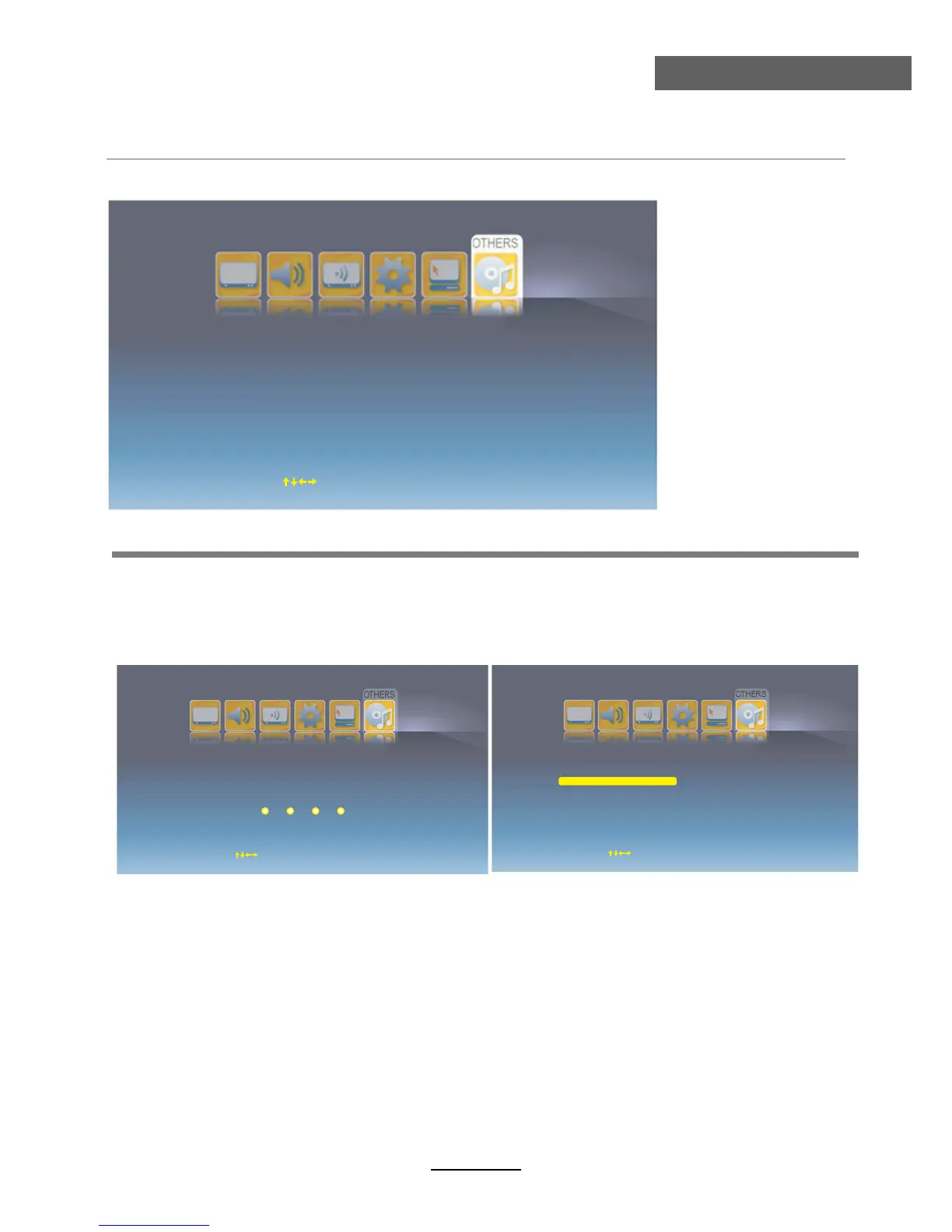
6. OTHERS menu
Screen Mode
Parent Control
Blue Screen
Off
PIP
P
Hotel Mode
IP Position
Off
Top Left
Move
OK Select
EXIT Exit
Please Input Password



 To Next Page