:
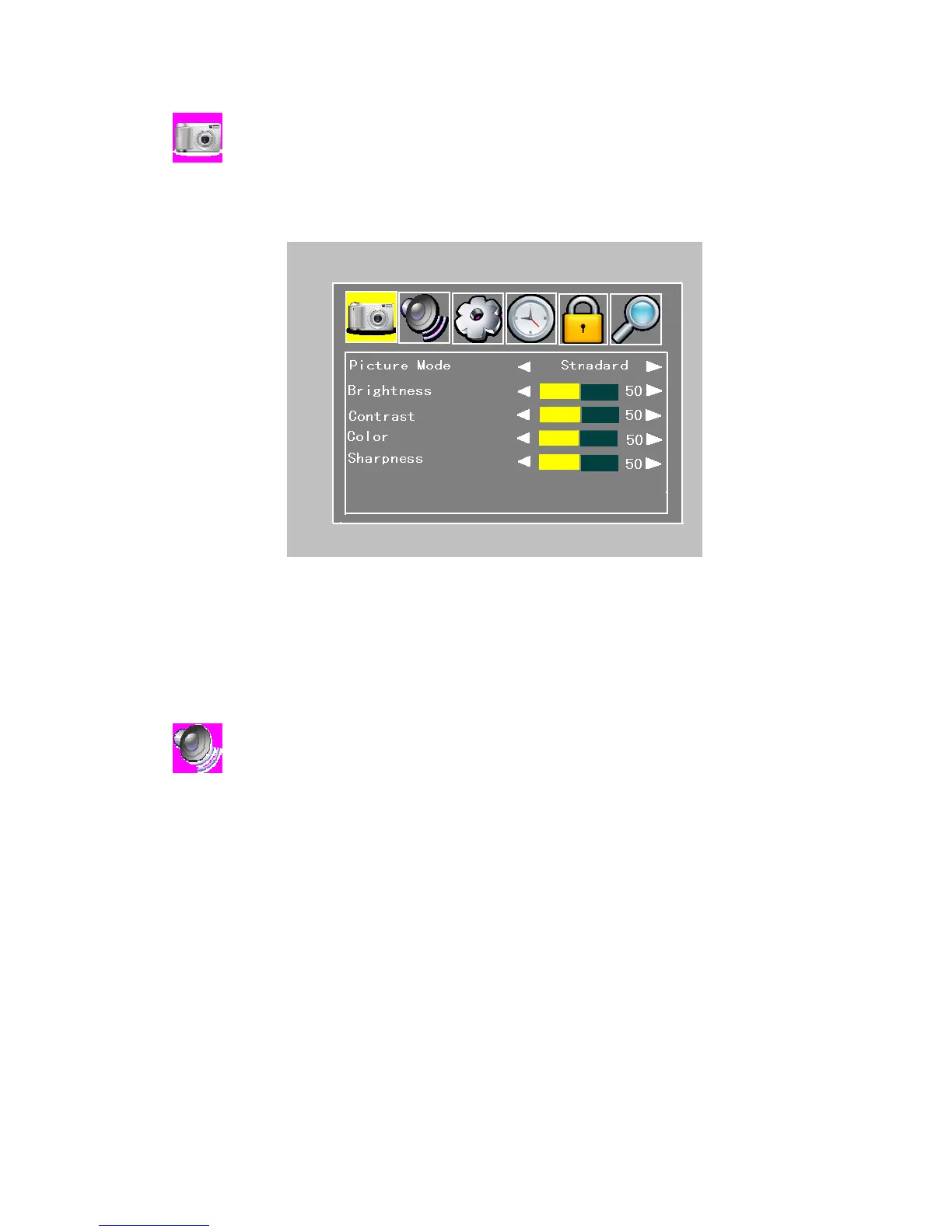
You can select how the picture mode shall be sorted. There are four sort mode (personal,
standard, dynamic and soft.) are used here.
Figure 4.2.1
BrightnessLeft/right cursor buttons adjust the brightness of the screen.
Contrast: adjust the contrast of the screen.
Color: adjust the color of the screen.
Sharpness: adjust the sharpness of the screen.
:
You can select how the audio mode shall be sorted. There are five sort mode (personal,
standard, music, movie and sports.) are used here.


 To Next Page