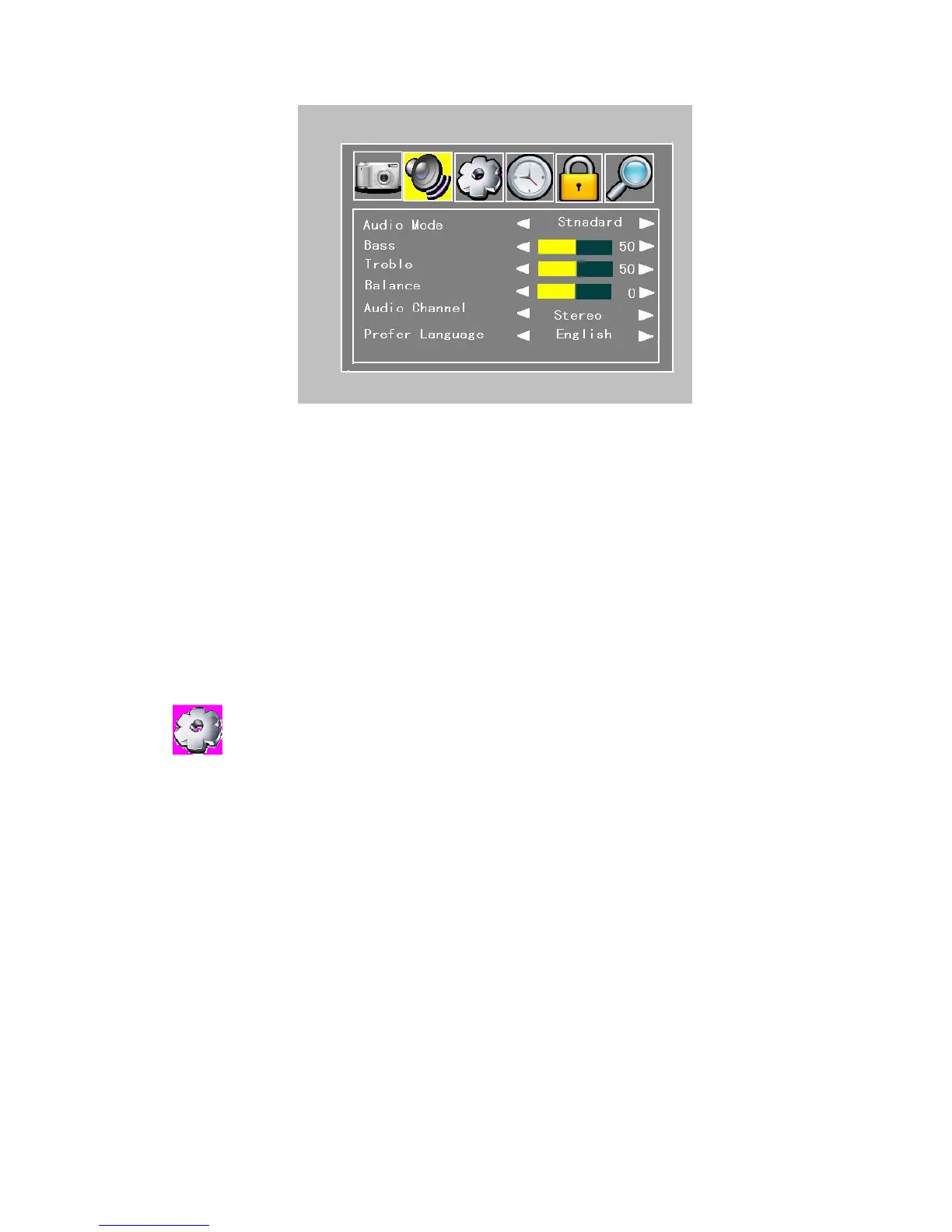
Figure 4.2.2
BassLeft/right cursor buttons adjust the bass of the screen.
Treble: adjust the treble of the screen.
Balance: adjust the balance of the screen.
Audio channel: Left/right cursor buttons adjust the audio channel: Stereo, L and R
Prefer Language: Left/right cursor buttons adjust the prefer language: English, German,
Danish and so on.
! Audio Channel and Prefer Language menus only DTV mode and the program signal must
contain.
:
You can select Country and the menu Language at the standard of local TV system..
In order to fit the person of different countries, the menu language can be set to different
languages (English, Dutch, French, German, Italian, Portuguese, Spanish ) The default
language is English.
Here, you can set zoom mode and other too.


 To Next Page