EasyManua.ls Logo

Lenovo IdeaCentre B310 - Connecting Additional Devices; Power Cord Connection Safety

Lenovo IdeaCentre B310
64 pages
Print Icon
To Next Page IconTo Next Page
To Previous Page IconTo Previous Page
Loading...
Chapter 2. Safety information
11
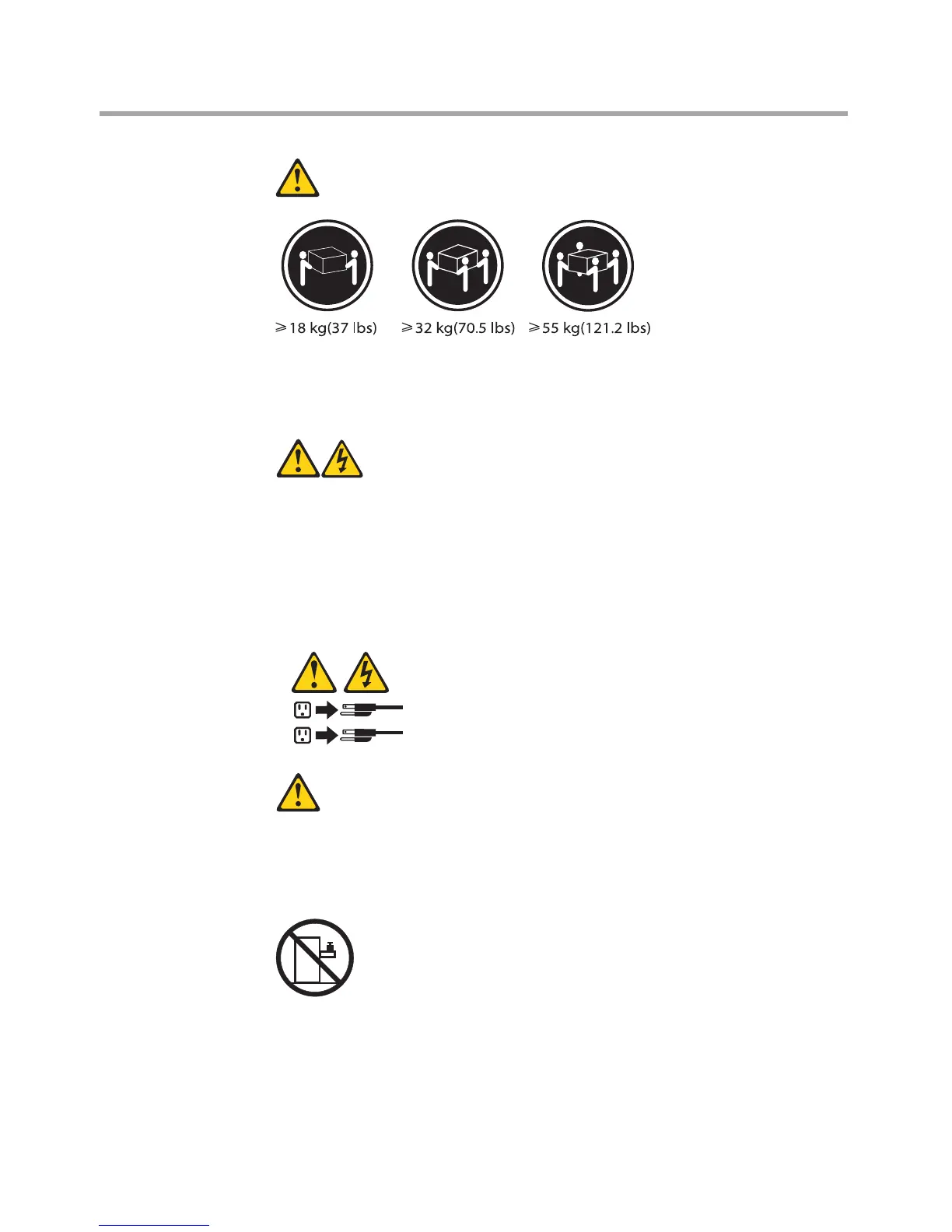
CAUTION:
Use safe practices when lifting.
CAUTION:
The power control button on the device and the power switch on the
power supply do not turn off the electrical current supplied to the
device. The device also might have more than one power cord. To
remove all electrical current from the device, ensure that all power cords
are disconnected from the power source.

1
2
CAUTION:
Do not place any object weighing more than 82 kg (180 lbs.) on top of
rack-mounted devices.

Table of Contents

Other manuals for Lenovo IdeaCentre B310

Related product manuals