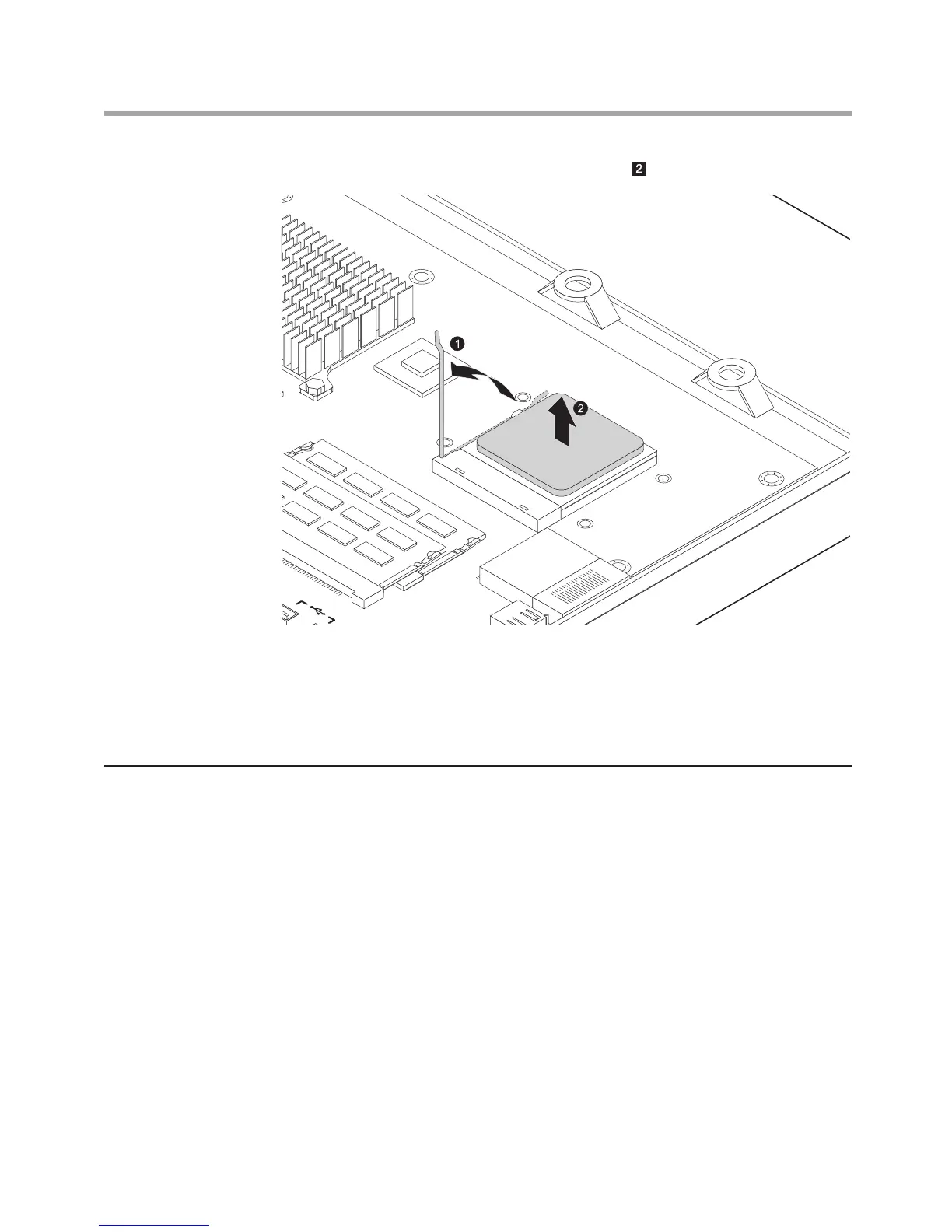
6. Lift the microprocessor out of the retainer.
7. Align then place the new microprocessor back and lock the retainer
properly with the handle.
8. Align then install the heatsink and the motherboard cover.
9. Install the computer cover and computer stand.
Replacing the function panel
1. Remove the computer stand. Refer to “Removing the computer stand”.
2. Remove the computer cover. Refer to “Removing the computer cover”.
3. Pull the pins to each side to release the function panel.
4. Disconnect the cable from the function panel.












 To Next Page