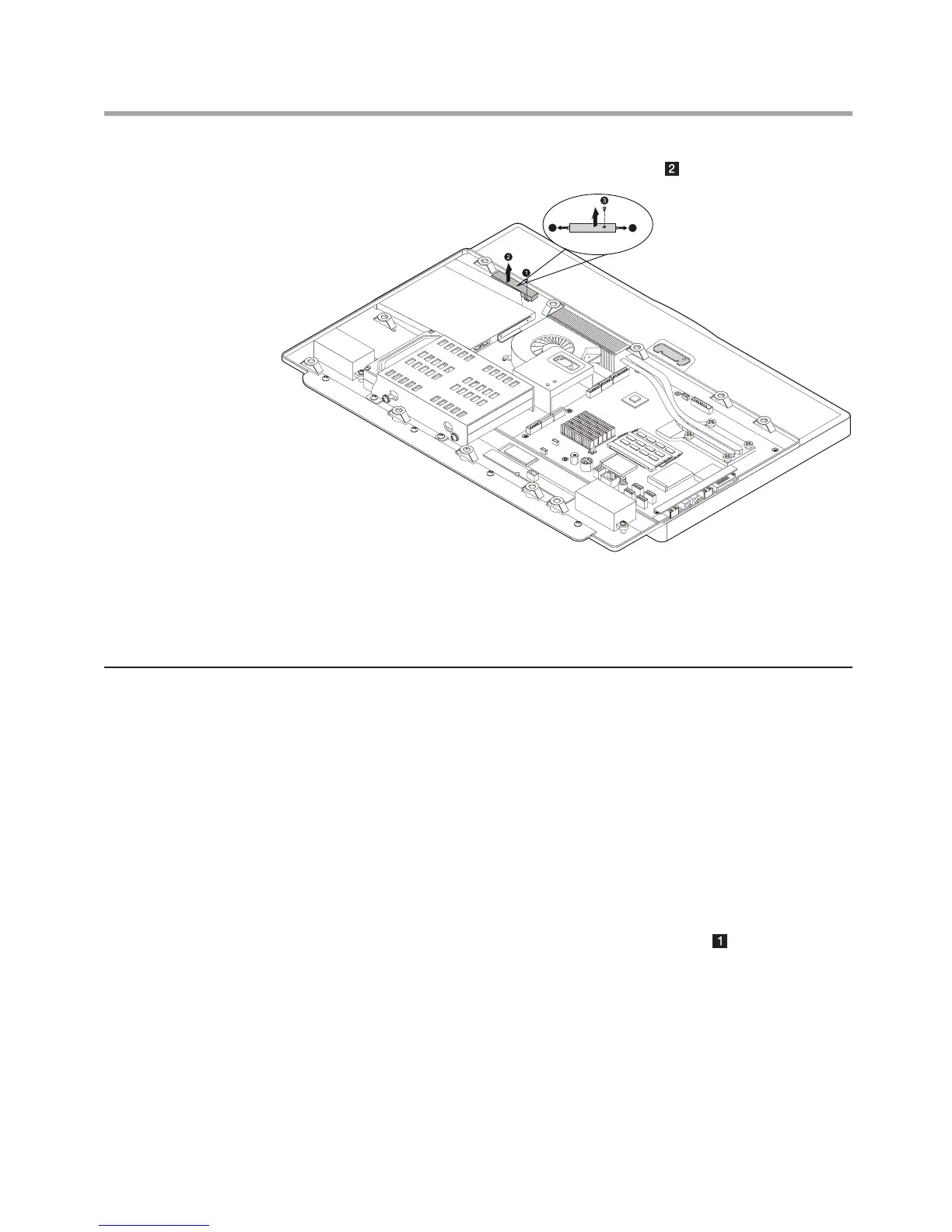
7. Reconnect the cables to the new touch module.
8. Align then screw the new touch module back.
9. Install the computer cover and screw back the computer stand.
Replacing the LED panel
To replace the LED panel
1. Remove the computer stand. Refer to “Removing the computer stand”.
2. Remove the optical disk drive. Refer to “Removing the optical disk drive”
3. Remove the computer cover. Refer to “Removing the computer cover”.
4. Remove the motherboard cover. Refer to “Removing the motherboard
cover”.
5. Remove the touch module. Refer to “Replacing the touch module”.(Only
for models with touch module)
6. Disconnect the camera cable from the motherboard.












 To Next Page