Chapter 2. Starting to use Windows 10
16
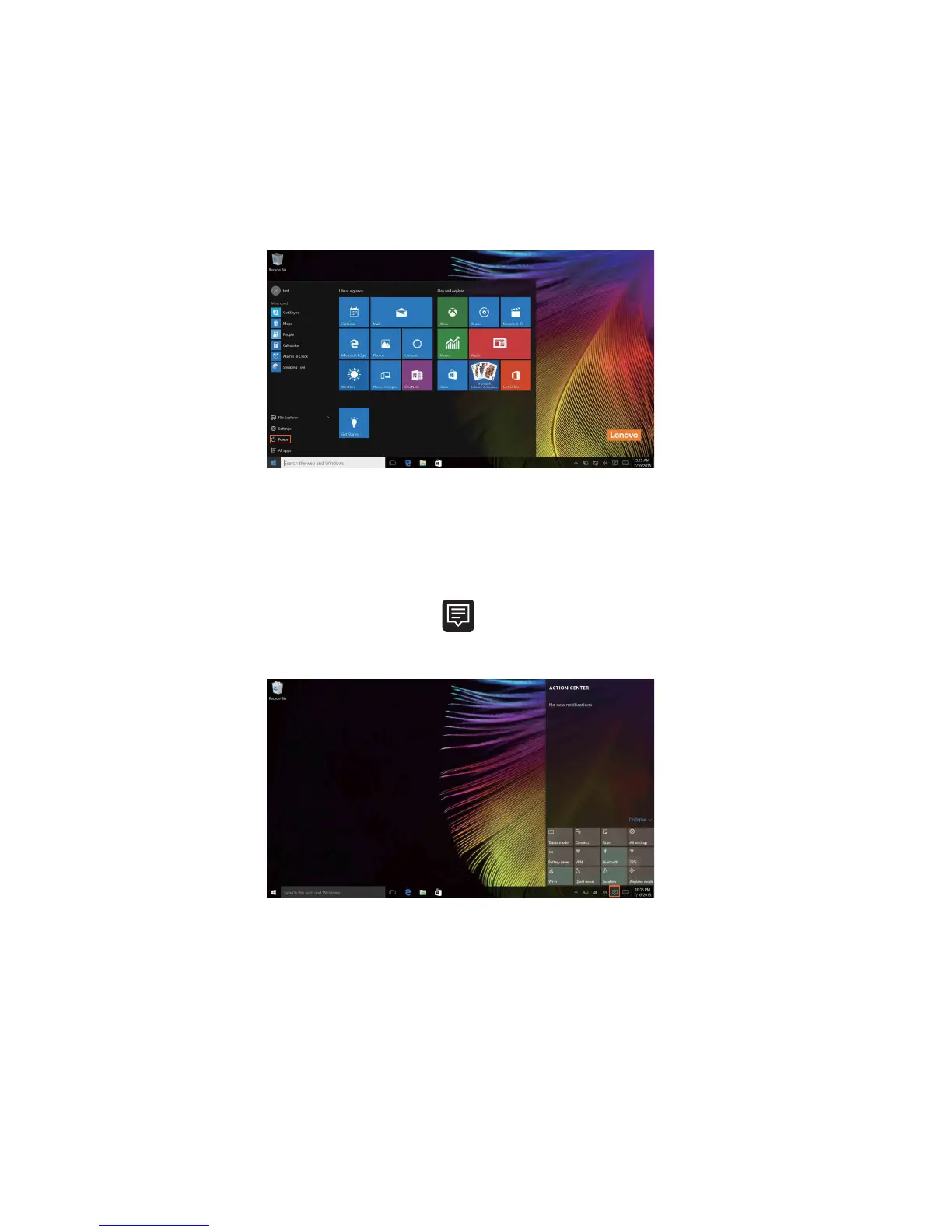
The power button is on the Start menu, select it you can choose to shut down
or restart the computer, or put the computer into sleep mode.
Through the Start menu, you can locate all the in
stalled apps or view the
frequently used apps.
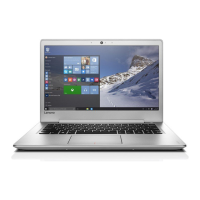
The ACTION CENTER
Select the ACTION CENTER icon on the taskbar and the ACTION
CENTER is displayed.
From the ACTION CENTER, you can examine important notifications from
W
i
ndows and your apps. Moreover, you can change common settings
quickly.











 To Next Page